Amplify CKLA 3rd Edition Pilot Packs
Middle-of-year pilot
We know it can be overwhelming to start a new curriculum, but we’re here to help every step of the way! Within this site, you’ll find resources to help you get started before your implementation training, including a materials checklist, unit and domain summaries, support videos, and more. These tools will support your core literacy instruction with Amplify CKLA during your pilot period. We hope this site is helpful in getting you started.
Middle-of-year pilot
Get started
To get started with your new pilot of Amplify CKLA 3rd Edition, you’ll first want to review the following:
You may also find the resources below helpful as you begin your pilot:
Access key materials designed to support your review of Amplify CKLA 3rd Edition.
- Program Guide
- Components checklist
- Knowledge Sequence
- Unit Summaries
- Full Program Review site
- Login information is detailed in your Pilot Toolkit
Amplify CKLA’s all-in-one digital platform offers essential tools that streamline instruction for teachers and engage students with meaningful content. Teachers can plan and deliver lessons efficiently, while students can access assignments, assessments, and fun practice games.
Presentation Screens
Deliver interactive lessons with ready-made, customizable slides for every lesson.
Auto-scored digital assessments
Assess vocabulary, comprehension, and knowledge development at the end of each K–2 Knowledge and 3–5 Integrated Unit.
Standards-based reports
Identify strengths and growth areas for individuals or your entire class. Interactive dashboards offer detailed results from assessments and activities.
Skill-building practice games
Engage students with interactive games that reinforce concepts and make learning fun. Powered by Boost Reading™, these games align with lessons and provide real-time feedback.
eReader
Students access texts, take notes, and use audio-enabled eReaders to enhance their reading experience.
Sound Library
Students watch articulation videos and listen to songs for each sound to support phonological awareness.

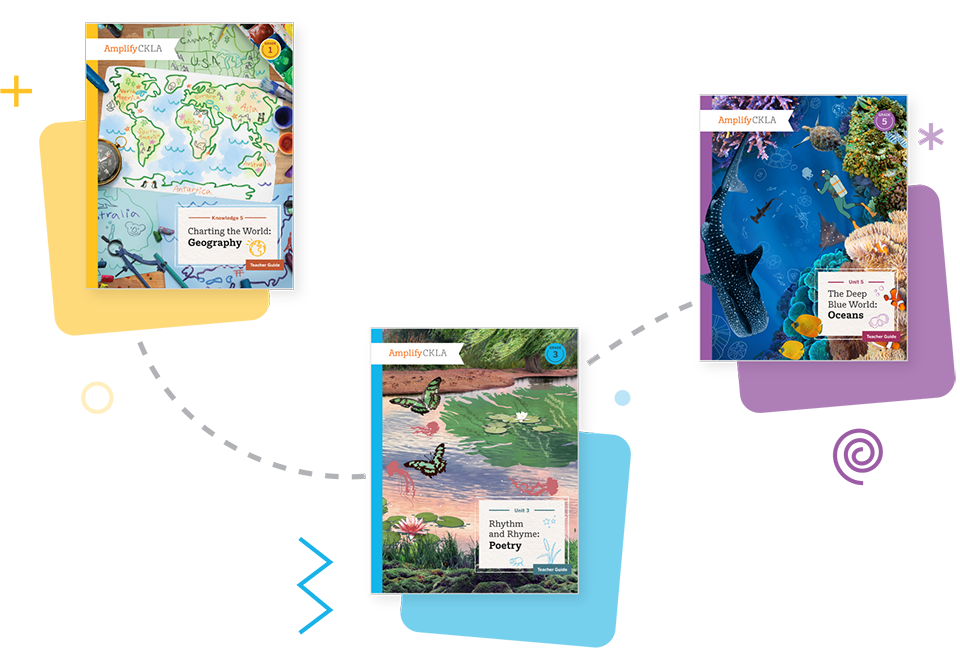
Middle-of-year Pilot Pack materials
Below are the components of your Amplify CKLA Pilot Pack, organized by grade level and teacher/student materials. Please click on your grade level to review the teacher and student materials listed and verify that all items have been received.

Teacher materials
Skills Unit 5 Teacher Guide
Teacher materials
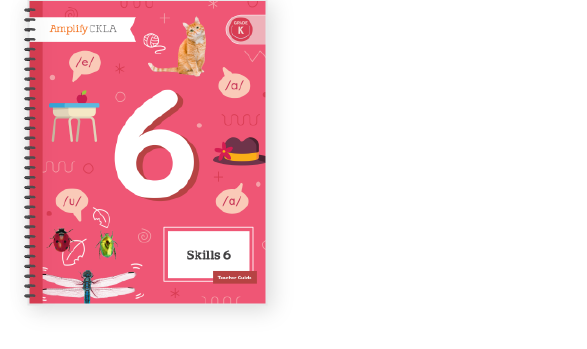
Skills Unit 6 Teacher Guide

Teacher materials
Skills Unit 7 Teacher Guide

Teacher materials
Skills Unit 5 Big Book

Teacher materials
Skills Unit 6 Big Book

Teacher materials
Skills Unit 7 Big Book

Teacher materials
Small Letter Card Set
Teacher materials
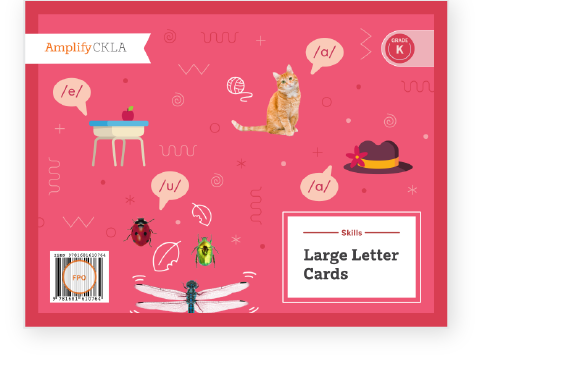
Large Letter Card Set
Teacher materials
Sound Posters Sample
Teacher materials
Sound Cards Sample

Teacher materials
Knowledge 2 Teacher Guide

Teacher materials
Knowledge 3 Teacher Guide

Teacher materials
Knowledge 7 Teacher Guide

Teacher materials
Knowledge 10 Teacher Guide
Teacher materials
Knowledge 2 Image Cards
Teacher materials
Knowledge 3 Image Cards
Teacher materials
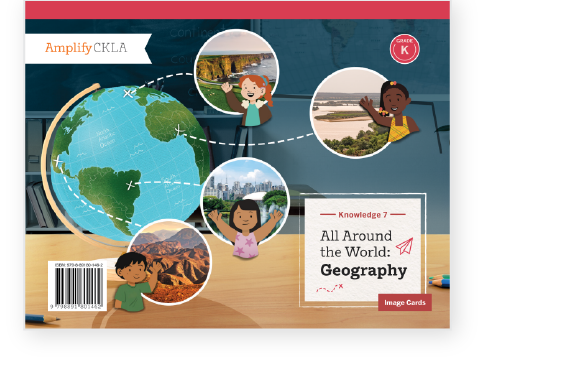
Knowledge 7 Image Cards

Teacher materials
The First Drawing

Teacher materials
Van Gogh and the Sunflowers
Teacher materials
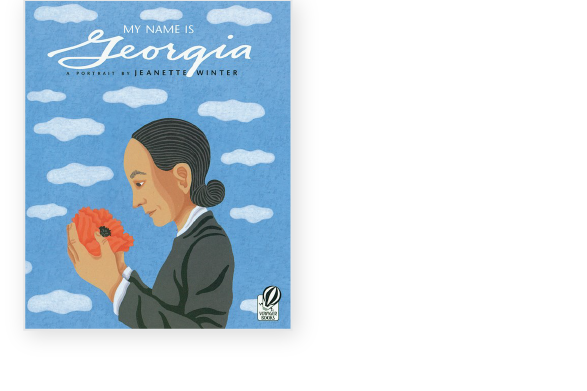
My Name is Georgia

Teacher materials
A Life Made by Hand

Teacher materials
Rainbow Weaver/Tejedora del Arcoiris
Teacher materials
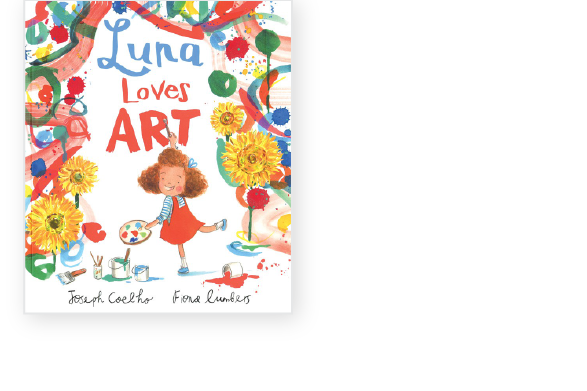
Luna Loves Art
Student materials
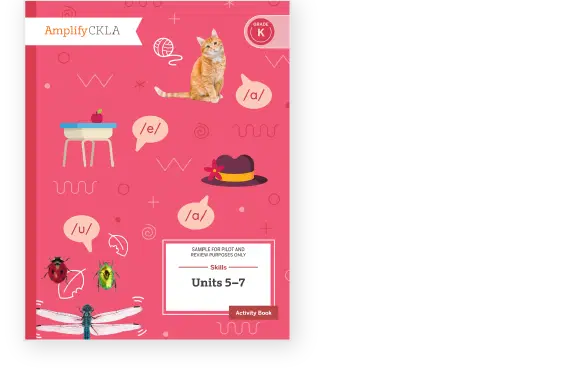
Skills Unit 5, 6 and 7 Activity Book Sample

Student materials
Skills Unit 6 Reader

Student materials
Skills Unit 7 Reader
Student materials
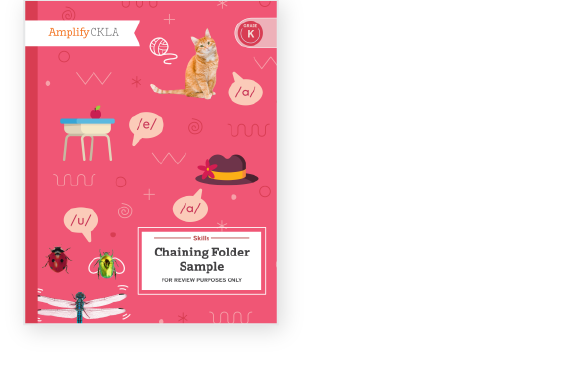
Chaining Folder
Student materials
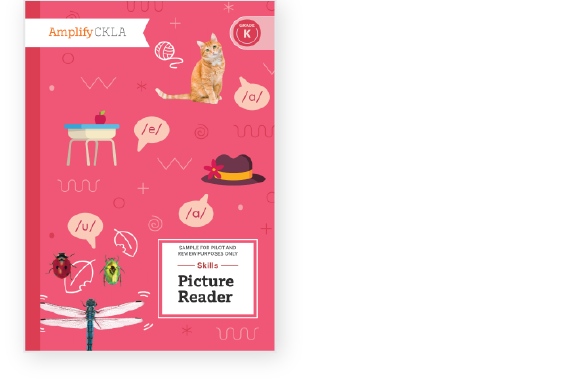
Picture Reader Sample

Student materials
Knowledge 2, 3, 7 and 10 Activity Book Sample

Teacher materials
Skills Unit 2 Teacher Guide
Teacher materials
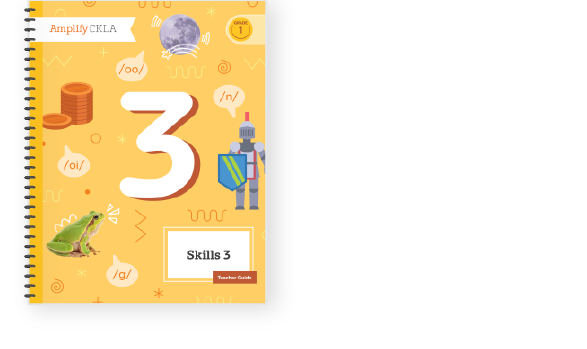
Skills Unit 3 Teacher Guide

Teacher materials
Skills Unit 4 Teacher Guide

Teacher materials
Skills Unit 2 Big Book

Teacher materials
Skills Unit 3 Big Book

Teacher materials
Knowledge 2 Teacher Guide
Teacher materials
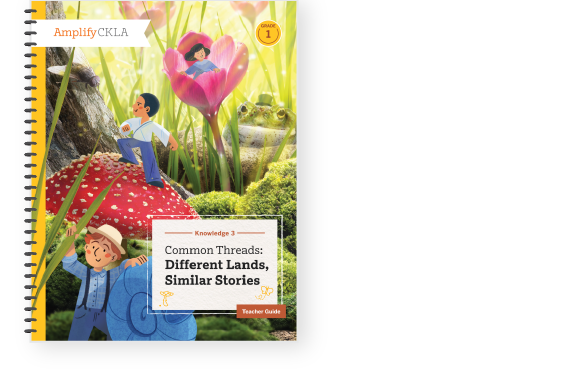
Knowledge 3 Teacher Guide
Teacher materials
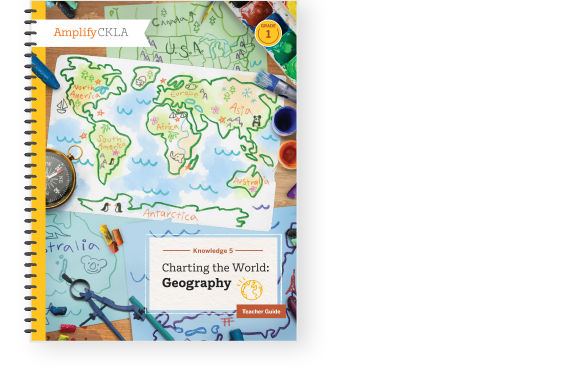
Knowledge 5 Teacher Guide

Teacher materials
Knowledge 10 Teacher Guide

Teacher materials
Knowledge 2 Image Cards
Teacher materials
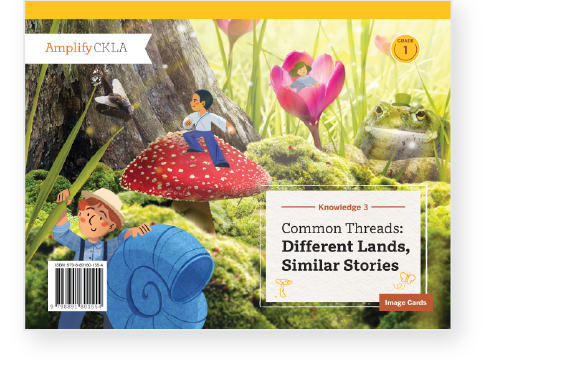
Knowledge 3 Image Cards

Teacher materials
Knowledge 5 Image Cards

Teacher materials
Code Poster Set
Teacher materials
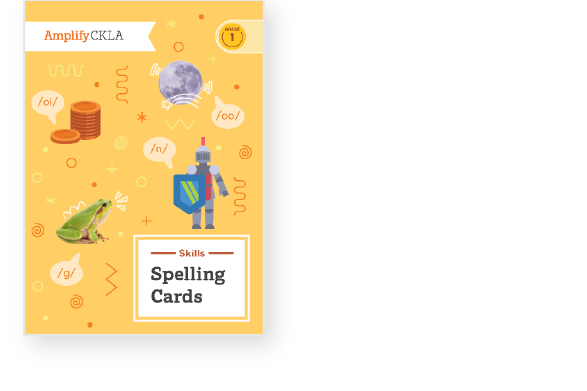
Spelling Card Set

Teacher materials
Large Letter Card Set
Teacher materials
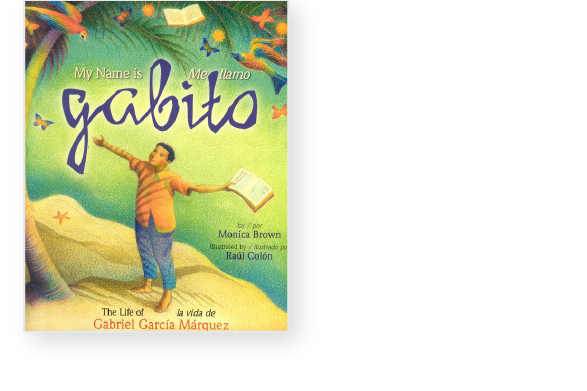
My Name is Gabito/Me llamo Gabito
Teacher materials
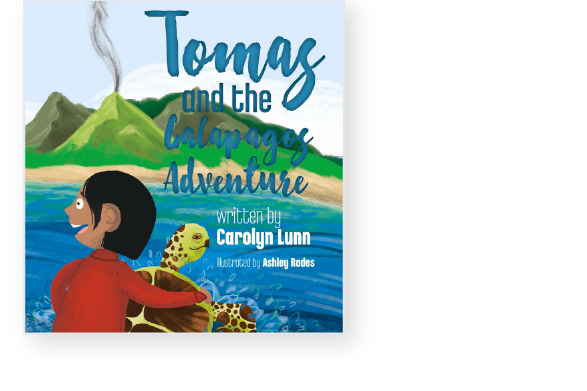
Tomas and the Galapagos Adventure
Teacher materials
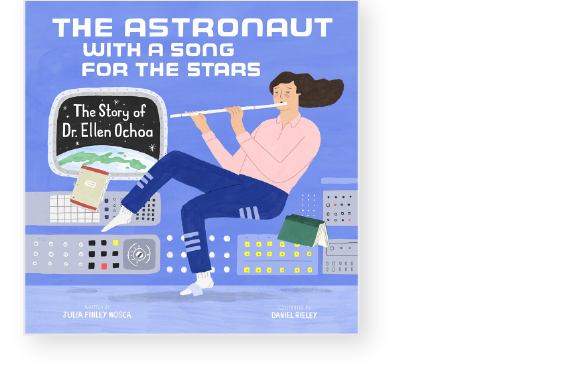
The Astronaut with a Song
for the Stars: The Story of Dr. Ellen Ochoa

Teacher materials
Mae Among the Stars

Teacher materials
Shark Lady: The True Story of How Eugenie Clark Became the Ocean’s Most Fearless Scientist

Teacher materials
Manfish
Teacher materials
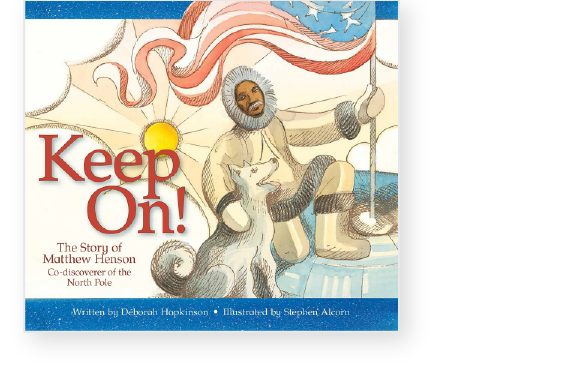
Keep On! The Story of Matthew Henson, Co-Discoverer of the North Pole

Teacher materials
The Top of the World: Climbing Mount Everest

Student materials
Unit 2, 3 and 4 Skills Activity Book Sample
Student materials
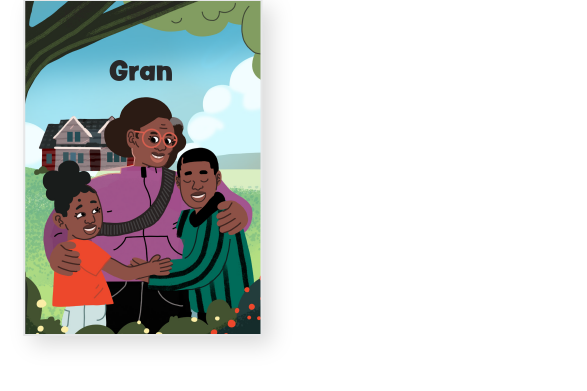
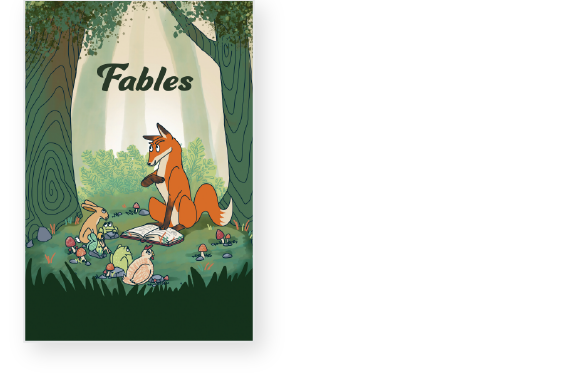
Skills Unit 2 Reader
Student materials
Skills Unit 3 Reader

Student materials
Skills Unit 4 Reader

Student materials
Knowledge 2, 3, 5 and 10 Activity Book Sample
Teacher materials
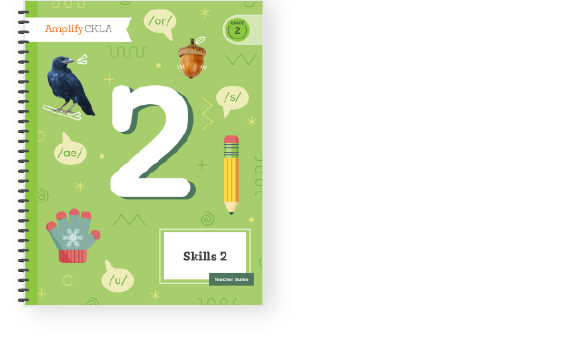
Skills Unit 2 Teacher Guide

Teacher materials
Skills Unit 3 Teacher Guide

Teacher materials
Skills Unit 4 Teacher Guide

Teacher materials
Code Posters
Teacher materials
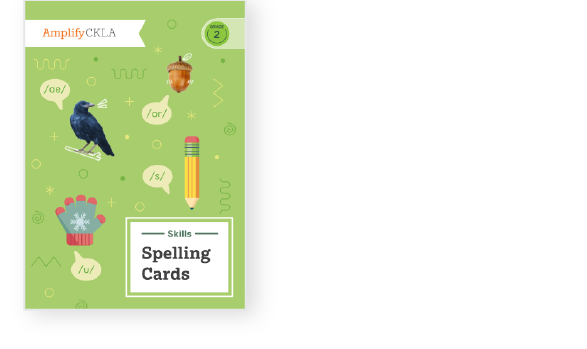
Spelling Card Set

Teacher materials
Knowledge 1 Teacher Guide

Teacher materials
Knowledge 5 Teacher Guide
Teacher materials
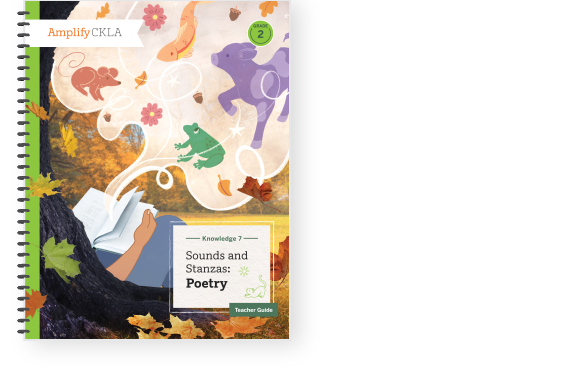
Knowledge 7 Teacher Guide

Teacher materials
Knowledge 10 Teacher Guide
Teacher materials
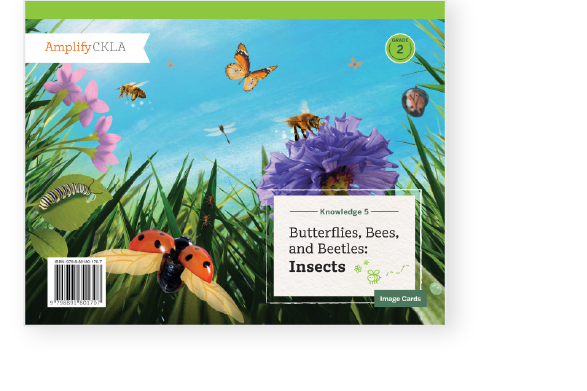
Knowledge 5 Image Cards

Teacher materials
Knowledge 7 Image Cards

Teacher materials
Up and Away! How Two Brothers Invented the Hot Air Balloon

Teacher materials
The Glorious Flight: Across the Channel with Louis

Teacher materials
The Flying Girl: How Aída de Acosta Learned to Soar
Teacher materials
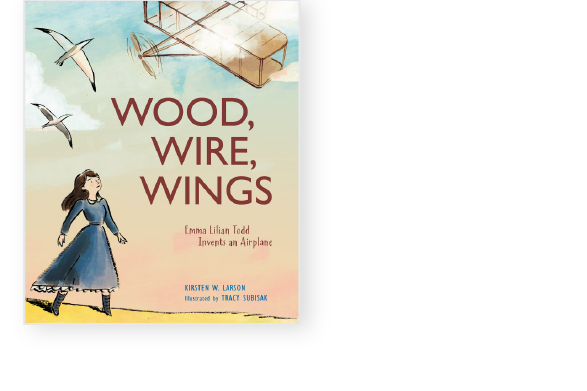
Wood, Wire, Wings: Emma Lilian Todd Invents an Airplane

Teacher materials
Helicopter Man: Igor Sikorsky and His Amazing Invention
Teacher materials
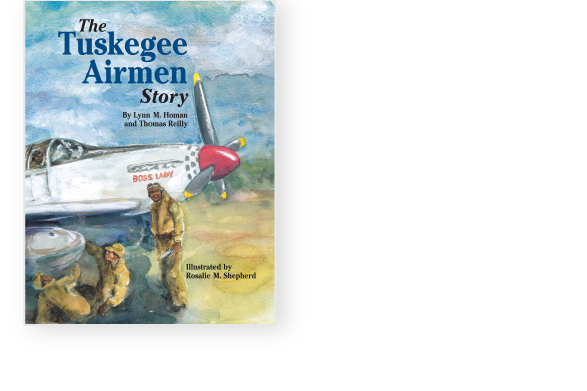
The Tuskegee Airmen Story

Teacher materials
Skyward: The Story of Female Pilots in WWII
Teacher materials
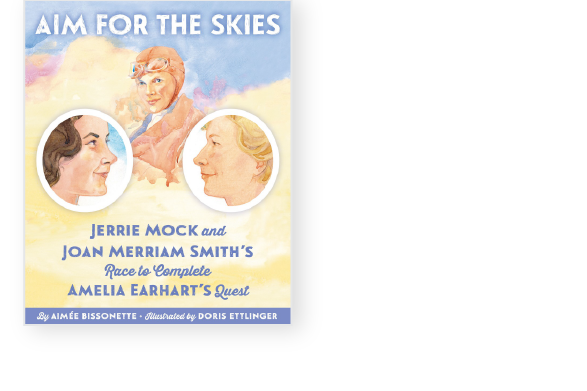
Aim for the Skies: Jerrie Mock and Joan Merriam Smith’s Race to Complete Amelia Earhart’s Quest

Student materials
Skills Unit 2 and 3 Activity Book Sample

Student materials
Skills Unit 4 Activity Book Sample

Student materials
Skills Unit 2 Reader

Student materials
Skills Unit 3 Reader
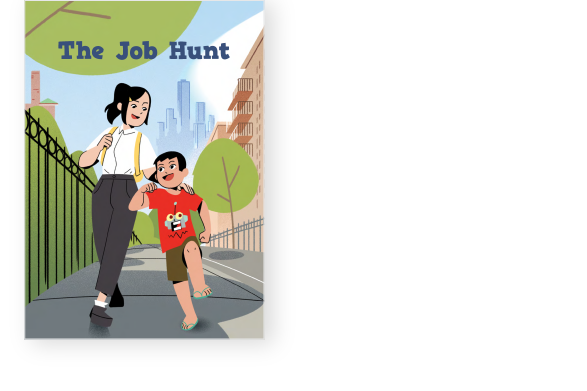
Student materials
Skills Unit 4 Reader

Student materials
Knowledge 1, 5, 7 and 10 Activity Book Sample
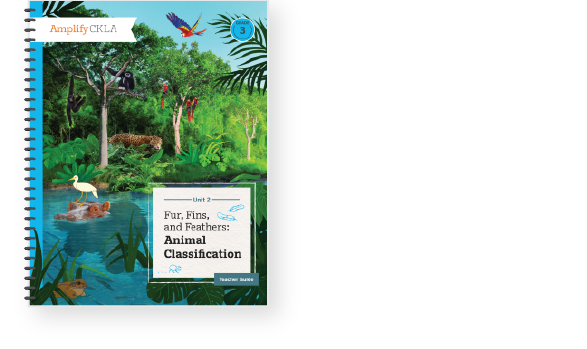
Teacher materials
Unit 2 Teacher Guide

Teacher materials
Unit 3 Teacher Guide
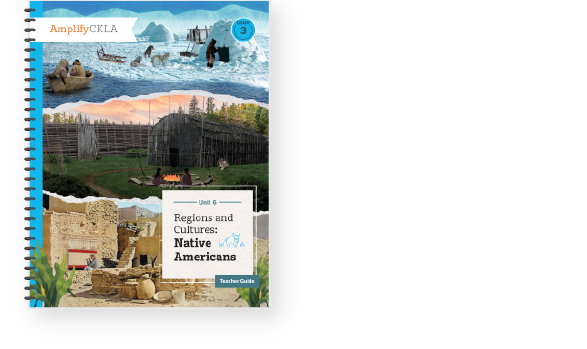
Teacher materials
Unit 6 Teacher Guide
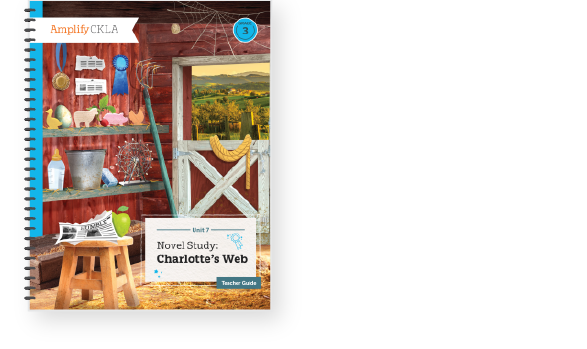
Teacher materials
Unit 7 Teacher Guide

Teacher materials
Unit 6 Image Cards
Teacher materials
Unit 3 Image Cards
Student materials
Unit 2 and 6 Activity Book Sample
Student materials
Poet’s Journal

Student materials
Unit 7 Activity Book Sample

Student materials
Unit 2 Reader
Student materials
Unit 6 Reader
Student materials
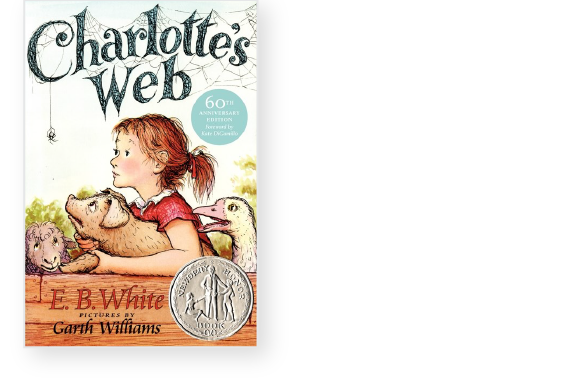
Charlotte’s Web

Teacher materials
Unit 3 Teacher Guide
Teacher materials
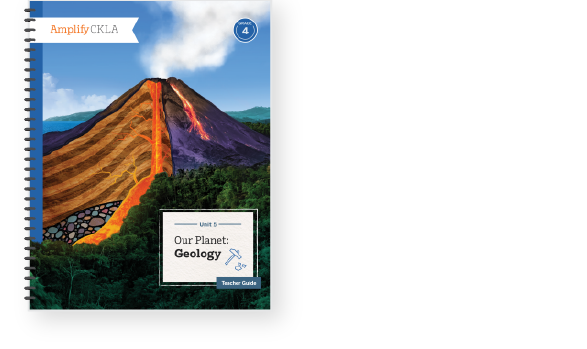
Unit 5 Teacher Guide

Teacher materials
Unit 6 Teacher Guide

Teacher materials
Unit 7 Teacher Guide

Student materials
Poet’s Journal
Student materials
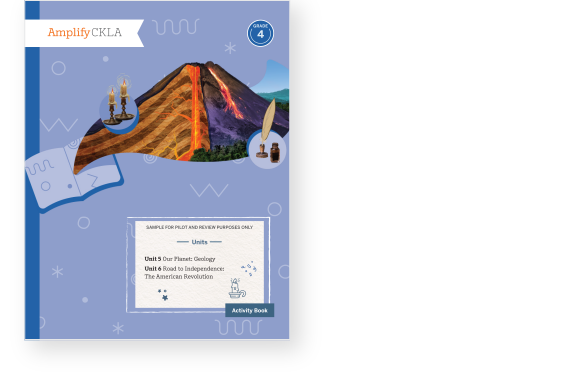
Unit 5 and 6 Activity Book Sample
Student materials
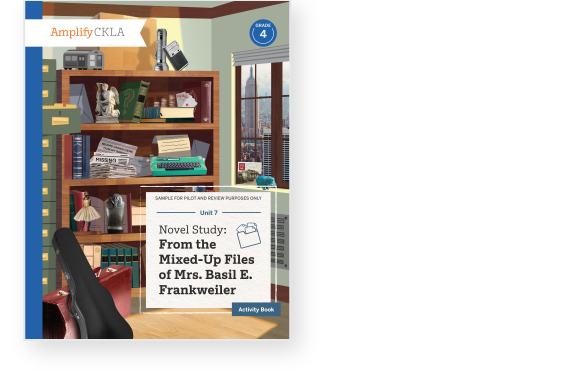
Unit 7 Activity Book Sample

Student materials
Unit 5 Reader
Student materials
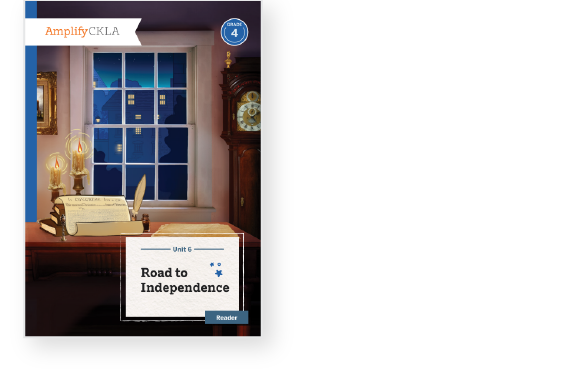
Unit 6 Reader
Student materials
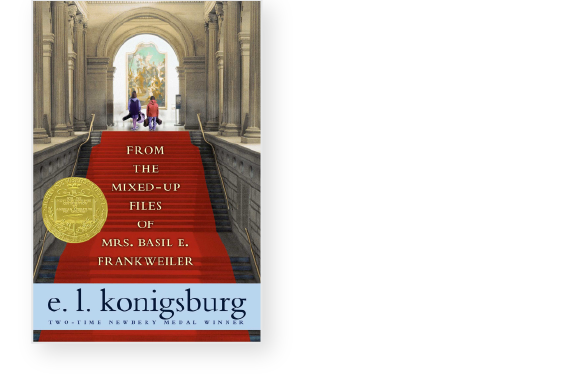
From the Mixed Up Files of Mrs. Basil E. Frankweiler
Teacher materials
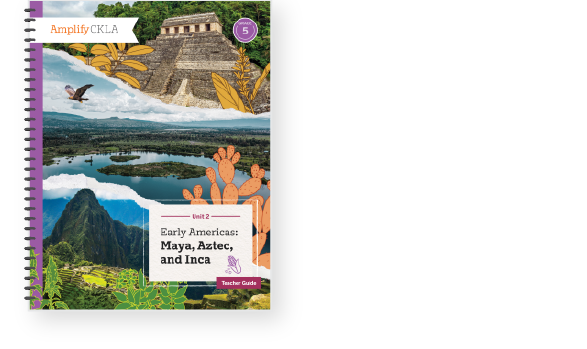
Unit 2 Teacher Guide

Teacher materials
Unit 3 Teacher Guide

Teacher materials
Unit 5 Teacher Guide

Teacher materials
Unit 7 Teacher Guide

Student materials
Unit 2 Activity Book Sample

Student materials
Unit 5 Activity Book Sample
Student materials
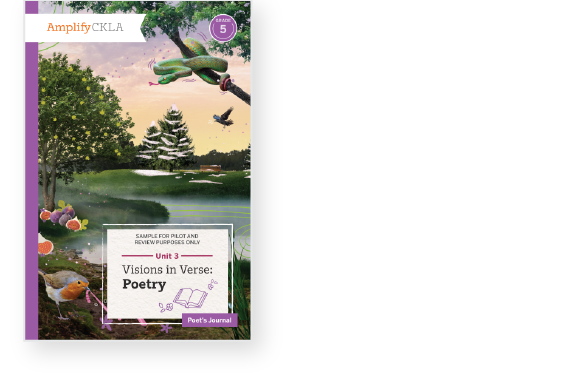
Poet’s Journal

Student materials
Unit 7 Activity Book Sample

Student materials
Unit 2 Reader

Student materials
Unit 5 Reader

Student materials
The Phantom Tollbooth
Access the Amplify CKLA all-in-one digital platform
Teachers and students piloting CKLA 3rd Edition will receive login information to access the digital platform.
If you have not received your login information please contact your administrative team. If you are in charge of licensing and enrollment for your school/district and have not received login information please reach out to your account representative or help@amplify.com.
S1-05: How does coding fit in the science classroom? A conversation with Aryanna Trejo of Code.org
In this episode, Eric sits down with Aryanna Trejo, a professional learning specialist of Code.org. Aryanna shares her journey from working as an elementary teacher in New York City and Los Angeles to teaching other educators at Code.org. Eric and Aryanna chat about computer literacy within the science classroom, problem-solving skills, and ways to model productive struggle for students. Aryanna also shares ways to teach coding and computer literacy in schools, no matter the classroom’s technology level. Explore more from Science Connections by visiting our main page.
Aryanna Trejo (00:00):
I would hear teachers saying things like, “Well, I just can’t do coding; this is too hard for me; the time has passed.” And I would ask them, “Would you say that to your student about math or English?” And they would always sheepishly go, “No.” And I’d say, “Well, be as kind to yourself as you would be to your student.”
Eric Cross (00:19):
Welcome to Science Connections. I’m your host, Eric Cross. My guest today is Aryanna Trejo. Aryanna is a member of the professional learning team at Code.org. Before joining Code.org, Aryanna led computer science professional development for elementary school teachers, and served as an instructional coach for new educators. She also taught fourth and fifth grade in both New York City and in Los Angeles. In this episode, we discuss Aryanna’s journey to Code.org, where she helps educators connect coding to real life, how to use a rubber duck to solve problems, and how coding and computer science principles can be taught to students in areas without access to the internet…or even a computer. I hope you enjoy my conversation with Aryanna Trejo. So I was born and raised here, and I saw that you went to UC San Diego.
Aryanna Trejo (01:11):
I did, I did. I actually just put a deposit down on an apartment in University Heights, ’cause I’m moving back.
Eric Cross (01:16):
You’re coming back?
Aryanna Trejo (01:17):
I’m coming back. Yeah.
Eric Cross (01:19):
So if you need a classroom to visit….
Aryanna Trejo (01:21):
I would love to do more classroom observations!
Eric Cross (01:24):
Are we doing this? Let’s do—we’re making this happen.
Aryanna Trejo (01:26):
We are. Yeah. So I’ll be there. I’m moving there in April. I actually grew up in Orange County too, so I’m like a very diehard SoCal person.
Eric Cross (01:35):
So I feel like I know the answer to, hopefully—Tupac or Biggie? ‘Cause you’re on the East Coast, and you’re on the West Coast.
Aryanna Trejo (01:40):
Yeah. I like Tupac, but I have more Biggie songs committed to memory. Which is not a lot. I have “Juicy” and “Hypnotized” memorized.
Eric Cross (01:53):
All right. So you’re just memorizing, and you have the Biggie songs memorized, but not the Tupac ones.
Aryanna Trejo (01:58):
No, but I do love Tupac songs. You know, it’s like, Biggie has the flow, but Tupac has the lyrics. Nobody’s—they both have something really amazing about them.
Eric Cross (02:06):
You know, I can respect that you broke it down into both of their strengths.
Aryanna Trejo (02:11):
Thanks for buttering me up before this interview. And not….
Eric Cross (02:15):
<laugh> Oh, we already started.
Aryanna Trejo (02:16):
Huh? We already started?
Eric Cross (02:17):
We’re already started. Yeah. We’re already into this.
Aryanna Trejo (02:19):
We’re into it.
Eric Cross (02:21):
You were in the classroom, fourth and fifth grade, and you were doing TFA.
Aryanna Trejo (02:26):
I did. I did Teach For America. I was 2012, New York City Corps. Right after graduation. ‘Cause I graduated UC San Diego in 2012. So graduation was on June 17th, and I touched down at JFK on June 19th.
Eric Cross (02:40):
Even though I wasn’t in TFA, I know a lot of the fellows that are in it. And there’s just some phenomenal teachers in there. How long were you doing elementary school when you were teaching?
Aryanna Trejo (02:49):
Yeah, I taught for—well, I did, three years of teaching fourth grade. Then there happened to be an instructional coach opening in my fourth year. I took that, did some instructional coaching within the same network, and then I moved back to LA and I taught fifth grade for a year.
Eric Cross (03:11):
- And what was it like now? Did you go to Code.org right after the classroom?
Aryanna Trejo (03:17):
No, I didn’t. No. I transitioned after teaching fifth grade for a year in downtown Los Angeles, in the Pico-Union neighborhood. I ended up getting this email out of the blue from someone who had actually found me through the Teach for America job site. ‘Cause I was hitting the pavement; I was really looking to transition out of the classroom. And she invited me to interview with this company called 9 Dots. And they taught computer science to kids K–6 throughout Los Angeles and Compton. And I was like, “Sure, no problem. Let’s do it.” So I interviewed, I got the job, and yeah, that’s how I transitioned to 9 Dots. And then after almost four years there, I transitioned to Code.org, with the same person. Actually, she moved over to Code.org first, and then she helped me get this job.
Eric Cross (04:07):
Oh, that’s happened a lot—like, that relationship kinda carries over.
Aryanna Trejo (04:11):
Yeah. We’re meant to be coworkers.
Eric Cross (04:13):
Yeah. Are you still? Is she still there? Are you both still together?
Aryanna Trejo (04:17):
Yeah, we’re on the same team and it’s nice. I saw her last night for Happy Hour, with another coworker who’s in LA. So we’re tight. And she’s a wonderful, wonderful mentor to me.
Eric Cross (04:28):
That’s great. Did you have computer-science background, when you were doing elementary school teaching? Did you have—
Aryanna Trejo (04:34):
No. <laugh> Not at all. When I was teaching in New York City, I had like four desktop computers in my classroom, and we rarely used them. Which was such a shame. And then when I moved to Los Angeles and taught fifth grade there, we were a one-to-one school, and the joys of that are just amazing. It was just really wonderful to, you know, get the students used to typing on the computer, using different software to submit their assignments. Getting creative—as creative as you can get—with Google Slides. You know, to show off what they know. And stuff like that. That’s all I had, though. And you know, when I transitioned to 9 Dots I was like, “Sure, why not? Let’s give a shot.” And I learned a lot. It was really interesting, yeah.
Eric Cross (05:26):
And so now at Code.org you are…well, so my journey with Code.org, I’ve been in the classroom for eight years. Still in the classroom as of…an hour ago, I was there. <Laugh> And I use Code.org, and I feel like I’ve checked it periodically, and I feel like it’s evolved over the gaps. And I’ve seen it. It’s become more robust in the things that they offer, over the years I’ve been an educator. Just to kind of…could you give a thumbnail sketch? Like, what is Code.org? Who’s it for? Who’s the target audience? What resources are there?
Aryanna Trejo (06:00):
Yeah. So it’s for everyone. It is a nonprofit that provides curriculum and training and a platform for teachers and students. We provide curriculum for K through 12. It’s completely free. And it comes with lesson plans, slideshows, all that. We focus specifically on underrepresented groups. So we have targeted measures for Black students, for Native American students, for students who identify as female. That’s a huge part of our mission. But we’re really working to expand access to computer science to as many students as we can.
Eric Cross (06:41):
One of the things I’m hearing in your story is you were teaching in Compton; you were in Bronx, New York. One of the reasons why I got into the classroom is because of educators, and the impact they made on me in exposing me to science and technologies I’d never had access to. And that intentionality, that you’re going about it…are there…not just the code, but how you bring that across to different groups…are there strategies, or are there ways to connect this idea of coding to diverse groups and diverse audiences? Or is it kind of, the curriculum applies for everyone? ‘Cause in science, when I’m teaching, I’m always trying to make what I’m doing relevant to the backgrounds of my students.
Aryanna Trejo (07:28):
Sure.
Eric Cross (07:28):
So I’m teaching biology, and I’m trying to make this kind of connection. Sometimes it’s more organic; sometimes it feels kind of forced. Because it’s just not always a nice fit. But it sounds like Code.org is really about inclusion. And in the numbers that I’ve seen for representation, in especially computer science software engineers, the groups that you’re focusing on are not necessarily represented in the professional workforce. At least disproportionately.
Aryanna Trejo (07:54):
Yeah, absolutely. Yeah, that’s correct.
Eric Cross (07:57):
And so how do you go about being intentional about reaching groups that we don’t see in, you know, the Silicon Valley software engineers? How do you start that? Like, at a young age, do you look for specific schools in specific areas to say, “We are going to bring this to the school. We’re going out to these populations of the cities”? Because we’re just not seeing…you know, on the map, we’re not seeing anybody really doing anything with coding here. Or we’re not seeing the numbers come out of these areas, out of these cities, of students who are going into STEM or going into computer science fields.
Aryanna Trejo (08:41):
Yeah. I don’t necessarily work on the recruitment side of it, is the issue, in my position. But I do work on the professional learning, that is brought out to teachers. And we have a huge focus on equity throughout the workshops that we create from K–12. It’s something we’re really passionate about. We definitely aim to prepare teachers to teach computer science. That’s a huge part of it. Knowing the content, but also thinking through, “What does recruitment look like at your school to make sure that the demographics of your classroom match the demographics of your entire school?” Also, thinking through, “How can we make sure that female students feel included in your classroom? How can we make sure that we are, giving students creativity to think about, or we are setting students up to be creative and think about the problems that are in their community, and how they can use computer science to solve them, or at least work towards them?”
Eric Cross (09:39):
So solving real-world problems and that inclusion aspect…are there things like…you were saying “female or students who identify as female”…are there things that teachers can do to ensure that they’re being more inclusive? Or to recruit, or encourage more female students to take part? One of the things I was thinking of, that I’ve seen, is I’ve seen coding kind of camps.
Aryanna Trejo (10:06):
Sure.
Eric Cross (10:08):
That were specifically for a female audience. And that seemed to help with recruitment. Is that something that you see on your side?
Aryanna Trejo (10:16):
That’s not something that we set up, no. But the curriculum that I work with is CS Principles. And it’s offered as an Advanced Placement course, as well as an AP class. So that’s a curriculum that’s designed for students who are in grades 10 through 12. And so at that point, we can really talk to teachers and ask them what the recruitment strategy is. But in terms of strategies that teachers can use to recruit those students…I mean, I’ve heard over and over from lots of different teachers who identify as female that they didn’t think that computer science was for them, until they saw a role model in that position. And so just being a role model for those students is really wonderful.
Eric Cross (11:00):
And I see it too, with—like, we do “Draw a Scientist” activity, which is like a popular science thing—
Aryanna Trejo (11:05):
Sure, yeah, I’m familiar.
Eric Cross (11:05):
But it’s the same thing, right? Like, it fleshes out. My students don’t draw themselves as scientists. They draw what they perceive, based on what television says. I imagine with computer science, it’s probably really similar, when you think about “What’s a software engineer look like?” Do students tend to draw themselves? Or is it even a mystery? Because I don’t even know what a software engineer looks like.
Aryanna Trejo (11:28):
Yeah, absolutely. Well, one of the things we love to do with our professional learning workshops is talk about understanding yourself, your identities, how they show up in the classroom as biases. And, you know, things like stereotype threat. We see that as really important to understand, and think through, and consider, before you step into the classroom. So that you’re not, you know, coddling certain groups of students because you don’t believe that they are able to be successful in computer science. Holding all the students to the same expectations and believing that they can succeed. And computer science, I think a lot of the times people have this conception of it being this utopian, bias-less, technocratic field. When in reality, everything has bias. And people talk about algorithmic bias and facial recognition, but also the people who created computers and computer languages have their own bias that comes through. And I think it’s really important to show students that. So that they can, one, know what they’re working with, and two, make sure that they can create products that reduce that bias.
Eric Cross (12:50):
It’s like…it’s not objective, just because we’re creating software. Like, once it gets to a point of being so sophisticated…I think, like, AI software, right? With facial recognition? And we’re seeing more and more articles come out about, you know, predicting trends based on historical data.
Aryanna Trejo (13:12):
Sure.
Eric Cross (13:13):
But then, the trends and things that they’re seeing tend to target things that have happened in the past. But it also doesn’t take into consideration a lot of other factors that can lead to certain groups or populations being identified. And I’ve seen some articles lately about how your code is really just representation of what you put into it. And like you just said, your bias—if you have that, conscious or unconscious—you’re gonna put that into your code. And the input is gonna be an impact, is gonna impact the output.
Aryanna Trejo (13:44):
Yeah, absolutely. Or even just—and I’m ashamed to say this, ’cause this is an idea that came to me just recently, through an article that I read—but computers themselves have bias. The hardware assumes that you have vision, that you can see the screen, that you are able-bodied, that you can use your hands to work the keyboard, the mouse, et cetera, and that you don’t have to use assistive technology. You know, there are small things like that, where we think that technology, like I said, is this utopian, futuristic science…but there are biases throughout.
Eric Cross (14:19):
You’re absolutely right. I’ve never even—I’ve never even considered that. Even though I do use assistive tech, and figure it out, I’ve never thought from the ground up, the process is built for an able-bodied, sighted, hearing person.
Aryanna Trejo (14:31):
Exactly.
Eric Cross (14:32):
To be able to engage with the hardware. And then these other things, these tertiary things that we kind of add on, so that you can do this, but it’s not designed from the ground up for people who are, you know, different audiences, physically. So I’m glad you brought that up, though. Now I’ve seen—and I haven’t done this—but I know Hour of Code is a big thing. And this is something that’s ongoing. Can you talk a little bit about what Hour of Code is? I know it’s, it’s a big thing for the classroom teachers.
Aryanna Trejo (15:08):
Yeah. So Hour of Code is really exciting, and it’s just blossomed from something small to something tremendous. This year is gonna be the 10th Hour of Code. So what it is, is it happens during CS Education Week in December, during Grace Hopper’s—or to honor Grace Hopper’s birthday. She was a computer scientist and Navy Admiral. And basically the aim of it is to get as many students on the computer doing an hour of code, and demystify what coding is. You know, to do seed-planting. To show teachers that this is something that you can facilitate for your students. And also to show students like, “Hey, computer science is something you can absolutely do. Not just for an hour, but more if you want.” So, yeah. Now it’s worldwide, and it’s really exciting.
Eric Cross (15:58):
That’s awesome. And I think about teachers and I still hear the apologetic—when I’m helping teachers in the classroom with education technology—the self-deprecating “I’m a dinosaur; I’m not good with tech,” which is never true. Like, they’re better than they even realize. And I feel like sometimes there’s still a stigma, too. It’s like <laugh> The Simpsons’ Comic Book Store Guy. The condescending tech support person—
Aryanna Trejo (16:27):
Sure.
Eric Cross (16:28):
—who has that tone. And so I feel like some people have been so negatively impacted by that person. So I know when I’m helping people, I actually try to go full-spectrum the other side. But I’m thinking about teachers’ barrier to entry. Sometimes code is like, “Whoa.” And I don’t teach computer science. Do you see those barriers to entry, or at least the perception of them? And then, what’s the reality for like someone listening, and going, “I’m a fourth grade teacher,” or “I’m a humanities teacher in ninth grade.” What’s the perception that you see, versus reality, with the teachers that you train? Is it much more accessible than we think? Or is there a level of sophistication that you have to have coming into it?
Aryanna Trejo (17:10):
No, not at all. I know computer science, and that says a lot! <Laugh> You know, I know my own corner of computer science. And you know, that’s me being self-deprecating, too. But I think learning computer science has helped me in so many different ways that I wasn’t expecting. I recently took the GRE in hopes of, you know, getting back into grad school. And I think just the way that computer science teaches you to search for bugs in your code, or errors, and kind of tirelessly look at a problem from multiple different angles, I was able to carry that into the math that I was doing. And I noticed just a huge difference in the way that I approached it, and the way that I was open to it. But you asked a great question, in regards to the barriers to technology. In my position at 9 Dots, I was working directly with teachers to lead professional development with them. Sometimes it would be a full day; sometimes it would be an hour after school. And the one thing that I always had in my back pocket that was really useful is that I would hear teachers saying things like, “Well, I just can’t do coding; this is too hard for me; the time has passed.” And I would ask them, “Would you say that to your student about math or English?” And they would always sheepishly go, “No.” And I’d say, “Well, be as kind to yourself as you would be to your student.” You know, it takes some patience and nobody’s gonna get it perfect 100 percent of the time. Have I banged my head against the wall trying to solve one tiny little syntax error in my code? Absolutely! But it feels absolutely phenomenal to fix that. And I was an English major in undergrad, and I had never done computer science before. So it’s something that becomes really satisfying.
Eric Cross (19:07):
Yeah, I imagine. I had someone—a trainer or a presenter—one time bring up the fact that our students rarely get to see us learn in real time.
Aryanna Trejo (19:19):
Yeah.
Eric Cross (19:19):
So we don’t get to ever really model failure. I mean, unless we’re in a classroom situation <laughs> in our failures, with classroom management. Then they see it, they see it! But they don’t get to see us model learning failure. And I don’t mean like failure—and yes, I know, “first attempt is learning,” and “no such thing as failure”—that’s not what I’m talking about. But just when we’re not successful with our code, and then we experience real-time frustration.
Aryanna Trejo (19:42):
Yep.
Eric Cross (19:42):
And they said that is actually a great learning experience for your students to watch you go through productive struggle. And that was really liberating for me. Because now I’m in the classroom, and I’m trying to go through it with my students, and the beautiful thing was, they started helping me. We were all trying to solve the problem. And then we had this authentic problem-solving experience. I think it was like a Scratch program, where we were trying to solve, trying to embed it somewhere, or something. And then, in the background of the class: “Mr. Cross! I got it! I figured it out!” And it was this really neat bonding experience. And I felt that—your ears get red, and you get hot, ’cause you’re not—
Aryanna Trejo (20:19):
Oh yeah.
Eric Cross (20:20):
You don’t know it! And you’re in front of 36 kids! And I said, “OK, I need to tell them how I feel.”
Aryanna Trejo (20:25):
Yeah.
Eric Cross (20:26):
So I said, “Now I feel really frustrated.” Like, “I want to go through this, and here’s my thoughts.” ‘Cause I knew that it would be helpful if they saw and would hear my thoughts. So I just did a quick think-aloud and I said, “In my head, <laugh> I want to just quit,” I said, “But I realize that this is the part where my learning’s happening. So I just want you all to hear what’s going on in my brain.” And now I feel like when I’m doing coding with my students, and it’s just basic coding, I feel much more comfortable, like, not knowing. But I needed someone to release me from that “I have to be the expert in everything” to do it.
Aryanna Trejo (21:06):
And teachers are used to being the experts. Right? And they should be. And coding is just such a different landscape. But I think once you kind of give over to the power of tinkering, I think it’s really gratifying. I love being able to…you can revise a sentence, and then read your paragraph back to yourself in English, and say, “OK, I get it.” But there’s something so gratifying about changing a line of code or a block and then being able to hit play and watch your program come to life, and say, “Hmm, that’s not quite what I wanted. Let’s try something different.”
Eric Cross (21:39):
I love your connection to tinkering. ‘Cause—I had never thought about it—’cause I love tinkering with my hands. But I always think about physical things. But coding is exactly that. It’s tinkering.
Aryanna Trejo (21:47):
It’s exactly that.
Eric Cross (21:47):
That’s exactly what it is.
Aryanna Trejo (21:49):
And a lot of it is, for me, especially when I’m trying something new, it’s guess-and-check. It’s like, “OK, that didn’t work. What if I add a semicolon here? Will it finally work? Or what if I add a ‘for’ loop? Will this get me what I want?” And it’s wonderful because you have that with students as well. Like, you have that record of their thinking, and you can ask them to go step-by-step and tell you, you know, “First, I added this, because I wanted the program to do this,” and so on and so forth. And so you have that record, but you can always get rid of it. Students often wanna get completely get rid of it. That’s something that I’ve noticed a lot as I’ve taught computer science. But, once you can get them to target the specific parts of the program, tinker with that, and continue, that’s a really wonderful learning space. There was also something you said about modeling failure. I love the fact that in computer science you can model failure for your students. You said to your students, “I’m getting frustrated.” I love that, because I never got that in math. Nobody ever showed me what it was like to be frustrated with graphing a parabola. Right? Like, my math teachers were always like, “Doot, doot, doot, here you go, you’re done!” <Laugh> And I would get so frustrated, because it didn’t come that easily to me. And I think there’s two parts to that. So there’s modeling the learning and the thinking and the productive struggle, but also there’s the identity of being a computer scientist and modeling what that looks like. So for me, when I get really frustrated with a program, I walk away. I take five minutes. I take a deep breath. I say, “I’m not gonna think about it in these five minutes.” And I come back to it. And I think once you start teaching computer science, you can facilitate that for students. And there’s so many different strategies that they can pick up. They can pick up rubber ducking, which is where they pick up a rubber duck or a similar object, and they talk to it as if they were a partner and talk through their code. And oftentimes, as you’re rubber ducking, you’re gonna find that error, because you’re explaining it to someone who’s a stand-in for a novice. And rubber ducking is a well-known strategy for computer scientists who make it their career. You know, there’s pair programming. Some students love pair programming; some students hate it. But the students start to build this identity about how they problem-solve. And how they approach failure. And I just love that.
Eric Cross (24:31):
I’m writing this down. Because the rubber-ducking strategy, I love. I just imagine my seventh graders, a bunch of 13-year-olds with, like, rubber on the desk. And not necessarily in coding, but I was thinking in my science class. And they’re working through a challenge, and they’re all looking at this duck, and they’re talking to it. But I just love the the idea of externalizing your thought process and talking through it yourself so that you can hopefully arrive at a conclusion. But it’s such a great practice, and this is something that’s been around for a long time, apparently. So.
Aryanna Trejo (24:59):
Yeah. Yeah. It’s a real thing. And you know, you can go low-fi. It doesn’t have to be a rubber duck. You can have students talk to their pencils or their imaginary friends. That’s not the issue; the issue is, you know, talking to somebody.
Eric Cross (25:10):
I know you support teachers. But I just wanted to…I was just curious about your typical day, what that’s like. And then what you do, how you support ’em.
Aryanna Trejo (25:15):
So, at my previous job at 9 Dots, I was in there with the teachers in the classrooms. I was coaching our internal staff who went out to co-teach with teachers. And I loved that. And I had such a great impact on a local scale. But now at Code.org, I have a much broader impact. But I don’t get to interface with—that’s such a tech-y word!—I don’t get to interact with—
Eric Cross (25:42):
You work at Code.org! You get to—
Aryanna Trejo (25:42):
I know! But I’m a teacher at heart, forever, right? That’s my identity that I forged when I was 22 years old. And a typical day looks like opening up my computer, taking a look at my calendar. I often have meetings to talk about, different things that we’re doing to support our facilitators who go out to our teachers and lead their workshops for them. I recently worked on a product that was designed for CS principles, teachers, to onboard to the course if they weren’t able to get into an in-person workshop. And it’s completely self-paced, so it gives teachers an on-ramp into the course. And now I’m working on some in-person workshop agendas. So I feel really wonderful that my work is going out to thousands of teachers. But at the same time, I really, really miss talking to teachers. Because that’s something that energizes me so much.
Eric Cross (26:46):
When should students start learning computer science? I feel like we see it in this kind of narrow lane. Like, this is computer science if you make an app. Can it be more than that? As far as like the benefit of computer science? And—I guess two-part question—when should students, one, start being exposed to it? And then two, what are some of the benefits beyond just, “I wanna just make an app”?
Aryanna Trejo (27:08):
I taught coding to kindergartners. It can start as early as you as you want it to. And it doesn’t necessarily need to be on the computer. A lot of students that I worked with didn’t have computers at home, were interacting with computers for the first time. And that’s a huge barrier, of course, to a lot of teachers. But there are so many unplugged lessons that you can do to start to start to have students think about algorithms, which is just a series of steps to complete to solve a problem. As long as a student can use a computer, I think they can do computer science. There are products out there like codeSpark, where students—and Code.org has these products too—where students are moving an avatar around a board, kind of like a quadrant to…you know, they feed the directions to a computer and then the computer enacts it for them. And with that, they can learn algorithms. You know, that is computer science. And a lot of people don’t see it that way, but it really is. And it starts to set students up for more complex thinking as they move on.
Eric Cross (28:13):
One of the biggest underserved communities, geographically, are students in rural areas.
Aryanna Trejo (28:20):
Yep.
Eric Cross (28:21):
They can be reservations; they can be places just not an urban area. Is there a way to serve our communities of students and bring these skills in an unplugged way?
Aryanna Trejo (28:32):
Yeah. Yeah. If you typed in “unplugged computer science lessons” to Google, you’ll have a ton of hits. And there are so many students out there—not just in rural areas. But there’s incarcerated students. It hurts my heart to even say those words, but in urban areas too. Like in my classroom, where I only had four desktop computers. Access is a real struggle. And there’s things, like I said, instead of moving an avatar around a grid on the computer, I used to have an actual mat that I would take out to my kindergarten classrooms, lay it out, and it would have a grid on it. And we’d have one of the students act as the avatar and the rest of the students would give them directions to get to a different point on the grid. And there, you’re building an algorithm or just a series of steps. Like I said, it’s not some fancy term to solve a problem. And there’s multiple ways to solve that problem, too. And I think investigating that can be a really good way to stretch those lessons.
Eric Cross (29:32):
It almost sounds like an oxymoron, but this low-tech computer science strategy. Develop these skills and then transfer that once you have access to the tools.
Aryanna Trejo (29:39):
Yeah. Yeah. Absolutely. And I think it’s a good way for students who need kinesthetic means to start to understand something, or just different learning styles, to start transferring that over.
Eric Cross (29:53):
I probably have students in the classroom where those kinesthetic moving things would help be a great way—or WILL be a great way—for them to learn the principles and the fundamentals of coding. Instead of only giving the option to just do the computer, actually giving them some choice. Or giving them a way to be able to manipulate things. We’re still in the system of education that’s still very siloed. It’s been the same way for a hundred years. We got math and then we got science and we got English. I’m wondering, how can a teacher fit this into their daily lessons? And then, do you have any experiences or stories or things that you’ve seen, just really creative ways that you’ve seen teachers incorporate this? Outside the norm of, “This is a computer science class; we’re just gonna code.” But have you seen it branch out? In the trainings that you’ve done?
Aryanna Trejo (30:40):
I’ve seen examples of that. I’ve seen a teacher use Scratch to demonstrate different climates of California, and show the different climates. This past year for Hour of Code, my friend Amy—the one who helped me move to 9 Dots and at Code.org—she created this incredible tutorial called Poetry Bot. And it was a way to get students to match the mood of the poem to some of the elements that were happening in the stage. So they would have different backgrounds show up at different parts of the poem. When the words would show up, they would have different sprites show up. They would have, sometimes, sounds. Or the text would show up with different animations. So there are cross-curricular opportunities everywhere, if you can be creative enough to find them, or if you beg, borrow, steal from other educators who are doing this incredible work out there.
Eric Cross (31:36):
Yeah. I say this all the time, but I’m an educational DJ, not an MC.
Aryanna Trejo (31:44):
Oh yeah.
Eric Cross (31:45):
So MCs write their lyrics and DJs remix with things that other people have done.
Aryanna Trejo (31:48):
Absolutely.
Eric Cross (31:48):
I was like, I’m a DJ. I was like, all day. Sometimes I’ll write a lyric, once or twice, but most of the time I’m remixing things. So teachers, if you’ve been out there and you got an awesome interdisciplinary thing, or you’ve incorporated coding and it’s something that’s traditionally not seen, please send it to us. Share it with us.
Aryanna Trejo (32:03):
Yeah. And there are so many different places where you can find that. We have a forum for Code.org, but there’s also CSTA, the Computer Science Teachers Association. You can join your local chapter and get to know other computer science teachers out there.
Eric Cross (32:19):
I guess…to wrap up, I’ve been using Scratch programming, the MIT website. My students do the basic animated name, CS First, stuff. But over the years, I’ve noticed that my students are coming in with a higher level of sophistication in Scratch to where now the differentiation…some of my students are just doing very basic…and then I have other students who’ve created full-on video games with complex…like, you look at their Scratch page and it’s just an amazing amount of blocks and integrations and things that they have. Is there anything on Code.org that could be a next step? That takes them beyond, maybe like the visuals? And if so, what would be a good next step, to take students to advance them to another platform? There’s so many coding languages out there, I feel like. Or I might not even be thinking about that the right way.
Aryanna Trejo (33:20):
No, I think you are. You know, we have three different curricula out on our website right now. We have CS Fundamentals, which is probably more in line with what you’re talking about. We have a free CS Discoveries curriculum, and that is designed for, grades, I believe, 6 through 10. And that would be a really good entry point, for both teachers and for students.
Eric Cross (33:44):
There’s a lot of new stuff that I hadn’t seen yet, a few years ago.
Aryanna Trejo (33:49):
Yeah.
Eric Cross (33:49):
So I was really excited.
Aryanna Trejo (33:50):
One thing that I do know is that CS Discovery has just added an artificial intelligence slash machine-learning unit, that you can just pick up and give to your students. You don’t have to go in order with CS Discoveries, like you do with CS Principles. And I’ve gone through some of those lessons. They are really rad. And I would’ve loved to have learned that when I was in middle school or high school. So yeah, we’re constantly thinking of how we can make things one, relevant to our students, and two relevant to what’s going on in the world.
Eric Cross (34:20):
So would I be overselling it if I said, “If you go through this, you’ll be able to create an AI or a neural net to do all your homework”?
Aryanna Trejo (34:26):
You would be overselling it.
Eric Cross (34:27):
I would be? OK. So what I’ll do is, I’ll wait until the end of the school year, and then introduce it, and then by the time they’ve realized it’s not true, they’ll be eighth graders.
Aryanna Trejo (34:35):
There you go. Good old bait-and-switch.
Eric Cross (34:37):
You’re amazing. Thank you for serving teachers, and for being part of such a great organization that puts out great stuff. So much free curricula for teachers to be able to use. Especially nowadays we hunt and scour the internet for those types of things. And to be able to bring computer literacy into the classroom, and with your focus of serving communities of underrepresented groups, it feels good to know that not only is it high-quality material, but it’s also trying to raise everyone up. Because ultimately when we have more people trying to solve a common problem, we come up with better solutions. And I was talking to somebody who was a materials engineer somewhere in Europe, and he said one of the things about the U.S., As he was critiquing me on this flight, critiquing the U.S., He said, “One of the things about your country is that you have a heterogeneous group of people who, in a group, when you have multiple perspectives attacking a problem, you come up with more novel solutions.” He says, “That’s one of the great things, is that there’s not necessarily just a hive mind.” And I think that that’s one of the great things. We uplift different communities, and we uplift women, people of color, people who, have backgrounds that parents didn’t go to college but have these amazing qualities and strengths. And we put everybody focusing on the same issue. We come up with novel solutions that we wouldn’t have come up with if only select groups were trying to look at it and solve it. And so—.
Aryanna Trejo (36:22):
Yeah.
Eric Cross (36:23):
And we couldn’t do that without organizations like yours, that help empower teachers. So.
Aryanna Trejo (36:27):
Yeah! You really said it.
You’re coming to my classroom when you’re back in San Diego?
Aryanna Trejo (36:31):
Yeah! I totally will. Yeah. Let’s make it happen.
Eric Cross (36:34):
Last question. If you think back in your schooling, your own schooling, K through college, is there a person or a teacher that had a big impact on you? Or a learning experience that had an impact on you? And it could be, you know, positive or negative. But something that impacted you, even to this day, that stands out to you, that you remember?
Aryanna Trejo (36:56):
This is a big diversion from the topics that we’re talking about. But in grades 10 through 12, my drama teacher, Mr. Byler, who I still talk with, was such a huge impression on me. Really wonderful. And I couldn’t tell you the teaching moves that he did that were wonderful. I don’t know much about his management. But I can tell you that he gave me space to be confident, and grow into myself, through drama productions. They were high school productions, so they weren’t amazing. But I just really came into myself in high school, because I had the confidence to get on stage. And he was just such a wonderful mentor to all of us. So, props to Mr. Byler.
Eric Cross (37:39):
Shout out to Mr. Byler for creating space for Aryanna to fly! Thanks for making time, after your workday, to talk with us and to share Code.org with teachers.
Aryanna Trejo (37:54):
Of course. Happy to.
Eric Cross (37:59):
Thanks so much for joining me and Aryanna today. We want to hear more about you. If you have any great lessons or ways to keep student engagement high, please email us at stem@amplify.com. Make sure to click subscribe wherever you listen to podcasts. And join our brand new Facebook group, Science Connections: The Community for some extra content.
Stay connected!
Join our community and get new episodes every other Tuesday!
We’ll also share new and exciting free resources for your classroom every month.


Meet the guest
Aryanna is a member of the Code.org Professional Learning Team. Before joining Code.org, Aryanna led computer science professional development for K-6 teachers and served as an instructional coach for new educators. She also taught fourth and fifth grade in New York City and Los Angeles. In her spare time, Aryanna loves taking advantage of the California sunshine, creating wheel-thrown pottery, and hanging out with her dog Lola.

About Science Connections
Welcome to Science Connections! Science is changing before our eyes, now more than ever. So…how do we help kids figure that out? We will bring on educators, scientists, and more to discuss the importance of high-quality science instruction. In this episode, hear from our host Eric Cross about his work engaging students as a K-8 science teacher. Listen here!
You might also like:

A closer look at grades 6–8
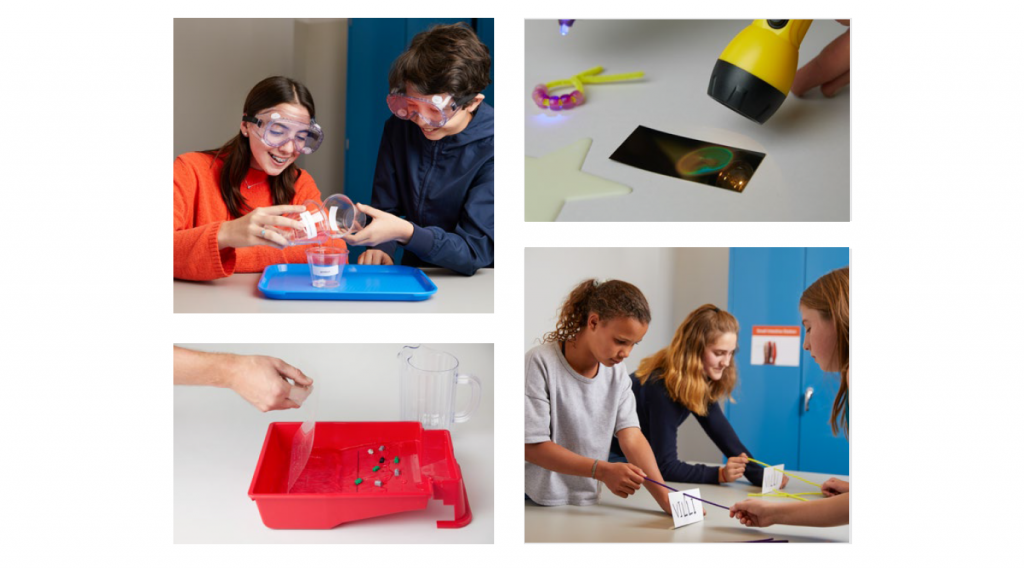
Amplify Science California is based on the latest research on teaching and learning and helps teachers deliver rigorous and riveting lessons through hands-on investigations, literacy-rich activities, and interactive digital tools that empower students to think, read, write, and argue like real scientists.
In the 6–8 classroom, this looks like students:
- Collecting evidence from a variety of sources.
- Making sense of evidence in a variety of ways.
- Formulating convincing scientific arguments.
Is your school implementing the domain model? Click here.

Program structure
Our cyclical lesson design ensures students receive multiple exposures to concepts through a variety of modalities. As they progress through the lessons within a unit, students build and deepen their understanding, increasing their ability to develop and refine complex explanations of the unit’s phenomenon.
It’s this proven program structure and lesson design that enables Amplify Science California to teach less, but achieve more. Rather than asking teachers to wade through unnecessary content, we designed our 6–8 program to address 100% of the California NGSS in fewer lessons than other programs.
Scope and sequence
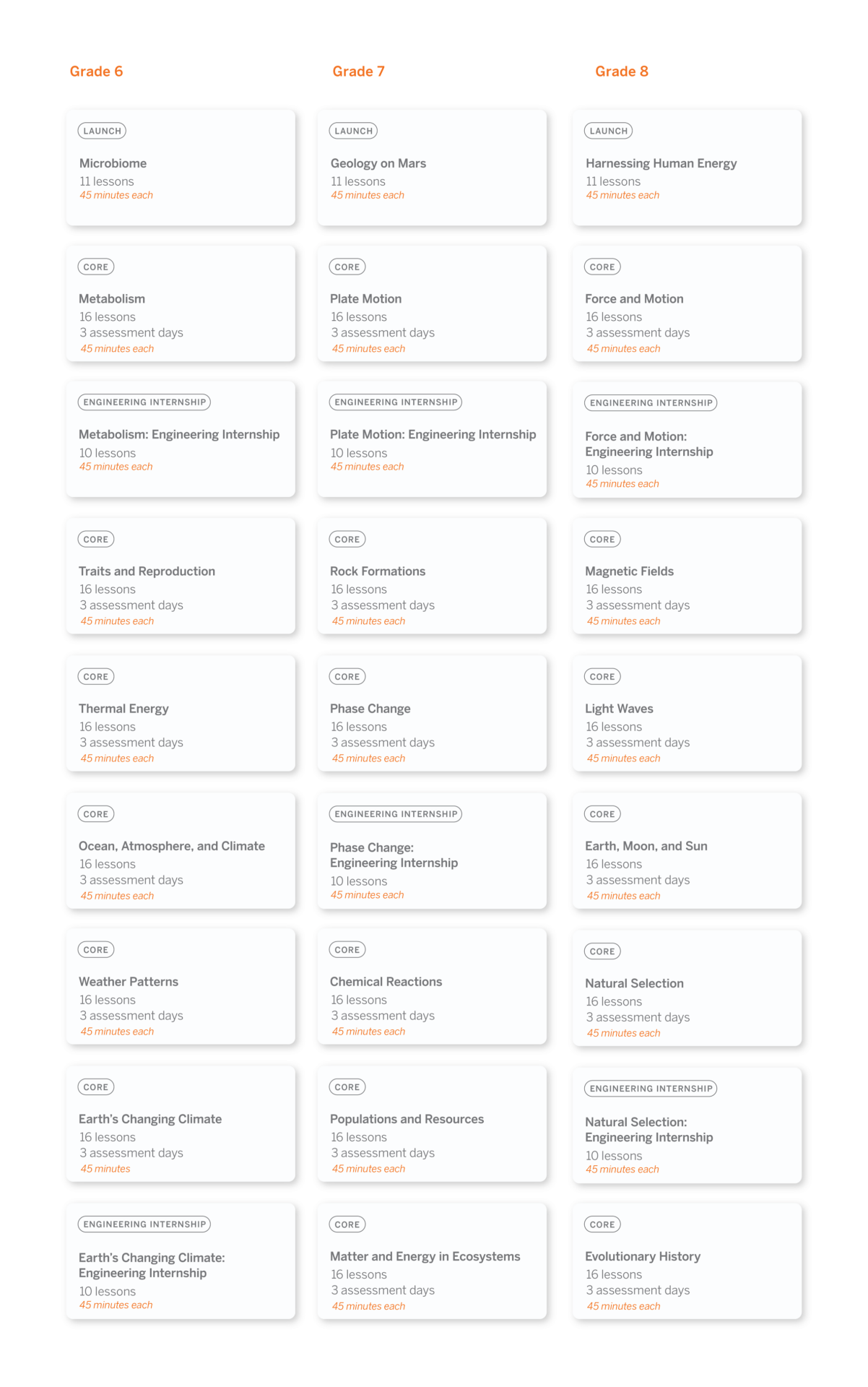
Every year our grades 6–8 sequence consists of 9 units, with each unit containing 10–19 lessons. Lessons are written to last a minimum of 45-minutes, though teachers can expand or contract the timing to meet their needs.
Unit types
Each unit delivers three-dimensional learning experiences and engages students in gathering evidence from a rich collection of sources, while also serving a unique purpose.
In grades 6–8, there are three types of units:
- One unit is a launch unit.
- Three units are core units.
- Two units are engineering internships.
Launch units
Launch units are the first units taught in each year of Amplify Science California. The goal of the Launch unit is to introduce students to norms, routines, and practices that will be built on throughout the year, including argumentation, active reading, and using the program’s technology. For example, rather than taking the time to explain the process of active reading in every unit in a given year, it is explained thoroughly in the Launch unit, thereby preparing students to read actively in all subsequent units.
Core units
Core units establish the context of the unit by introducing students to a real-world problem. As students move through lessons in a Core unit, they figure out the unit’s anchoring phenomenon, gain an understanding of the unit’s disciplinary core ideas and science and engineering practices, and make linkages across topics through the crosscutting concepts. Each Core unit culminates with a Science Seminar and final writing activity.
Engineering Internship units
Engineering Internship units invite students to design solutions for real-world problems as interns for a fictional company called Futura. Students figure out how to help those in need, from tsunami victims in Sri Lanka to premature babies, through the application of engineering practices. In the process, they apply and deepen their learning from Core units.
Units at a glance

Microbiome
Domain: Life Science
Unit type: Launch
Student role: Microbiological researchers
Phenomenon: The presence of 100 trillion microorganisms living on and in the human body may keep the body healthy.

Metabolism
Domain: Life Science
Unit type: Core
Student role: Medical researchers
Phenomenon: Elisa, a young patient, feels tired all the time.

Metabolism Engineering Internship
Domains: Life Science, Engineering Design
Unit type: Engineering internship
Student role: Food engineers
Phenomenon: Designing health bars with different molecular compositions can effectively meet the metabolic needs of patients or rescue workers.

Traits and Reproduction
Domain: Life Science
Unit type: Core
Student role: Biomedical students
Phenomenon: Darwin’s bark spider offspring have different silk flexibility traits, even though they have the same parents.

Thermal Energy
Domain: Physical Science
Unit type: Core
Student role: Thermal scientists
Phenomenon: One of two proposed heating systems for Riverdale School will best heat the school.

Ocean, Atmosphere, and Climate
Domains: Earth and Space Science, Physical Science
Unit type: Core
Student role: Climatologists
Phenomenon: During El Niño years, the air temperature in Christchurch, New Zealand is cooler than usual.

Weather Patterns
Domains: Earth and Space Science, Physical Science
Unit type: Core
Student role: Forensic meteorologists
Phenomenon: In recent years, rainstorms in Galetown have been unusually severe.

Earth’s Changing Climate
Domains: Earth and Space Science, Life Science
Unit type: Core
Student role: Climatologists
Phenomenon: The ice on Earth’s surface is melting.

Earth’s Changing Climate Engineering Internship
Domains: Earth and Space Science, Engineering Design
Unit type: Engineering internship
Student role: Civil engineers
Phenomenon: Designing rooftops with different modifications can reduce a city’s impact on climate change.

Geology on Mars
Domain: Earth and Space Science
Unit type: Launch
Student role: Planetary geologists
Phenomenon: Analyzing data about landforms on Mars can provide evidence that Mars may have once been habitable.
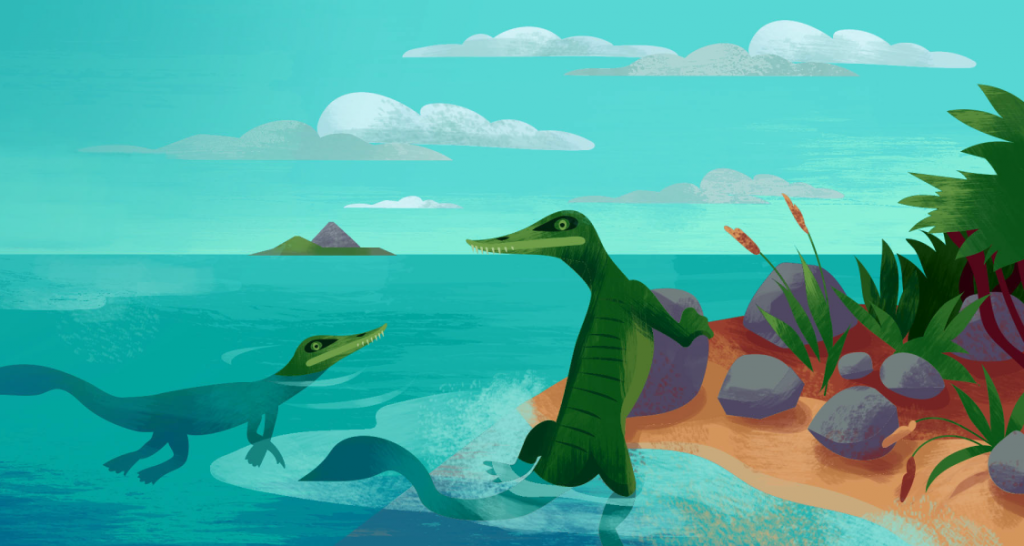
Plate Motion
Domain: Earth and Space Science
Unit type: Core
Student role: Geologists
Phenomenon: Mesosaurus fossils have been found on continents separated by thousands of kilometers of ocean, even though the Mesosaurus species once lived all together.
Plate Motion Engineering Internship
Domains: Earth and Space Science, Engineering Design
Unit type: Engineering internship
Student role: Mechanical engineering interns
Phenomenon: Patterns in earthquake data can be used to design an effective tsunami warning system.

Rock Transformations
Domain: Earth and Space Science
Unit type: Core
Student role: Geologists
Phenomenon: Rock samples from the Great Plains and from the Rocky Mountains — regions hundreds of miles apart — look very different, but have surprisingly similar mineral compositions.

Phase Change
Domains: Physical Science, Earth and Space Science
Unit type: Core
Student role: Chemists
Phenomenon: A methane lake on Titan no longer appears in images taken by a space probe two years apart

Force and Motion Engineering Internship
Domains: Engineering Design, Physical Science
Unit type: Engineering internship
Student role: Mechanical engineering interns
Phenomenon: Designing emergency supply delivery pods with different structures can maintain the integrity of the supply pods and their contents.

Chemical Reactions
Domains: Physical Science, Life Science, Earth and Space Science
Unit type: Core
Student role: Forensic chemists
Phenomenon: A mysterious brown substance has been detected in the tap water of Westfield.
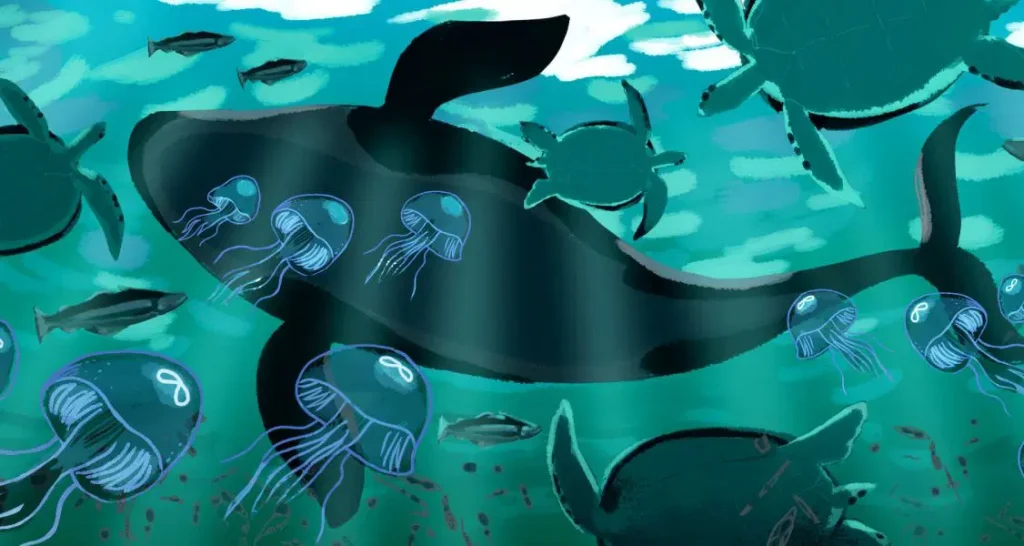
Populations and Resources
Domains: Life Science, Earth and Space Science
Unit type: Core
Student role: Biologists
Phenomenon: The size of the moon jelly population in Glacier Sea has increased.
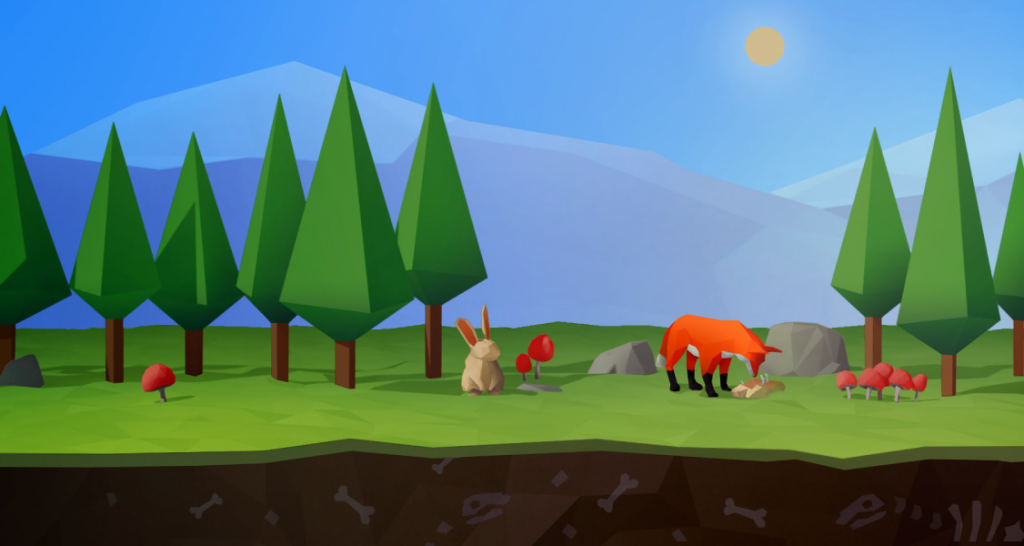
Matter and Energy in Ecosystems
Domains: Life Science, Earth and Space Science, Physical Science
Unit type: Core
Student role: Ecologists
Phenomenon: The biodome ecosystem has collapsed.
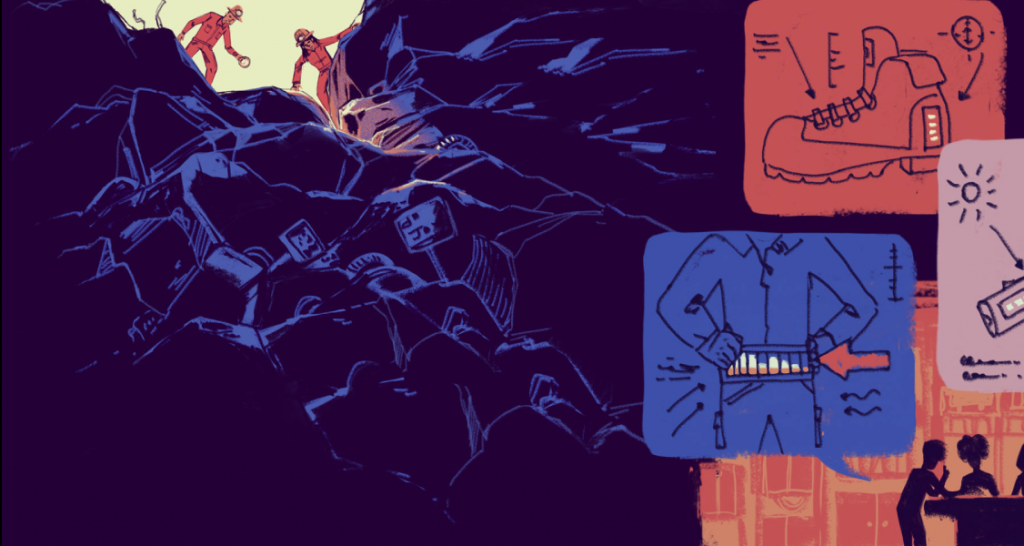
Harnessing Human Energy
Domains: Physical Science, Earth and Space Science, Engineering Design
Unit type: Launch
Student role: Energy scientists
Phenomenon: Rescue workers can use their own human kinetic energy to power the electrical devices they use during rescue missions.

Force and Motion
Domain: Physical Science
Unit type: Core
Student role: Physicists
Phenomenon: The asteroid sample-collecting pod failed to dock at the space station as planned.

Phase Change Engineering Internship
Domains: Engineering Design, Physical Science
Unit type: Engineering internship
Student role: Chemical engineering interns
Phenomenon: Designing portable baby incubators with different combinations of phase change materials can keep babies at a healthy temperature.
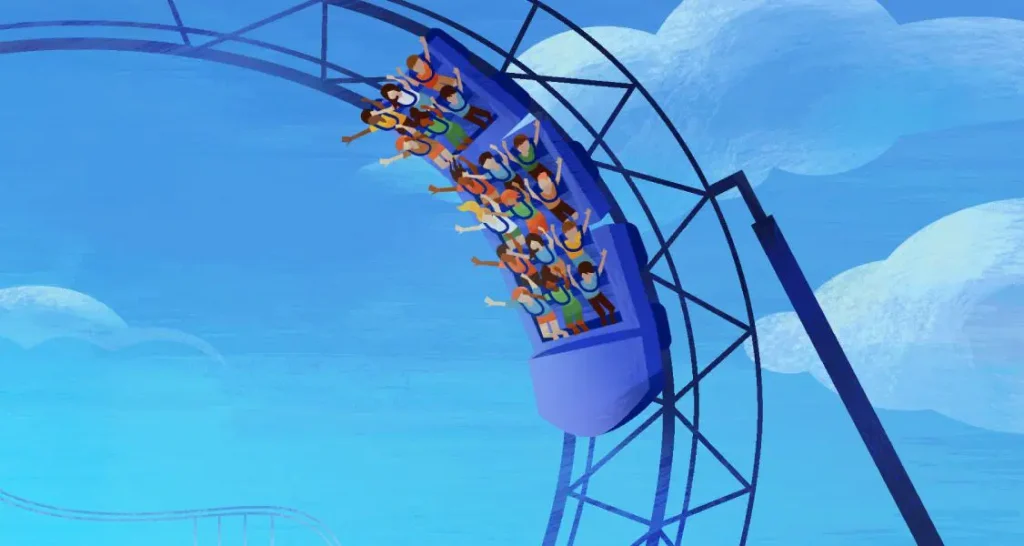
Magnetic Fields
Domain: Physical Science
Unit type: Core
Student role: Physicists
Phenomenon: During a test launch, a spacecraft traveled much faster than expected.

Light Waves
Domains: Physical Science, Life Science, Earth and Space Science
Unit type: Core
Student role: Spectroscopists
Phenomenon: The rate of skin cancer is higher in Australia than in other parts of the world.

Earth, Moon, and Sun
Domains: Earth and Space Science, Physical Science
Unit type: Core
Student role: Astronomers
Phenomenon: An astrophotographer can only take pictures of specific features on the Moon at certain times.
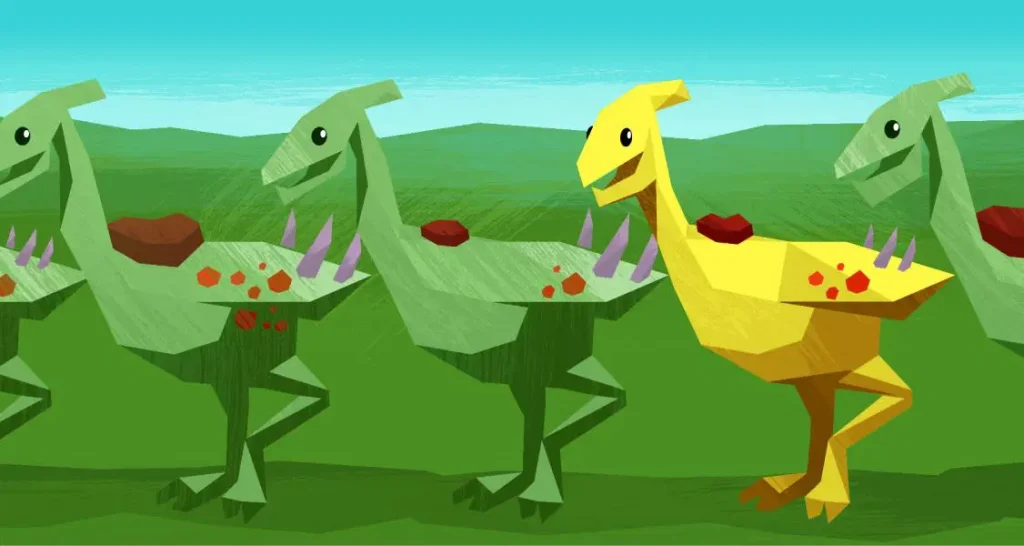
Natural Selection
Domains: Life Science, Earth and Space Science
Unit type: Core
Student role: Biologists
Phenomenon: The newt population in Oregon State Park has become more poisonous over time.

Natural Selection Engineering Internship
Domains: Engineering Design, Life Science
Unit type: Engineering internship
Student role: Clinical engineers
Phenomenon: Designing malaria treatment plans that use different combinations of drugs can reduce drug resistance development while helping malaria patients.

Evolutionary History
Domains: Life Science, Earth and Space Science
Unit type: Core
Student role: Paleontologists
Phenomenon: A mystery fossil at the Natural History Museum has similarities with both wolves and whales.
Resources




Welcome to Amplify Science!
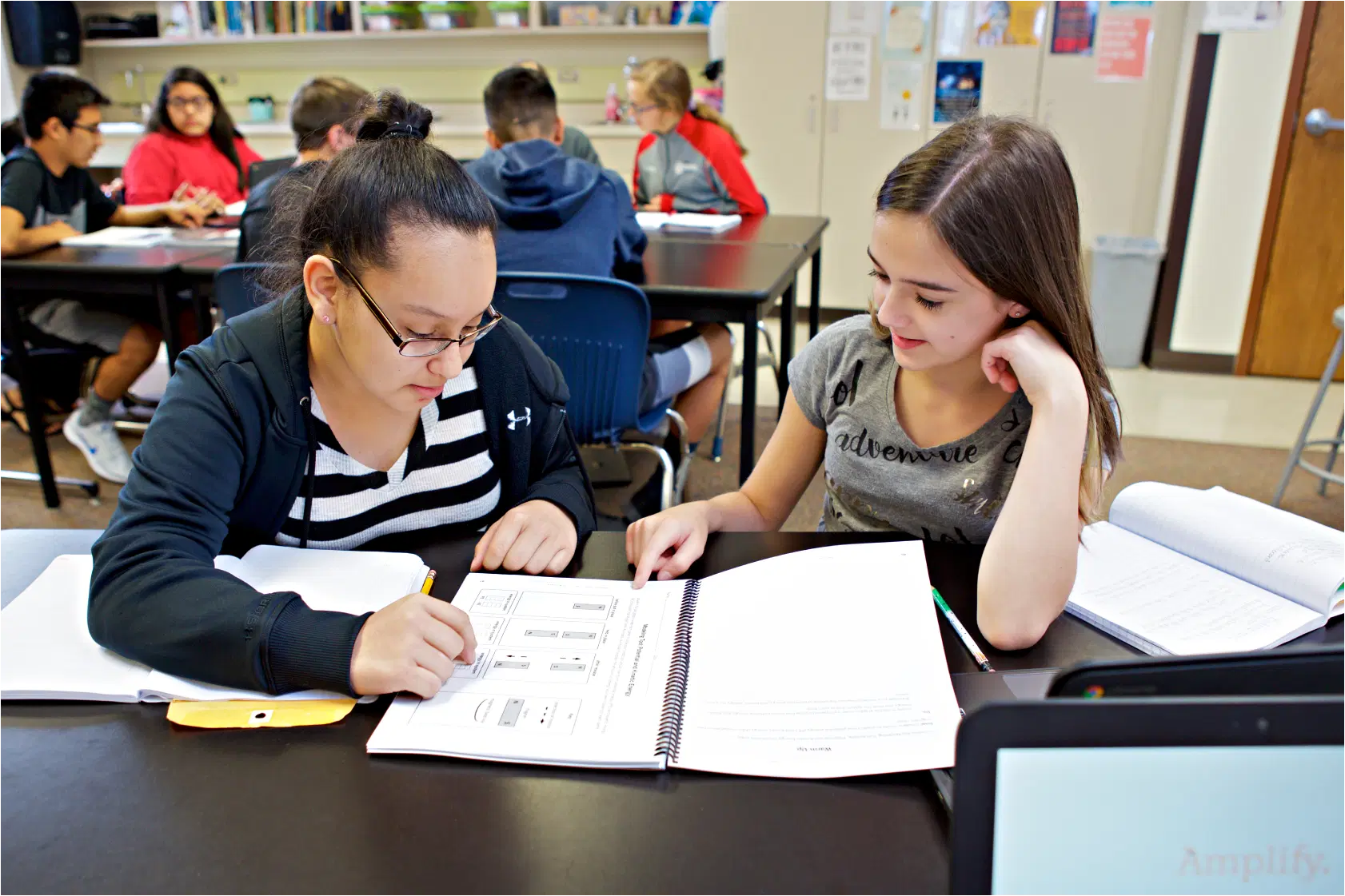
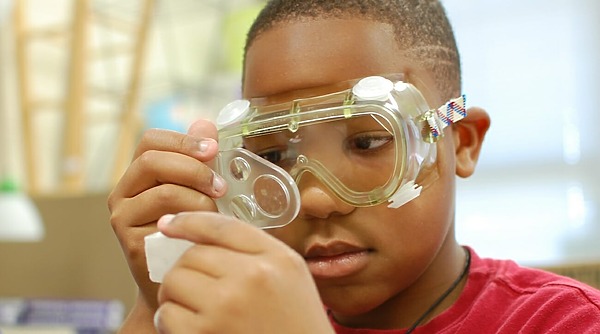
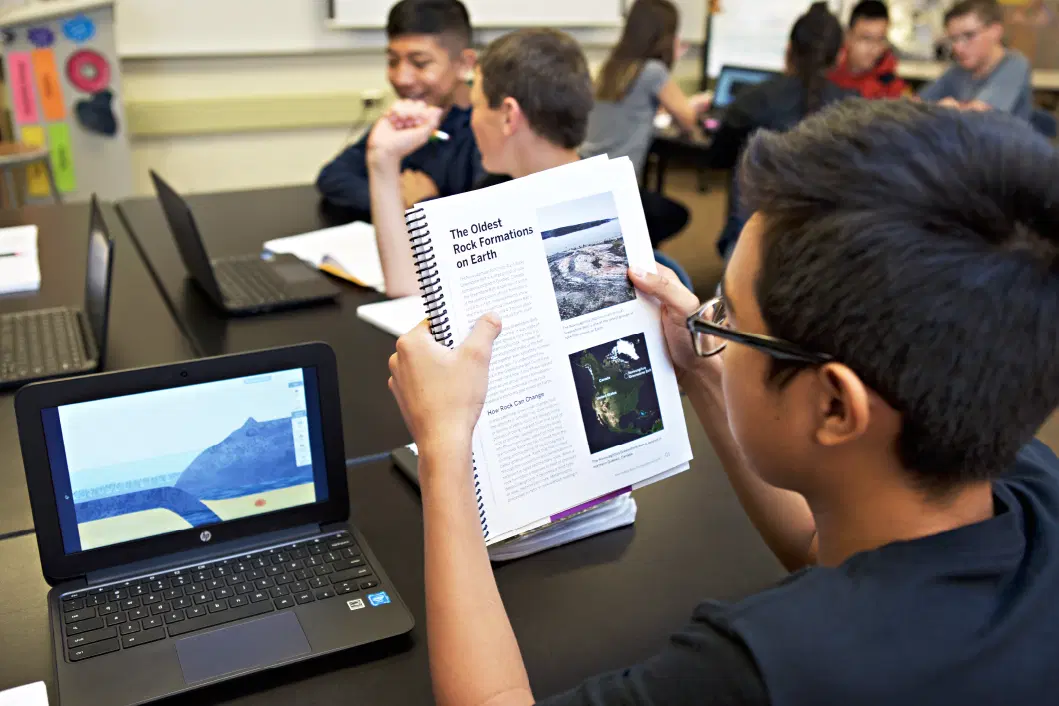
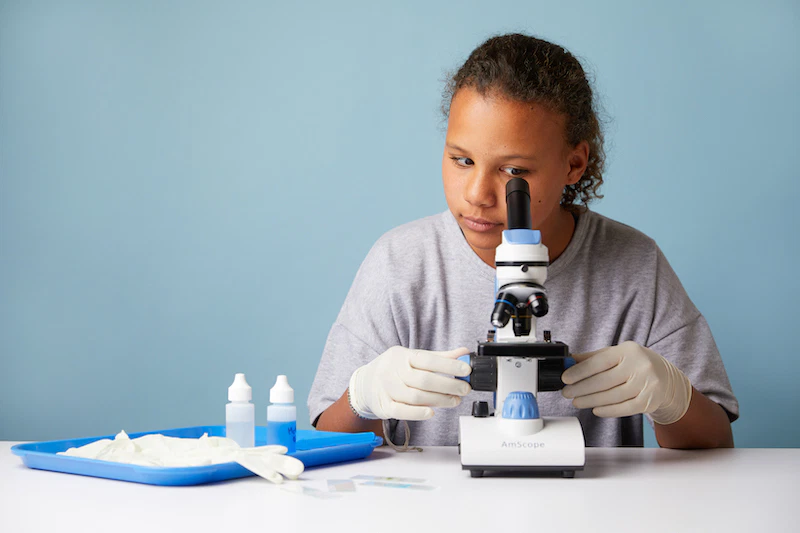
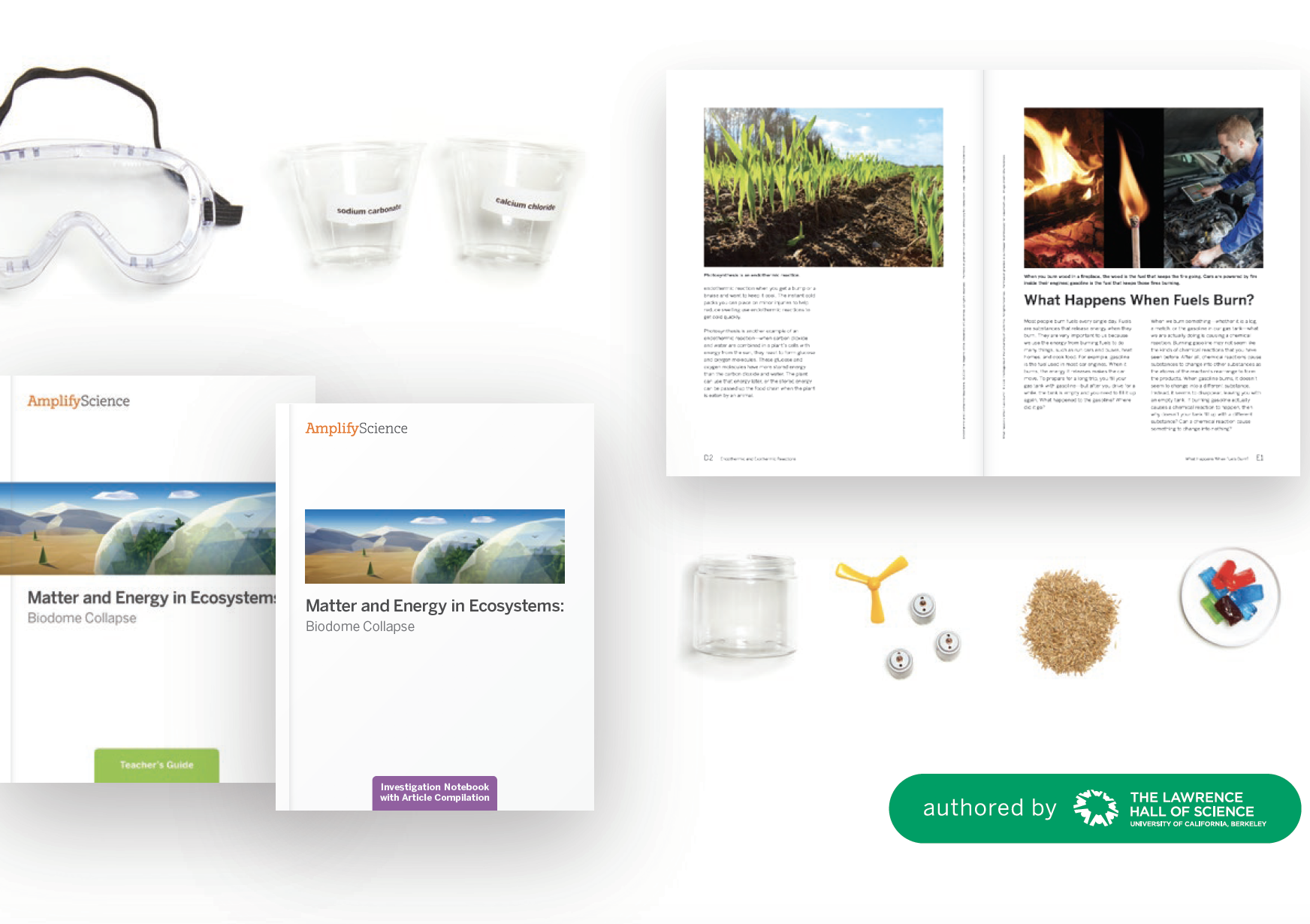
Amplify Science is a highly engaging, phenomena-based program for grades K–8 that integrates the latest practices in science teaching and learning, as well as interactive digital tools and hands-on activities, to teach students how to think, read, write, and argue like real scientists and engineers.

About the program

Each unit of Amplify Science engages students in a relevant, real-world problem where they investigate scientific phenomena, engage in collaboration and discussion, and develop models or explanations in order to arrive at solutions.
The program includes hands-on activities, print materials, and powerful digital tools to support online and offline teaching and learning. Highly adaptable and user-friendly, the program gives schools and individual teachers flexibility based on their technology resources and preferences.
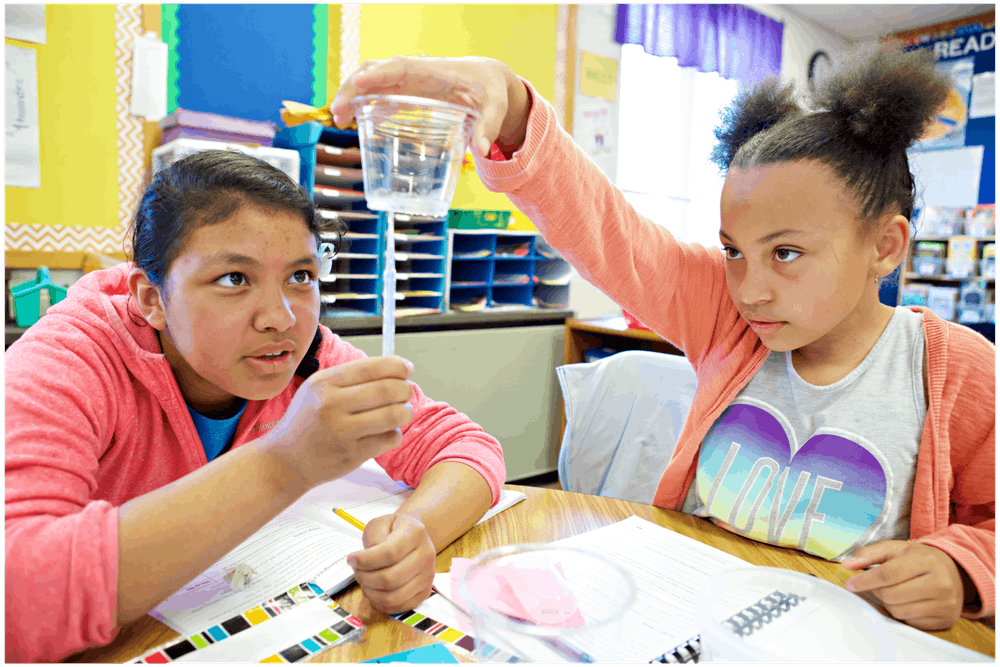

In every unit, students take on the role of scientists or engineers—marine biologists, geologists, water resource engineers, and more—to solve a real-world problem. These engaging roles and problems provide relevant contexts through which students investigate phenomena.
A powerful partnership
Amplify Science was developed by the science education experts at UC Berkeley’s Lawrence Hall of Science and the digital learning team at Amplify. As the Hall’s first curriculum designed to address the new science standards, Amplify Science reflects state-of-the-art practices in science teaching and learning.
Amplify Science is rooted in the Lawrence Hall of Science’s Do, Talk, Read, Write, Visualize model of learning. This research-based approach presents students with multiple modalities through which to explore the curriculum.
K–5 sample

In Balancing Forces, students are challenged to figure out how a floating train works in order to explain it to the citizens of the fictional city Faraday.
- Learn more about phenomena and the student roles of scientists and engineers across all units in grades K–5.
- Learn more about the Student Books written exclusively for Amplify Science for grades K–5.
- Learn more about the program structure of Amplify Science for grades K–5.
Hear from teachers about why they love Amplify Science:
6–8 sample

Metabolism (Grade 6/Life Science)
Inhabiting the role of medical students in a hospital, students are able to draw the connections between the large-scale, macro-level experiences of the body and the micro-level processes that make the body function as they first diagnose a patient and then analyze the metabolism of world-class athletes.
- Learn more about phenomena and the student roles of scientists and engineers across all units in grades 6–8.
- Learn more about the digital simulations in grades 4–8 of Amplify Science.
- Learn more about the program structure of Amplify Science for grades 6–8.
Hear from teachers about why they love Amplify Science:
Learn more
Ready to learn more?
Fill out the form to talk with a program expert, request a physical sample, or simply receive additional educational emails about Amplify Science.
Welcome, Jordan K-8 reviewers!
Amplify literacy curriculum sample boxes – TX
Amplify literacy curriculum sample boxes – CA
A closer look at grades 6–8 (domain)
Amplify Science California is based on the latest research on teaching and learning and helps teachers deliver rigorous and riveting lessons through hands-on investigations, literacy-rich activities, and interactive digital tools that empower students to think, read, write, and argue like real scientists.
In the 6–8 classroom, this looks like students:
- Collecting evidence from a variety of sources.
- Making sense of evidence in a variety of ways.
- Formulating convincing scientific arguments.
Is your school implementing the integrated model? Click here.
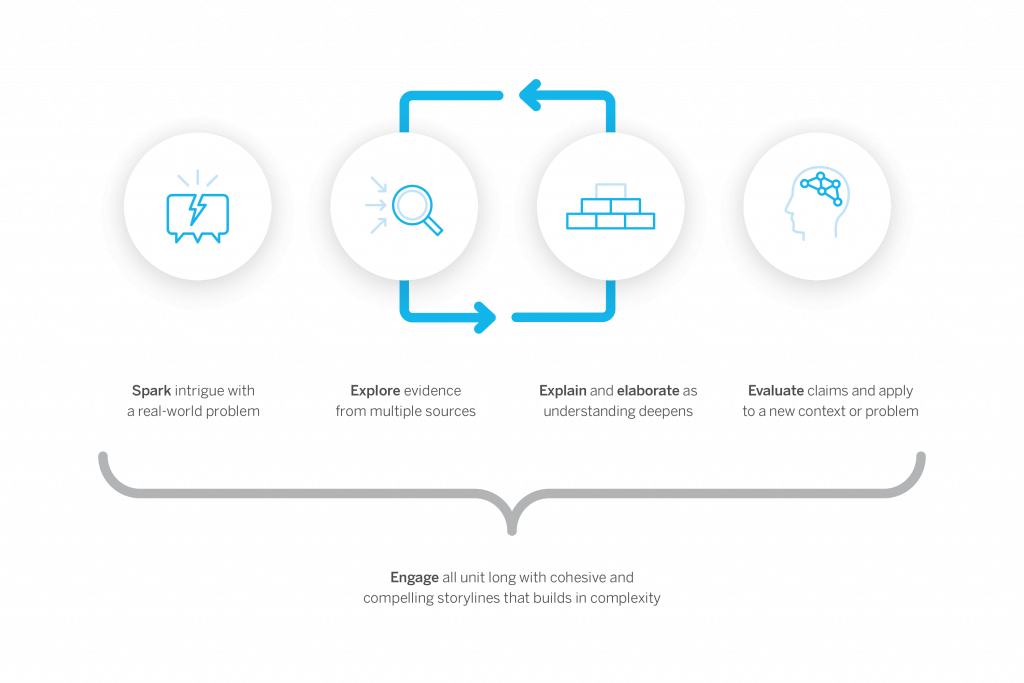
Program structure
Our cyclical lesson design ensures students receive multiple exposures to concepts through a variety of modalities. As they progress through the lessons within a unit, students build and deepen their understanding, increasing their ability to develop and refine complex explanations of the unit’s phenomenon.
It’s this proven program structure and lesson design that enables Amplify Science California to teach less, but achieve more. Rather than asking teachers to wade through unnecessary content, we designed our 6–8 program to address 100% of the California NGSS in fewer lessons than other programs.
Scope and sequence
Every year of our grades 6–8 sequence consists of 9 units, with each unit containing 10–19 lessons. Lessons are written to last a minimum of 45 minutes, though teachers can expand or contract the timing to meet their needs.
Unit types
Each unit delivers three-dimensional learning experiences and engages students in gathering evidence from a rich collection of sources, while also serving a unique purpose.
In grades 6–8, there are three types of units:
- One unit is a launch unit.
- Three units are core units.
- Two units are engineering internships.
Launch units
Launch units are the first units taught in each year of Amplify Science California. The goal of the Launch unit is to introduce students to norms, routines, and practices that will be built on throughout the year, including argumentation, active reading, and using the program’s technology. For example, rather than taking the time to explain the process of active reading in every unit in a given year, it is explained thoroughly in the Launch unit, thereby preparing students to actively read in all subsequent units.
Core units
Core units establish the context of the unit by introducing students to a real-world problem. As students move through lessons in a Core unit, they figure out the unit’s anchoring phenomenon, gain an understanding of the unit’s disciplinary core ideas and science and engineering practices, and make linkages across topics through the crosscutting concepts. Each Core unit culminates with a Science Seminar and final writing activity.
Engineering Internship units
Engineering Internship units invite students to design solutions for real-world problems as interns for a fictional company called Futura. Students figure out how to help those in need, from tsunami victims in Sri Lanka to premature babies, through the application of engineering practices. In the process, they apply and deepen their learning from Core units.
Units at a glance
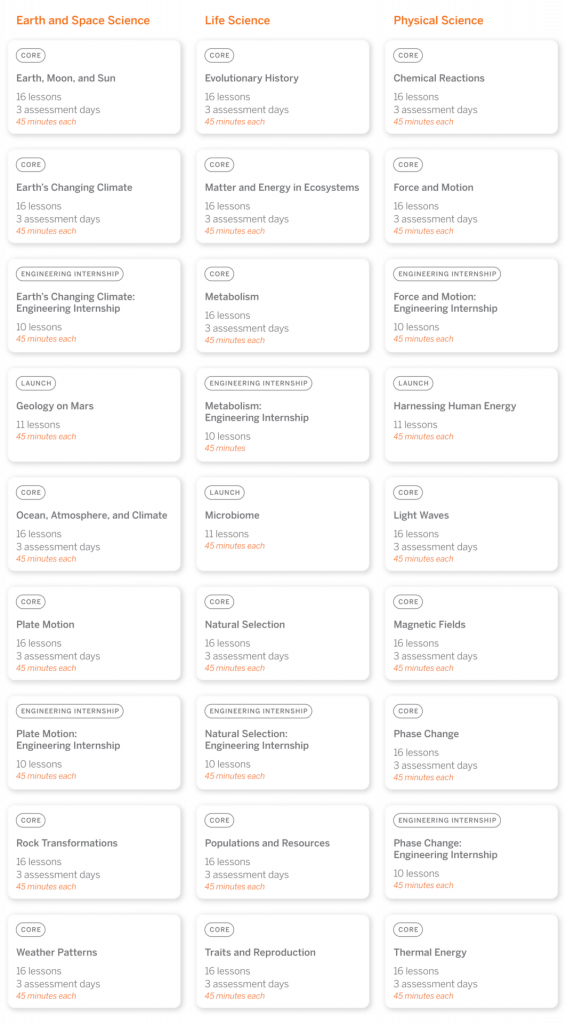
Geology on Mars
Domain: Earth and Space Science
Unit type: Launch
Student role: Planetary geologists
Phenomenon: Analyzing data about landforms on Mars can provide evidence that Mars may have once been habitable.
Plate Motion
Domain: Earth and Space Science
Unit type: Core
Student role: Geologists
Phenomenon: Mesosaurus fossils have been found on continents separated by thousands of kilometers of ocean, even though the Mesosaurus species once lived all together.
Plate Motion Engineering Internship
Domain: Earth and Space Science
Unit type: Engineering internship
Student role: Mechanical engineering interns
Phenomenon: Patterns in earthquake data can be used to design an effective tsunami warning system.
Rock Transformations
Domain: Earth and Space Science
Unit type: Core
Student role: Geologists
Phenomenon: Rock samples from the Great Plains and from the Rocky Mountains — regions hundreds of miles apart — look very different, but have surprisingly similar mineral compositions.
Earth, Sun, and Moon
Domain: Earth and Space Science
Unit type: Core
Student role: Astronomers
Phenomenon: An astrophotographer can only take pictures of specific features on the Moon at certain times.
Ocean, Atmosphere, and Climate
Domain: Earth and Space Science
Unit type: Core
Student role: Climatologists
Phenomenon: During El Niño years, the air temperature in Christchurch, New Zealand is cooler than usual.
Weather Patterns
Domain: Earth and Space Science
Unit type: Core
Student role: Forensic meteorologists
Phenomenon: In recent years, rainstorms in Galetown have been unusually severe.
Earth’s Changing Climate
Domain: Earth and Space Science
Unit type: Core
Student role: Climatologists
Phenomenon: The ice on Earth’s surface is melting.
Earth’s Changing Climate Engineering Internship
Domain: Earth and Space Science
Unit type: Engineering internship
Student role: Civil engineers
Phenomenon: Designing rooftops with different modifications can reduce a city’s impact on climate change.
Microbiome
Domain: Life Science
Unit type: Launch
Student role: Microbiological researchers
Phenomenon: The presence of 100 trillion microorganisms living on and in the human body may keep the body healthy.
Metabolism
Domain: Life Science
Unit type: Core
Student role: Medical researchers
Phenomenon: Elisa, a young patient, feels tired all the time.
Metabolism Engineering Internship
Domain: Life Science
Unit type: Engineering internship
Student role: Food engineers
Phenomenon: Designing health bars with different molecular compositions can effectively meet the metabolic needs of patients or rescue workers.
Traits and Reproduction
Domain: Life Science
Unit type: Core
Student role: Biomedical students
Phenomenon: Darwin’s bark spider offspring have different silk flexibility traits, even though they have the same parents.
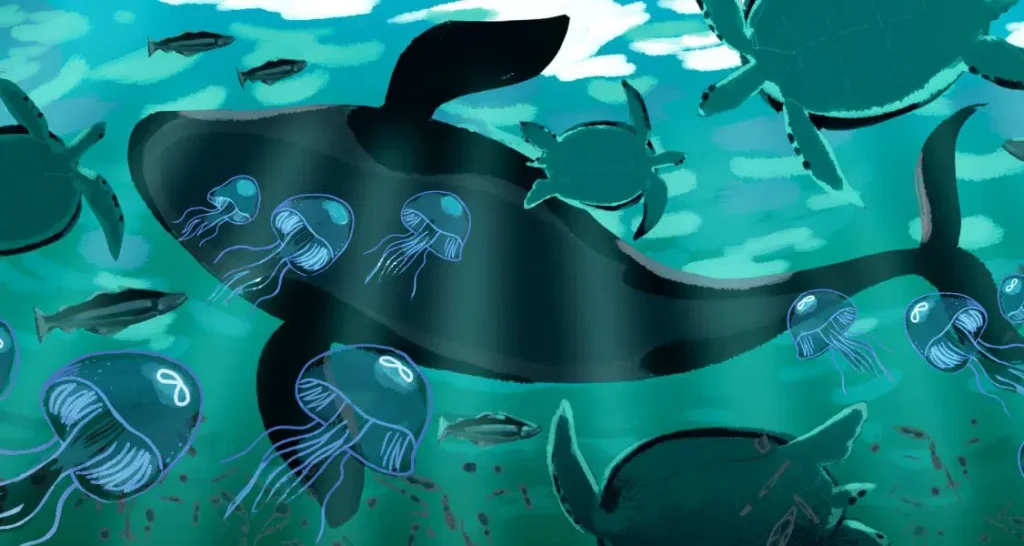
Populations and Resources
Domain: Life Science
Unit type: Core
Student role: Biologists
Phenomenon: The size of the moon jelly population in Glacier Sea has increased.
Matter and Energy in Ecosystems
Domain: Life Science
Unit type: Core
Student role: Ecologists
Phenomenon: What caused the mysterious crash of a biodome ecosystem?
Natural Selection
Domain: Life Science
Unit type: Core
Student role: Biologists
Phenomenon: The newt population in Oregon State Park has become more poisonous over time.
Natural Selection Engineering Internship
Domain: Life Science
Unit type: Engineering internship
Student role: Clinical engineers
Phenomenon: Designing malaria treatment plans that use different combinations of drugs can reduce drug resistance development while helping malaria patients.
Evolutionary History
Domain: Life Science
Unit type: Core
Student role: Paleontologists
Phenomenon: A mystery fossil at the Natural History Museum has similarities with both wolves and whales.
Harnessing Human Energy
Domain: Physical Science
Unit type: Launch
Student role: Energy scientists
Phenomenon: Rescue workers can use their own human kinetic energy to power the electrical devices they use during rescue missions.
Force and Motion
Domain: Physical Science
Unit type: Core
Student role: Physicists
Phenomenon: The asteroid sample-collecting pod failed to dock at the space station as planned.
Force and Motion Engineering Internship
Domain: Physical Science
Unit type: Engineering internship
Student role: Mechanical engineering interns
Phenomenon: Designing emergency supply delivery pods with different structures can maintain the integrity of the supply pods and their contents.
Magnetic Fields
Domain: Physical Science
Unit type: Core
Student role: Physicists
Phenomenon: During a test launch, a spacecraft traveled much faster than expected.
Thermal Energy
Domain: Physical Science
Unit type: Core
Student role: Thermal scientists
Phenomenon: One of two proposed heating systems for Riverdale School will best heat the school.
Phase Change
Domain: Physical Science
Unit type: Core
Student role: Chemists
Phenomenon: A methane lake on Titan no longer appears in images taken by a space probe two years apart.
Phase Change Engineering Internship
Domain: Physical Science
Unit type: Engineering internship
Student role: Chemical engineering interns
Phenomenon: Designing portable baby incubators with different combinations of phase change materials can keep babies at a healthy temperature.
Chemical Reactions
Domain: Physical Science
Unit type: Core
Student role: Forensic chemists
Phenomenon: A mysterious brown substance has been detected in the tap water of Westfield.
Light Waves
Domain: Physical Science
Unit type: Core
Student role: Spectroscopists
Phenomenon: The rate of skin cancer is higher in Australia than in other parts of the world.
Resources


Amplify literacy curriculum sample boxes
New York
Supplemental curriculum programs
Amplify’s supplemental programs in ELA focus on essential concepts in these critical subjects, captivating students with immersive experiences while building skills
that are foundational to future academic success.


Amplify CKLA Skills
Amplify CKLA Skills—which earned an “all-green” rating from EdReports—offers the explicit skills instruction needed in today’s K–5 classrooms.
Designed for Tier 1 support and built on a systematic scope and sequence, it provides teachers with clear, rigorous instructional materials; high-engagement classroom manipulatives; and decodable books written by popular, award-winning writers. The program solidifies the development of critical skills like phonological awareness, phonics, alphabetic principles, grammar, and writing.
Boost Reading
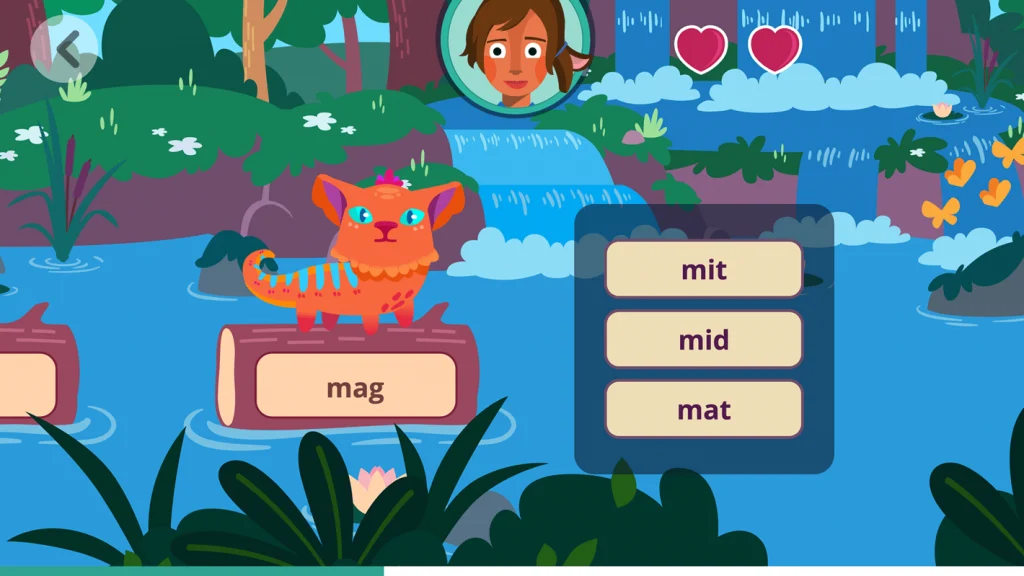
Boost Reading is a Science of Reading-based personalized learning program for grades K–5 that leverages the power of compelling storytelling to engage students in reading instruction and practice. The program provides each learner with the specific support they need and helps achieve off-the-charts reading growth. Boost Reading is a 2020 CODiE Award finalist and recipient of Digital Promise’s Research-Based Design product certification.

Boost Close Reading
Boost Close Reading is an immersive supplemental reading program for grades 6–8 that engages students through an interactive graphic novel. Through high-interest storytelling and guided instruction, the program motivates middle schoolers to question what they read, think critically, and build the close reading skills that will spark success in high school and beyond.
Survey
We’re interested in learning more about you. Please fill out this survey!
Program overview
Boost Lectura is a high-quality, personalized Spanish literacy foundational skills program that complements Amplify Reading to build reading proficiency in both English and Spanish for grades K–2.
Student field study experience
Note: This is an early subset of the program experience. Some content may be appropriate for some students, but difficult for others. This is feedback we want to hear. The designs are also still in progress, with many aspects yet to be featured. Please email Aya Bukres with all suggestions!
Field study books and games
Below is a list of books and games (with associated skills) by grade level. Students will access these games and books through Quests.
Note: Books do not include voice-over at this time.
Kindergarten Books
| ¿Qué pasa con la gallina Tina? | ¿Qué puedes hacer con los 5 sentidos? | ¿Por qué croan las ranas? |
| Un festín de sabores | Un ¡pop! en tiempo | Los aluxes |
| El efecto mariposa | Las estaciones del año |
Kindergarten Games
| Game Name | Big Idea | Skill that will be practiced |
| Son sabrosón | Phonological Awareness | Rhyming |
| Alfa y beto | Phonological Awareness | Blending |
| Jugando ando | Phonological Awareness | Segmentation |
| Tragaletras exigentes | Phonics | Letter-sound correspondences |
| Tragaletras gruñones | Phonics | Letter combinations |
| Tragaletras comelones | Phonics | Review of letter-sound correspondences and letter combinations |
| Investiga la escena | Comprehension Processes | Gap-filling Inferences |
Grade 1 Books
| La leyenda de la colibrí | La capibara: Un animal amigable | Mi ruidoso cuerpo |
| El zorro y el huaychao | Deseos al sol |
Grade 1 Games
| Game Name | Big Idea | Skill that will be practiced |
| Alfa y beto | Phonological Awareness | Blending |
| Jugando ando | Phonological Awareness | Segmentation |
| Tragaletras exigentes | Phonics | Letter-sound correspondences |
| Tragaletras gruñones | Phonics | Letter combinations |
| Tragaletras comelones | Phonics | Review of letter-sound correspondences and letter combinations |
| Silabalón: la copa | Phonics | Syllable decoding |
| ¿Aquí o alla? | Phonics & Word Recognition | Decoding words with y, g, and c |
| ¿Esta o aquella? | Phonics & Word Recognition | Decoding words with different graphemes to represent the same phoneme |
| ¡Abra palabra! | Phonics & Word Recognition | Decoding – syllable manipulation |
| Quita y pon | Phonics & Word Recognition | Decoding – syllable manipulation |
| ¡Conéctalo! | Comprehension Processes | Using connectives |
| Investiga la escena | Comprehension Processes | Gap-filling inferences |
Grade 2 Books
| La despedida | La verdadera fortuna | La fascinante Ruta de la Seda |
| Bernardo de Gálvez | Hormigas amigas |
Grade 2 Games
| Game Name | Big Idea | Skill that will be practiced |
| ¿Aquí o alla? | Phonics & Word Recognition | Decoding words with y, g, and c |
| ¿Esta o aquella? | Phonics & Word Recognition | Decoding words with different graphemes to represent the same phoneme |
| ¡Abra palabra! | Phonics & Word Recognition | Decoding – syllable manipulation |
| Quita y pon | Phonics & Word Recognition | Decoding – syllable manipulation |
| ¡Conéctalo! | Comprehension Processes | Using connectives |
| Investiga la escena | Comprehension Processes | Gap-filling inferences |
Consider using Boost Lectura during the following times:
- Small group or center time
- Choice time
- During intervention blocks
- After school
- At home
- Remote learning
Getting your students online

Instruct students to navigate to learning.amplify.com, and log in using the method you typically use when logging into Boost Reading.

Find and click on the icon for Boost Lectura, as shown above.
At this time, students can begin playing games or reading books by clicking on “Iniciar.”
Having students play games in Quests
Select a game from the list to play!
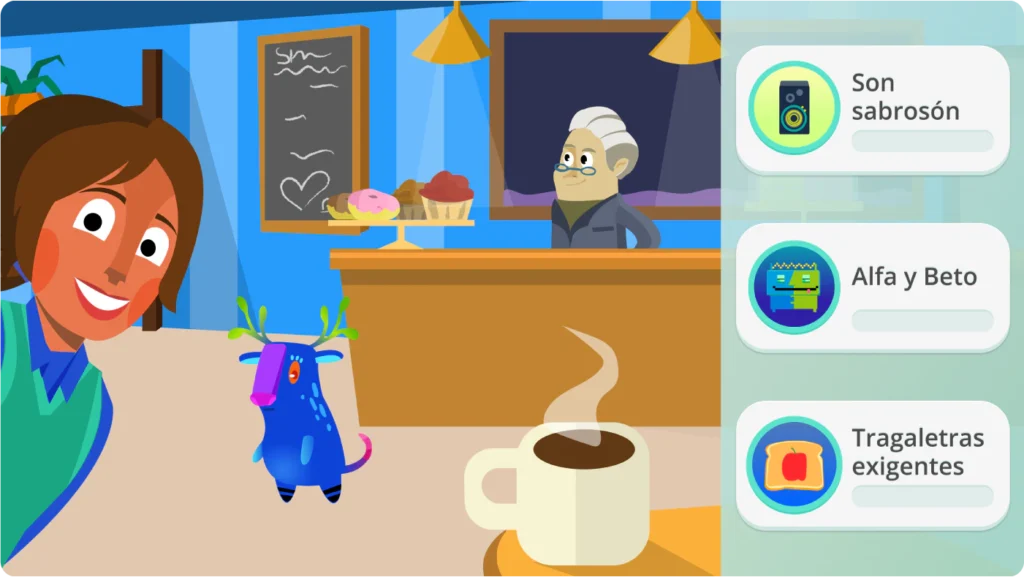
Students can play games in Quests by selecting the curioso icon.
Students should hear quest narratives in Spanish.
The Automatic Placement Tool (APT)
The Automatic Placement Tool will be served when students first log in and choose the Lectura product. The Experience should take about 15–20 minutes total.
Students are greeted with a comical animation explaining we need their help with answering a few questions.

Students are guided through a few short activities measuring different skills domains.

Students receive closure to their experience via another short animation.
Troubleshooting guide
Please check to ensure “cookies” are accepted on your device.
If you still receive an error message or blank screen when accessing an Amplify page, please email Aya Bukres.
Please email Aya Bukres to confirm your login credentials.
Inspiring the next generation of scientists, engineers, and curious citizens
Amplify Science is a breakthrough curriculum designed to address the NYS Science Learning Standards. Authored by the industry-leading team at the Lawrence Hall of Science, Amplify Science is a highly-engaging, phenomena-based curriculum for grades K–8 that integrates the latest research and practices in science education, as well as interactive digital tools and hands-on activities, to teach students to think, read, write, and argue like real scientists and engineers.
Amplify Science for elementary school
Our complete program for grades K–5 recognizes the importance of students’ engagement with hands-on experiences, and amplifies those with literacy-rich activities, closely aligned digital materials and award-winning, informational books.
- Learn more about Amplify Science
- Review the K-5 NYSSLS Correlations
- Download the K-5 unit sequence
- Hear from K–5 teachers
Amplify Science for middle schools
Our complete program for grades 6–8 is a new curriculum that integrates the latest strategies in science teaching and learning with phenomena-driven storylines, hands-on investigations, and interactive digital tools to inspire the next generation of scientists and engineers.
Ready to learn more?
Ready to take a closer look? Request a sample of Amplify Science.
Amplify Science
A new NGSS-designed core curriculum for grades K–8
Crosscutting concepts
The links below provide documentation of which Crosscutting Concepts and CCC bullets are cited in each grade level and across each grade span. Crosscutting Concepts bridge disciplinary boundaries, uniting core ideas throughout the fields of science and engineering. Dr. Art Sussman developed these K–12 files. The K–8 files also include Dr. Sussman’s recommendations for most effectively utilizing CCCs at each K–8 grade level and also across each K–8 grade span.
- Grade K: Cited CCCs and Their Bullets
- Grade 1: Cited CCCs and Their Bullets
- Grade 2: Cited CCCs and Their Bullets
- Grade 3: Cited CCCs and Their Bullets
- Grade 4: Cited CCCs and Their Bullets
- Grade 5: Cited CCCs and Their Bullets
- Middle School CCCs (Integrated Model)
- Integrated Science Grade 6: Cited CCCs and Their Bullets
- Integrated Science Grade 7: Cited CCCs and Their Bullets
- Integrated Science Grade 8: Cited CCCs and Their Bullets
Amplify Reading for international partners
We’re thrilled you’re considering giving Amplify Reading a try! This site contains all the resources you’ll need to learn more about the program and to get started using it to support remote learning or classroom instruction. We’re confident you’re going to love how Amplify Reading provides targeted support for every student.

Getting started
What you need to know about Amplify Reading
Amplify Reading is a student-driven, digital literacy program that provides students with differentiated and adaptive practice in all key areas of literacy instruction. Teachers have access to rich data insights into student usage and progress they can use to inform remote instruction.
How does it work with other programs?
Amplify Reading is a great complement to any core or assessment program, especially Amplify Core Knowledge Language Arts (CKLA) and mCLASS.
When and how to use Amplify Reading
We recommend students use the program independently for 30-45 minutes a week. This implementation model has led to student growth, especially for dual language learners.
Students will need access to one of the following devices: Windows Devices with Windows 7+, Chromebooks with Chrome OS, and Mac devices with OS 10.11+ or iOS 11+.

How do I get started with Amplify Reading?
Good news! You and your students now have access to Amplify Reading. To get started, you’ll need to sign in with your Amplify credentials at mclass.amplify.com. Next, you’ll want to distribute Amplify Reading credentials to your students.
Where do I find my credentials?
You should have received an email from noreply@amplify.com with your new account information. If you do not see it in your inbox, please check your spam folder.
How to download and distribute student credentials:
- How to download and distribute student login information [Article]
- Parent/guardian letter in English [PDF]
- Parent/guardian letter in Spanish [PDF]
How to support login at home:
You can direct parents to the following videos for an overview of the program and how to get started.
- How to get your child started with Amplify Reading (English)
- How to get your child started with Amplify Reading (Spanish)
After students start playing, you can check in on their progress via your teacher dashboard.
Printable extension activities
Consider sending the following activities home with your students as part of their weekly Amplify Reading routine. Each printable activity has instructions in both English and Spanish.
Packet 1
Activity Packet: Grade K | Grade 1 | Grade 2 | Grade 3 | Grade 4 | Grade 5
Answer Key: Grade 3 | Grade 4 | Grade 5

Access support

Intercom chat
Our Intercom feature gives you the ability to chat with customer support, technical support, and pedagogical support teams in real time directly from the digital platform. This ensures that issues that arise in the classroom can be addressed as quickly as possible. Support teams can be reached from 7 a.m. to 7 p.m. EDT, Monday through Friday.
Our customer support, technical support, and pedagogical support teams can be reached by email at help@amplify.com from 7 a.m. to 7 p.m. EDT, Monday through Friday.

Learn more
Review the resources below to dive deeper into what makes Amplify Reading unique
- The Missing Link in Reading Comprehension [PDF]
- Social Emotional Learning in Amplify Reading [PDF]
- What does growth mindset sound like? Hear students and teachers talk about Amplify Reading [Video]
- A Conversation with Anne Lucas about Comprehension Processes [Podcast]
Join our Facebook group Science of Reading: The Community to discuss the latest in reading research and instructional practices.

Welcome, Nebraska educators!
Designed from the ground up for the NGSS to teach students to think, read, write, and argue like real scientists and engineers, Amplify Science combines literacy-rich activities with hands-on learning and digital tools to engage students in exploring compelling phenomena in every unit.

Overview
Developed by UC Berkeley’s Lawrence Hall of Science, our program features:
- A phenomena-based approach where students construct a more complex understanding of each unit’s anchor phenomenon.
- A blend of cohesive storylines, hands-on investigations, rich discussions, literacy-rich activities, and digital tools.
- Newly crafted units, chapters, lessons, and activities designed to deliver true 3-dimensional learning.
- An instructional design that supports all learners in accessing all standards.
Hear what these educators have to say about the program. >
Explore your grade level
Get started by watching this class share what they’re figuring out with Amplify Science. >
Then select your grade level below to learn more about how we make this type of rich learning accessible to all students at every grade.
Elementary school
When you’re ready:
- Find a summary of each unit below including each unit’s student role and anchor phenomenon.
- Download some helpful resources to support your review.
- Explore the digital Teacher’s Guide by clicking the orange “Review now” button.


Unit 1
Needs of Plants and Animals
Student role: Scientists
Phenomenon: There are no monarch caterpillars in the Mariposa Grove community garden ever since vegetables were planted.

Unit 2
Pushes and Pulls
Student role: Pinball engineers
Phenomenon: Pinball machines allow people to control the direction and strength of forces on a ball.

Unit 3
Sunlight and Weather
Student role: Weather scientists
Phenomenon: Students at one school are too cold during morning recess, while students at another are too hot during afternoon recess.

Unit 1
Animal and Plant Defenses
Student role: Marine scientists
Phenomenon: Spruce the Sea Turtle will soon be released back into the ocean, where she will survive despite predators.
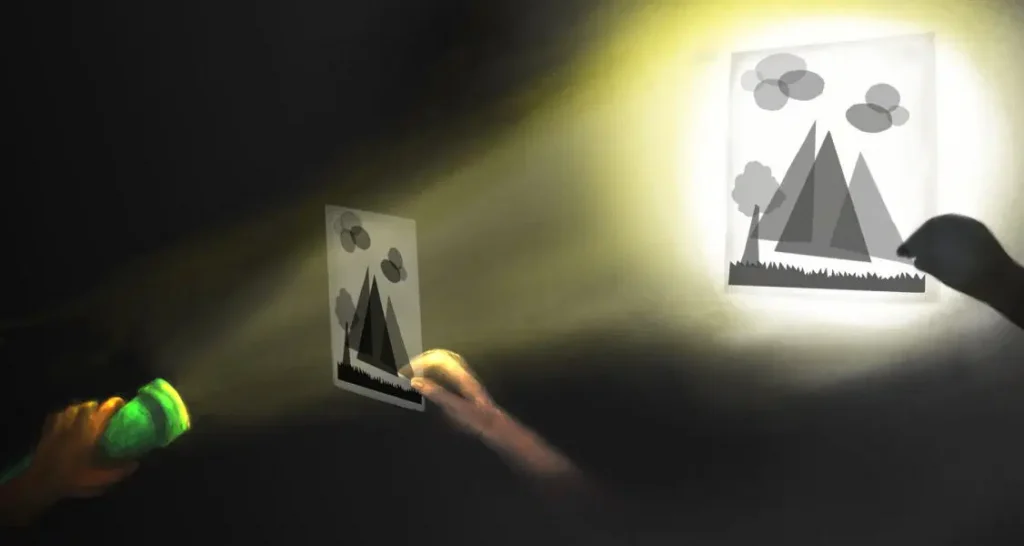
Unit 2
Light and Sound
Student role: Light and sound engineers
Phenomenon: A puppet show company uses light and sound to depict realistic scenes in puppet shows.

Unit 3
Spinning Earth
Student role: Sky scientists
Phenomenon: The sky looks different to Sai and his grandma when they talk on the phone at night.

Unit 1
Plant and Animal Relationships
Student role: Plant scientists
Phenomenon: No new chalta trees are growing in the fictional Bengal Tiger Reserve in India.

Unit 2
Properties of Materials
Student role: Glue engineers
Phenomenon: Different glue recipes result in glues that have different properties.
Unit 3
Changing Landforms
Student role: Geologists
Phenomenon: The cliff on which Oceanside Recreation Center is situated appears to be receding.

Unit 1
Balancing Forces
Student role: Engineers
Phenomenon: The fictional town of Faraday is getting a new train. Unlike typical trains, this one floats, which is causing some concern among the town’s citizens.
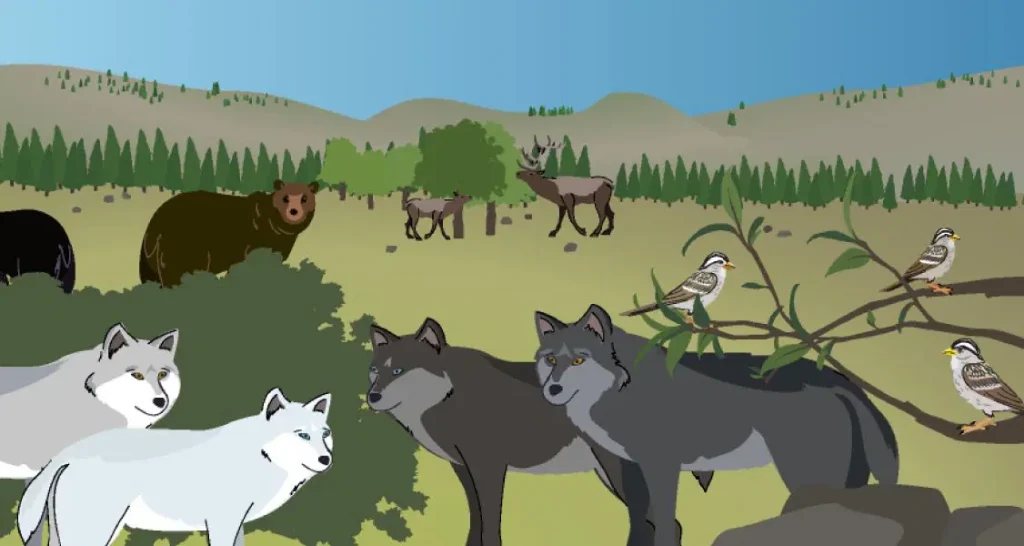
Unit 2
Inheritance and Traits
Student role: Wildlife biologists
Phenomenon: An adopted wolf in Graystone National Park has some traits in common with one wolf pack in the park and other traits in common with a different pack.
Unit 3
Environments and Survival
Student role: Biomimicry engineers
Phenomenon: Over 10 years, a population of grove snails has changed. Populations with yellow shells have decreased, while those with banded shells have increased.

Unit 4
Weather and Climate
Student role: Meteorologists
Phenomenon: Three different islands, each a contender for becoming an orangutan reserve, experience different weather patterns.

Unit 1
Energy Conversions
Student role: System engineers
Phenomenon: The fictional town of Ergstown experiences frequent blackouts. Their electrical system seems to be failing.

Unit 2
Vision and Light
Student role: Conservation biologists
Phenomenon: The population of Tokay geckos in a rain forest in the Philippines has decreased since the installation of new highway lights.

Unit 3
Earth’s Features
Student role: Geologists
Phenomenon: A mysterious fossil is discovered in a canyon within the fictional Desert Rocks National Park.

Unit 4
Waves, Energy, and Information
Student role: Marine scientists
Phenomenon: Mother dolphins in the fictional Blue Bay National Park communicate with their calves despite the distance between them.

Unit 1
Patterns of Earth and Sky
Student role: Astronomers
Phenomenon: An ancient artifact depicts what we see in the sky at different times of the day, but it appears to be missing a piece.

Unit 2
Modeling Matter
Student role: Food scientists
Phenomenon: Some ingredients dissolve in a salad dressing while others, like oil and vinegar, appear to separate

Unit 3
The Earth System
Student role: Water resource engineers
Phenomenon: East Ferris, a city on one side of the fictional Ferris Island, is experiencing a water shortage, while West Ferris is not.
Unit 4
Ecosystem Restoration
Student role: Ecologists
Phenomenon: The jaguars, sloths, and cecropia trees in a reforested section of a Costa Rican rain forest are not growing or thriving.
Middle school
When you’re ready:
- Find a summary of each unit below including each unit’s student role and anchor phenomenon.
- Download some helpful resources to support your review.
- Explore the digital Teacher’s Guide by clicking the orange “Review now” button.

LAUNCH
Microbiome
Domain: Life Science
Unit type: Launch
Student role: Microbiological researchers
Phenomenon: The presence of 100 trillion microorganisms living on and in the human body may keep the body healthy.
CORE
Metabolism
Domain: Life Science
Unit type: Core
Student role: Medical researchers
Phenomenon: Elisa, a young patient, feels tired all the time.
ENGINEERING INTERNSHIP
Metabolism Engineering Internship
Domains: Life Science, Engineering Design
Unit type: Engineering internship
Student role: Food engineers
Phenomenon: Designing health bars with different molecular compositions can effectively meet the metabolic needs of patients or rescue workers.
CORE
Traits and Reproduction
Domain: Life Science
Unit type: Core
Student role: Biomedical students
Phenomenon: Darwin’s bark spider offspring have different silk flexibility traits, even though they have the same parents.
CORE
Thermal Energy
Domain: Physical Science
Unit type: Core
Student role: Thermal scientists
Phenomenon: One of two proposed heating systems for Riverdale School will best heat the school.
CORE
Ocean, Atmosphere, and Climate
Domains: Earth and Space Science, Physical Science
Unit type: Core
Student role: Climatologists
Phenomenon: During El Niño years, the air temperature in Christchurch, New Zealand is cooler than usual.
CORE
Weather Patterns
Domains: Earth and Space Science, Physical Science
Unit type: Core
Student role: Forensic meteorologists
Phenomenon: In recent years, rainstorms in Galetown have been unusually severe.
CORE
Earth’s Changing Climate
Domains: Earth and Space Science, Life Science
Unit type: Core
Student role: Climatologists
Phenomenon: The ice on Earth’s surface is melting.
Engineering Internship
Earth’s Changing Climate Engineering Internship
Domains: Earth and Space Science, Engineering Design
Unit type: Engineering internship
Student role: Civil engineers
Phenomenon: Designing rooftops with different modifications can reduce a city’s impact on climate change.
LAUNCH
Geology on Mars
Domain: Earth and Space Science
Unit type: Launch
Student role: Planetary geologists
Phenomenon: Analyzing data about landforms on Mars can provide evidence that Mars may have once been habitable.
CORE
Plate Motion
Domain: Earth and Space Science
Unit type: Core
Student role: Geologists
Phenomenon: Mesosaurus fossils have been found on continents separated by thousands of kilometers of ocean, even though the Mesosaurus species once lived all together.
ENGINEERING INTERNSHIP
Plate Motion Engineering Internship
Domains: Earth and Space Science, Engineering Design
Unit type: Engineering internship
Student role: Mechanical engineering interns
Phenomenon: Patterns in earthquake data can be used to design an effective tsunami warning system.
CORE
Rock Transformations
Domain: Earth and Space Science
Unit type: Core
Student role: Geologists
Phenomenon: Rock samples from the Great Plains and from the Rocky Mountains — regions hundreds of miles apart — look very different, but have surprisingly similar mineral compositions.
CORE
Phase Change
Domains: Physical Science, Earth and Space Science
Unit type: Core
Student role: Chemists
Phenomenon: A methane lake on Titan no longer appears in images taken by a space probe two years apart.
ENGINEERING INTERNSHIP
Phase Change Engineering Internship
Domains: Engineering Design, Physical Science
Unit type: Engineering internship
Student role: Chemical engineering interns
Phenomenon: Designing portable baby incubators with different combinations of phase change materials can keep babies at a healthy temperature.
CORE
Chemical Reactions
Domains: Physical Science, Life Science, Earth and Space Science
Unit type: Core
Student role: Forensic chemists
Phenomenon: A mysterious brown substance has been detected in the tap water of Westfield.
CORE
Populations and Resources
Domains: Life Science, Earth and Space Science
Unit type: Core
Student role: Biologists
Phenomenon: The size of the moon jelly population in Glacier Sea has increased.
CORE
Matter and Energy in Ecosystems
Domains: Life Science, Earth and Space Science, Physical Science
Unit type: Core
Student role: Ecologists
Phenomenon: The biodome ecosystem has collapsed.
LAUNCH
Harnessing Human Energy
Domains: Physical Science, Earth and Space Science, Engineering Design
Unit type: Launch
Student role: Energy scientists
Phenomenon: Rescue workers can use their own human kinetic energy to power the electrical devices they use during rescue missions.
CORE
Force and Motion
Domain: Physical Science
Unit type: Core
Student role: Physicists
Phenomenon: The asteroid sample-collecting pod failed to dock at the space station as planned.
ENGINEERING INTERNSHIP
Force and Motion Engineering Internship
Domains: Engineering Design, Physical Science
Unit type: Engineering internship
Student role: Mechanical engineering interns
Phenomenon: Designing emergency supply delivery pods with different structures can maintain the integrity of the supply pods and their contents.
CORE
Magnetic Fields
Domain: Physical Science
Unit type: Core
Student role: Physicists
Phenomenon: During a test launch, a spacecraft traveled much faster than expected.

CORE
Light Waves
Domains: Physical Science, Life Science, Earth and Space Science
Unit type: Core
Student role: Spectroscopists
Phenomenon: The rate of skin cancer is higher in Australia than in other parts of the world.
CORE
Earth, Moon, and Sun
Domains: Earth and Space Science, Physical Science
Unit type: Core
Student role: Astronomers
Phenomenon: An astrophotographer can only take pictures of specific features on the Moon at certain times.
CORE
Natural Selection
Domains: Life Science, Earth and Space Science
Unit type: Core
Student role: Biologists
Phenomenon: The newt population in Oregon State Park has become more poisonous over time.
ENGINEERING INTERNSHIP
Natural Selection Engineering Internship
Domains: Engineering Design, Life Science
Unit type: Engineering internship
Student role: Clinical engineers
Phenomenon: Designing malaria treatment plans that use different combinations of drugs can reduce drug resistance development while helping malaria patients.
CORE
Evolutionary History
Domains: Life Science, Earth and Space Science
Unit type: Core
Student role: Paleontologists
Phenomenon: A mystery fossil at the Natural History Museum has similarities with both wolves and whales.
Resources to support your review
Select a topic below to explore helpful resources with more information about Amplify Science, the program’s development, and pedagogy.


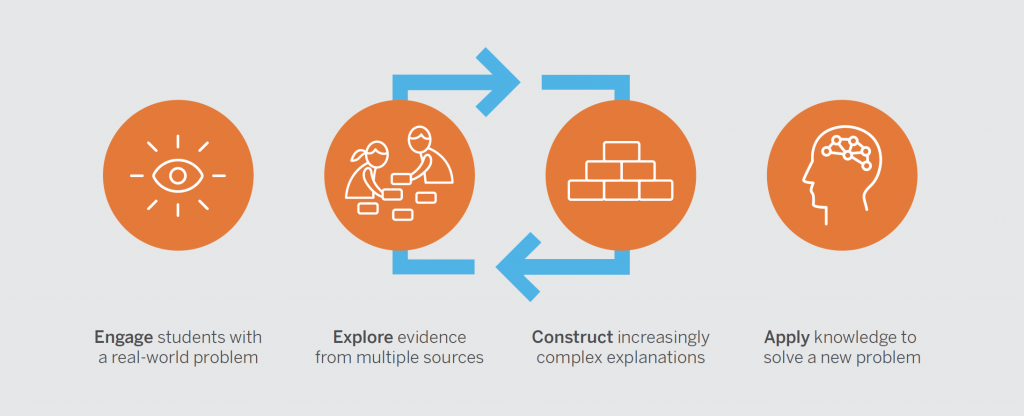
[Video] Planning in action (K–5)
Watch how easy it is for Amplify Science teachers to prep their 3-D instruction.
[Video] Planning in action (6–8)
Watch how easy it is for Amplify Science teachers to prep their 3-D instruction.


[Video] Simulations and modeling tools (K–5)
Watch how students investigate phenomena with the help of digital tools.
[Video] Simulations and modeling tools (6–8)
Watch how students investigate phenomena with the help of digital tools.


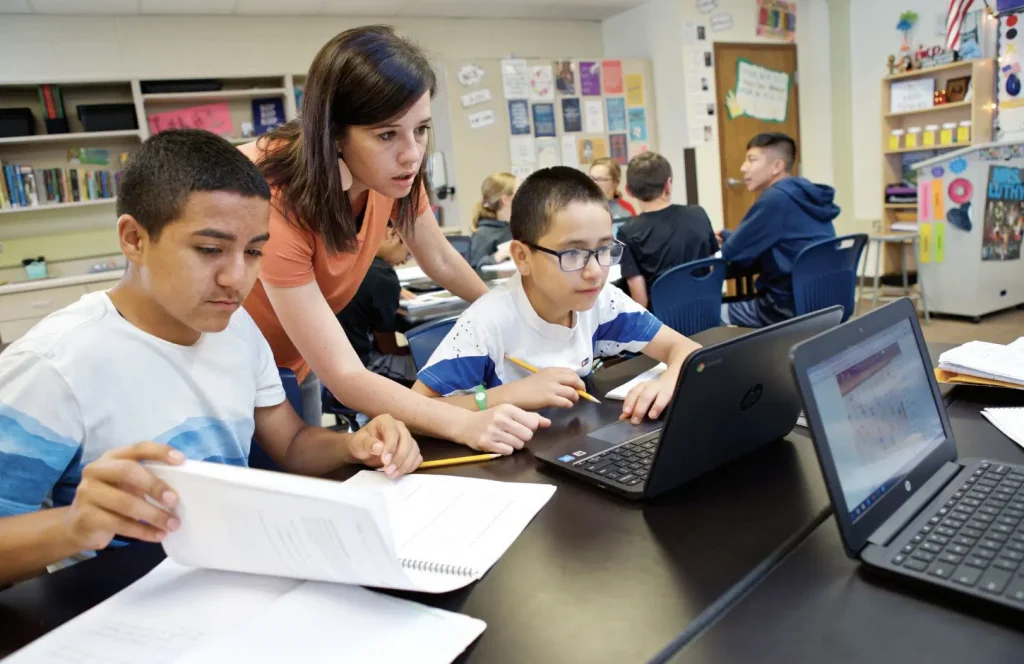
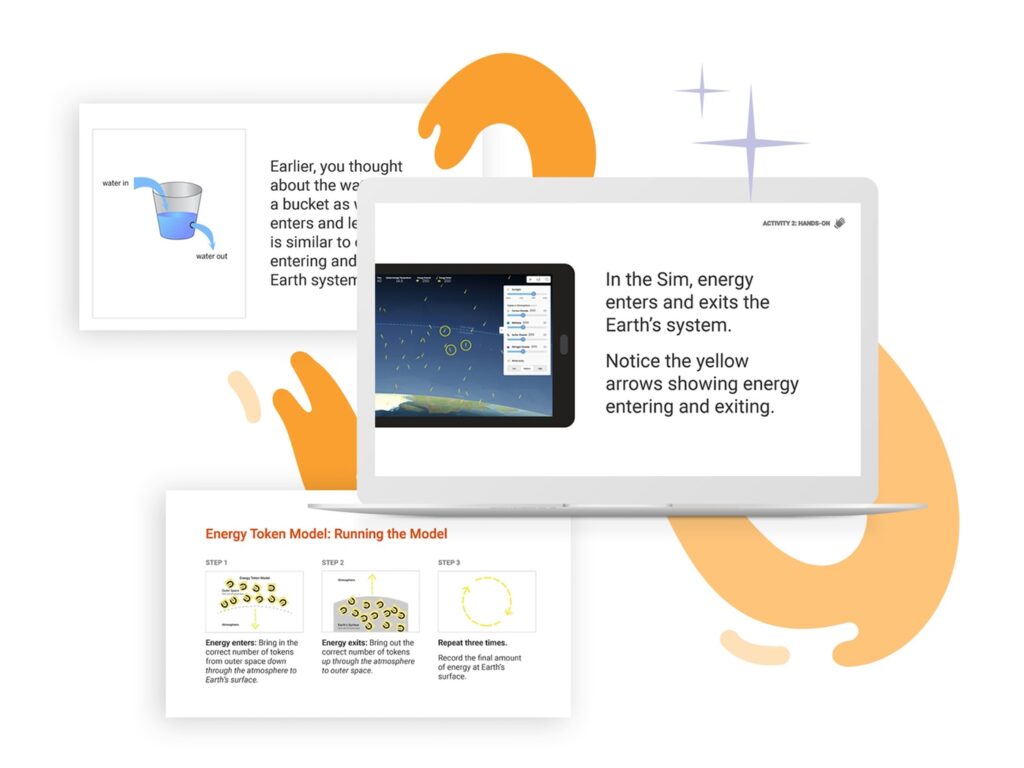


Students ready for more
Learn how we make learning more rigorous for students ready for a challenge.
[Video] Literacy in action (K–5)
Watch students use scientific text to obtain information and practice reading skills, while using writing prompts to create arguments using evidence

[Video] Literacy in action (6–8)
Watch students use scientific text to obtain information and practice reading skills, while using writing prompts to create arguments using evidence.

Literacy-rich science instruction (K–5)
Immersing young students in reading, writing, and arguing like real scientists and engineers.


NGSS Benchmark assessments
Learn more about the Next Generation Science Standards Benchmark assessments created by Amplify.



Remote and hybrid learning guide
Amplify is here to help! Amplify Science will soon feature product enhancements and new resources that will help manage the new landscape of back-to-school 2020.
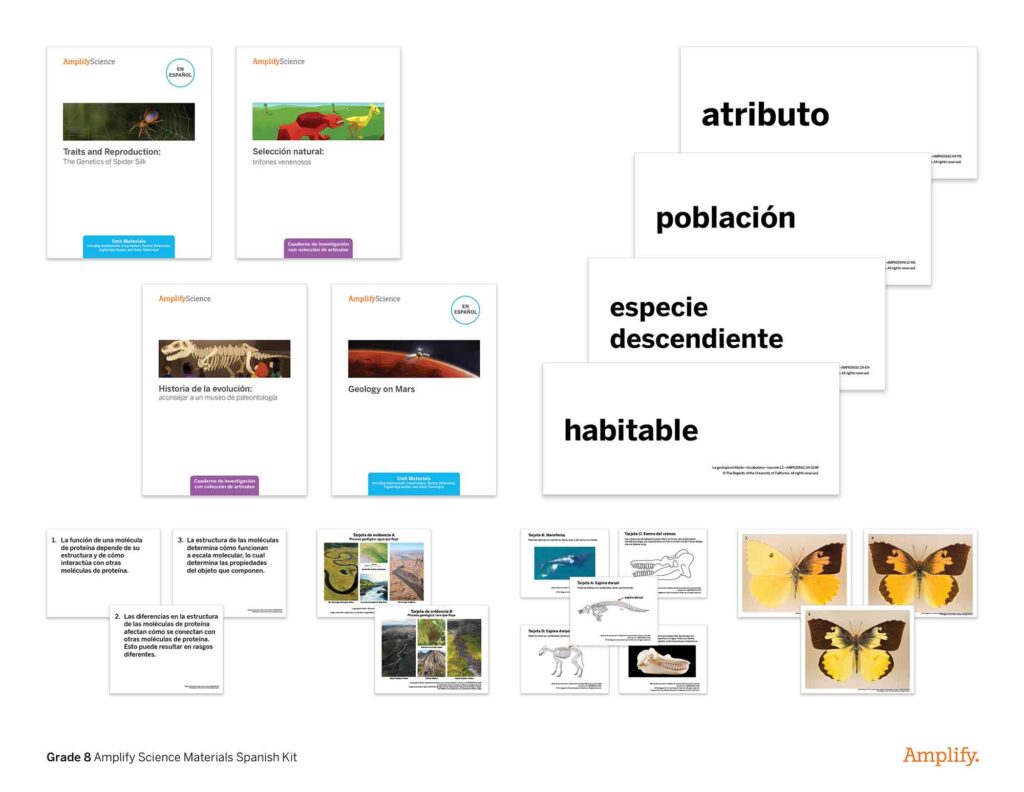
Ready to start exploring with digital access?
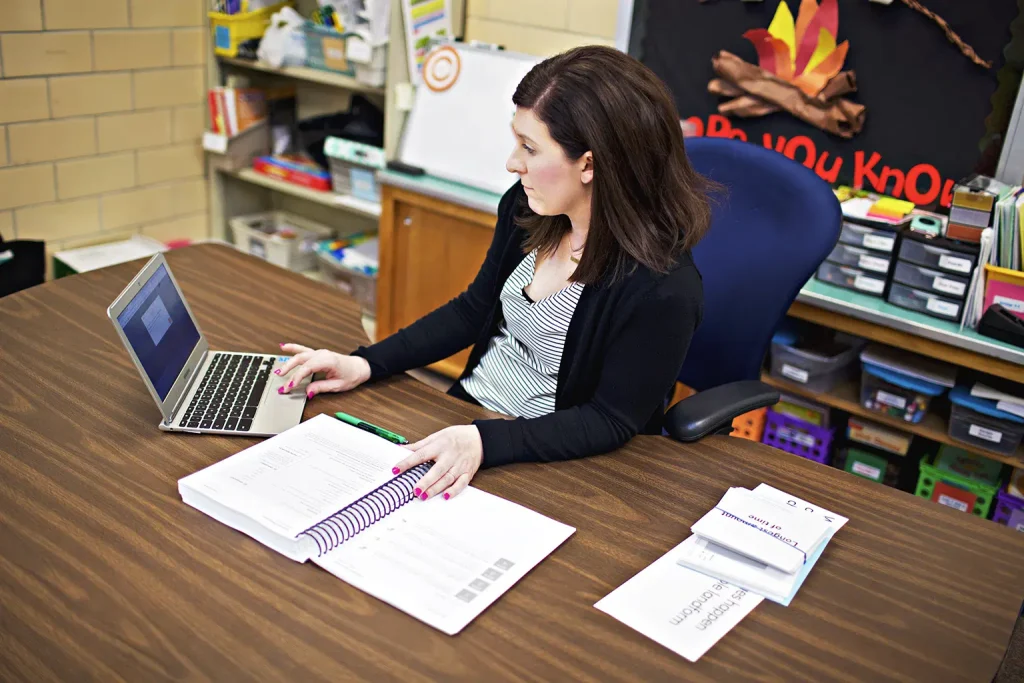
Contact an Amplify representative
Laina Armbruster
larmbruster@amplify.com
(602) 791-4135
Bob McCarty
rmccarty@amplify.com
(435) 655-1731
Kristin McDonald
kmcdonald@amplify.com
(515) 240-0244
S3-04: Using AI and ChatGPT in the science classroom
In the latest episode of the Science Connections podcast, we explore AI in education and its impact on students. Listen as I sit down with teachers Donnie Piercey and Jennifer Roberts to discuss ChatGPT and how we can use it to build science and literacy skills in K–12 classrooms while preparing students for the real world.
And don’t forget to grab your Science Connections study guide to track your learning and find additional resources!
We hope you enjoy this episode and explore more from Science Connections by visiting our main page!
Jennifer Roberts (00:00:00):
If a kid graduates from school without knowing that AI exists, they’re not gonna be prepared for what they face out in the world.
Eric Cross (00:00:07):
Welcome to Science Connections. I’m your host, Eric Cross.
Eric Cross (00:00:12):
This season of the podcast, we’re making the case for everyone’s favorite underdog, science. Recently we’ve been highlighting the magic that can come from integrating science and literacy. So if you haven’t checked out those recent episodes, definitely go back in your feed after you’re done with this one. This time around, we’re going to deep dive into what artificial intelligence means for literacy instruction, and how science can be a force for good, in responsibly exposing students to AI. To help me out, I’m joined by two extremely accomplished educators. Jen Roberts, a veteran high-school English teacher from San Diego, who among many things runs the website LitAndTech.com. And I’m also joined by fifth-grade teacher Donnie Piercey. In addition to being Kentucky’s 2021 Teacher of the Year, Donnie also has an upcoming book about bringing AI into the classroom. Whether you’ve never heard of ChatGPT or whether you’re already using it every day, I think you’ll find this a valuable discussion about the intersection of science, English, and technology. Here’s Jen and Donnie.
Eric Cross (00:01:17):
So first off, welcome to the show. It’s good to see you all. What I wanna do is kind of start off by introducing both of you. And so we’ll just go K–12. So <laugh>, Donnie.
Jennifer Roberts (00:01:30):
Donnie goes first.
Eric Cross (00:01:31):
Donnie’s gonna go first. Donnie out in Kentucky. Just a little background. What do you teach; how long you’ve been in the classroom; and what are you having fun with right now?
Donnie Piercey (00:01:38):
Yeah, so my name is Donnie Piercey. I’m a fifth-grade teacher from Kentucky. Live and teach right here in Lexington, Kentucky, right in the center of the state. I’m the 2021 Kentucky Teacher of the Year. But I’ve been teaching elementary school for the past … I think this is year 16 or 17. It’s long enough where I’ve lost count, and I can’t even count on fingers anymore. My friends like to joke that I’ve taught long enough where now I can count down. You know, it’s like, “All right, only so many more years left.” But yeah, teach all subjects. Science definitely is one of the subjects that I don’t just try to squeeze into my day, but make sure that … it’s not even a devoted subject, but one that I definitely try to — don’t just have that set time, but also try to do some cross-curricular stuff with it. So definitely the rise of AI in these past few months, which feels like years by this point, has definitely played quite the role, in not just changing the way that I’ve been teaching science, but really all my subjects. So, excited to chat with y’all about it.
Eric Cross (00:02:47):
Nice. I’m excited that you’re here. And Jen?
Jennifer Roberts (00:02:51):
Hi, I’m Jen Roberts. I teach ninth-grade English at Point Loma High School, and that’s where I usually stop when I introduce myself. But for your sake—
Eric Cross (00:03:00):
I will keep introducing you if you stop there. <laugh>
Jennifer Roberts (00:03:04):
I am nationally board-certified in English Language Arts for early adolescence. I am the co-author of a book called Power Up: Making the Shift to 1:1 Teaching and Learning, from Stenhouse, with my fabulous co-author Diana Neebe. Shout out to Diana. I blog at LitAndTech.com about teaching and technology and literacy and the intersection of those things. And I’m looking forward to talking about how AI is showing up in my classroom and the fun things I’m doing with it.
Donnie Piercey (00:03:31):
And one of us is actually secretly a robot, and you have to guess which one.
Jennifer Roberts (00:03:35):
Have to guess which one. Yes. <laugh>
Eric Cross (00:03:37):
That would be super-meta. And you were the CUE — Computer-Using Educator — outstanding teacher or educator? Whatever. Either one. Of the year.
Jennifer Roberts (00:03:45):
I was the CUE ’22 Outstanding Educator. Yes. And I’ve won a few other things as well.
Eric Cross (00:03:53):
The gaming backpack.
Jennifer Roberts (00:03:54):
I’ve won a gaming backpack recently! Yes. I once won an iPad in a Twitter chat.
Eric Cross (00:03:58):
What?
Donnie Piercey (00:03:58):
What’s a gaming backpack? Hold on. We need to talk about that.
Jennifer Roberts (00:04:01):
We will talk about that. <laugh> And then, I was once a finalist for county Teacher of the Year. That’s as close as I got to Donnie. Donnie was the Kentucky Teacher of the Year. He got to go to the White House and stuff. That was exciting.
Donnie Piercey (00:04:13):
<laugh> I mean, to be fair, there’s only three million people in Kentucky, and about what, 50 million people that live in California? <Laugh> So odds are definitely stacked in my favor, I think.
Jennifer Roberts (00:04:23):
So you’re saying we’re even there? Is that, is that what you’re going for?
Donnie Piercey (00:04:25):
Yeah, evens out. Evens out.
Eric Cross (00:04:27):
So I’ve been looking forward to talking to you both for a while now, and talking about artificial intelligence. It’s like the big thing. And both of you, at different ends of the spectrum and in my life, have contributed to this. Donnie, you’ve been sharing so much great information online about how you’re using AI in elementary. Jen, you are the reason I got into education technology years ago, right when I was becoming a teacher. And so being able to talk with you both about it excites me a lot. So first off, for the listeners who may not have any experience with it — and there’s still a lot of people out there who have not been exposed to it, haven’t got their feet wet with it yet — I’m hoping we could start off maybe with an explanation of … we could do AI, ChatGPT, I know that’s the big one. But simply explaining what it is, just for the new person. And whoever wants to start off can tell us about it. Or maybe we’ll start … we’ll, let’s actually, let’s do this: Let’s continue going like K–12? So Donnie, maybe you could … what’s your pitch to the new person of, “Hey, this is what it is”?
Donnie Piercey (00:05:31):
All right. So, AI, artificial intelligence, probably the way that most people are exposed to it, at least since November when it launched, is through ChatGPT. Where if you Google it, you know it’s made by a company called OpenAI. The best way to describe what it is … when you go there for the first time, make an account, it’s free. You have like a little search window, looks like a Google search bar. And instead of searching for information, you can ask it to create stuff for you. So for example, like on Google search, you might type in a question like, “Who was the 19th president of the United States?” Where on ChatGPT, instead of just searching for information, it creates stuff for you. So you could say, you could ask it to, “Hey, write a poem about the 19th president of the United States.” Or, “Write a short little essay comparing, I don’t know, Frederick Douglass to Martin Luther King Jr.” And it would do that for you. You know, that’s most people’s first exposure to AI, at least in these past few months. Instead of … you know, it’s artificial intelligence, but it’s not just chatbots. There’s lots of other AI that exist out there.
Jennifer Roberts (00:06:47):
And I think that’s the thing: that people don’t realize how much AI is already in their lives.
Donnie Piercey (00:06:51):
For sure. Yeah.
Jennifer Roberts (00:06:52):
You know, they just haven’t seen … the term that I see being used a lot now is “generative AI.” AI that can produce something. It can produce writing, it can produce art, it can produce a script, it can produce a character. But the AI that has been helping you pick what to watch next on Netflix and the AI that’s helping Google help you get where you wanna go on Google Maps faster, those are forms of artificial intelligence as well.
Donnie Piercey (00:07:21):
Yeah. I mean, even those, when you get that that message in Gmail, and instead of having to type out that response that says, “Yeah, that sounds great,” you can just click the little button that says, “Yeah, that sounds great.” I mean, that’s been in Gmail for years, but that’s artificial intelligence too.
Eric Cross (00:07:39):
Absolutely. So why is it important, do you think, for educators to, to be familiar with it? Like, why are we all so excited about it?
Jennifer Roberts (00:07:47):
So, educators need to know what kids are into, and kids are obviously into ChatGPT. And anyone who’s an educator right now has probably already had something cross their desk — or more likely their computer screen — that was written by AI and passed off as a student’s own work. And that is, of course, the great fear among teachers everywhere, that this is what kids are just gonna do these days and they won’t be able to catch it and children won’t be doing their own work and this and this. But I think the big reason teachers need to know what’s going on is because teachers need to be futurists. Our clientele will live in the future. We teach kids, kids will become adults, adults will live in the world. And so if we’re not thinking about and trying to predict on some level what’s gonna happen 5, 10, 15 years from now … we might be wrong, but what if we’re right?
Jennifer Roberts (00:08:38):
And if we’re not at least trying to think about what is their future world gonna look like, then we’re not serving our students well. I did a whole night talk on that. So I think ChatGPT is part of that. I teach seniors. I had this moment of realization I felt a few months ago. I’m like, “This is gonna be the world they graduate into. They need to know what this is before they leave me.” If I don’t teach them how to use this well, and not the way they’re using it — which is to copy and paste the teacher’s assignment and drop it into ChatGPT and take whatever it spits out and turning that in without even looking at it — if I don’t teach ’em how to use it critically, if I don’t teach them how to write effective prompts, if I don’t teach them how to use the AI as a tool, as a collaborator, then they’re gonna graduate into a world where they lose out to people who do know how to do that. And I think the advantage goes to kids who have access and knowledge of what’s in front of them and what’s available, and can use all of the tools at their disposal. Because when you’re writing in school and you write with a collaborator, that could be considered cheating. But when you do that out in the adult world, that’s considered doing a good job. <Laugh> Being a team player. <Laugh> You know, adults don’t work alone for the most part. And adults are expected to churn out beautiful, perfect content no matter how they got there. So if I’m not teaching my kids how to use this, they’re not being ready. They’re not gonna be ready to be the adults that I want them to be.
Donnie Piercey (00:10:07):
A hundred percent agree. And I also believe … as you know, I teach elementary school. I also don’t think anybody is saying that on the first day of kindergarten, you hand a kid a Chromebook and load up an AI chatbot or ChatGPT and say, Hey, this thing’s gonna do all your work for you for the next 12 years; just coast through life. You don’t have to think creatively. You don’t have to learn how to develop a paragraph or learn how to write a speech or develop an idea. Like, I don’t think anybody’s saying that, because as an elementary school teacher, there’s many days when I’m like, “Y’all, we’re just putting the Chromebooks away today and we’re just gonna go old-school. We’re just gonna maybe just jot down five quick ideas and stand up and present those ideas to the class.”
Donnie Piercey (00:10:54):
Because while AI definitely will, like you were saying, Jen, play a significant role in the lives of our students who are, not just graduating, but the 10- and 11-year-olds in my classroom this year. A significant role in their lives. It’s also really important to recognize that we’re not saying that this means that “Hey, kids don’t have to work anymore.” They still have to put forth that effort. There’s still — one of the ways that you become a good writer is by trial and error. And sometimes that trial and error comes through talking to a teacher or talking like you were saying to a peer or collaborating with a peer and saying to them, “Well, this sentence here, this paragraph here, really doesn’t make sense.” And I do believe one of the ways — especially as AI starts to become more fine-tuned and starts to be embedded more and more in tools like Google Docs and Microsoft Word — is it’s almost going to be a tutor to students.
Donnie Piercey (00:11:56):
Mm-hmm. <affirmative> Where I could very easily see in a few years, or maybe a few months, who knows what Google or any of these other big companies has rolling out, where a student could highlight a paragraph that they wrote simply, and then say, “Hey, proofread this for me,” or “Check for coherence.” Or even just ask a simple question: “Does this paragraph make sense?” Because you can already do that. You can copy a paragraph over into a chatbot and say, “Hey, does this make sense?” You know, “Rate my idea from one to 10,” and it’ll do that for ’em.
Jennifer Roberts (00:12:26):
We did that last week <laugh>.
Donnie Piercey (00:12:28):
Yeah. Right. I mean, that’s the thing. That technology exists now. It’s just not totally embedded yet. But based on what I’ve read and what I’ve seen, that’s gonna happen sooner rather than later. And it’s really, really important that we teach our students that, “No, you’re not just gonna use this, this tool to cheat, but you can use this tool to help you become a more creative student.”
Jennifer Roberts (00:12:50):
This is the use case in my classroom. Can I talk about that? You ready for that?
Eric Cross (00:12:53):
Please.
Jennifer Roberts (00:12:54):
OK.
Eric Cross (00:12:54):
Please.
Jennifer Roberts (00:12:55):
So my ninth graders are writing a comparative analysis essay, where I took them to the student art gallery and I made them pick two pieces of completely unknown student art and take notes on it, so they could go back and write this essay. And as soon as we got back to class, I said, can ChatGPT write this for you? And they all kind of froze ’cause I didn’t tell them what ChatGPT was. And they weren’t sure if they were allowed to know or not. And finally one of them kind of bravely raised his hand and said, “No.” And I said, “Why not?” And he said, “Well, the AI hasn’t seen the art. How can it write an essay about art when the art is completely original that we just went and looked at?” I said, “It’s almost like I planned it that way, isn’t it?” And they laughed nervously. And then I said, “Does that mean it can’t help us with this assignment?” And they said, “Well, no — of course it can’t help us, because it has not seen the art.” And I said, “Well. …” And I open ChatGPT, and I typed in what they were trying to do: “I need to write a comparative analysis essay comparing two pieces of student art on these reasons. And I need to choose which one did it better, basically. Can you help me with an outline?” and ChatGPT produced a lovely outline. And I looked at that with my students and we looked at it together and I said, “This is what it gave us. Would this be helpful to you?” And they’re like, “Yeah, that would be helpful to us.” So we — to be clear here, I was the only one using ChatGPT in the room. They were not actually using it. We were using it together. I copied and pasted the outline that it gave us and put it in their learning management system where they could access it so they could use the outline that the robot provided, and then they could use that to make their own writing better. So then I let them write for a little while, and, after they’d written for a little while, I said, “Does anybody wanna let me share your first paragraph with ChatGPT and see what it thinks of how you’re doing?” And a brave student raised his hand and we took his paragraph and we put it in ChatGPT, and it spit back advice. We said, “This is what I have so far for my first paragraph. Do you have any advice for me?” And we gave it the writing, and the first piece of advice it gave back was very generic, you know, “Add a hook,” you know, like kind of thing. But after that, it started to get more specific about things he was actually doing in his writing. And it started to give him some feedback. And we looked at that together as a class. And I said, “Does any of that feedback help you?” And he said, “Oh yeah, absolutely. I’m gonna go add some revisions to my paragraph.” And other students did too. They looked at the feedback he got and used that to improve their writing. And so everybody went and revised. And I said, “Look, if you take what the robot gives you and you copy and paste it, and you turn it in as your own work, it’s gonna get flagged for plagiarism. And that’s not gonna go well. But if it gives you writing advice the same way I would give you writing advice, and you decide that advice is good, and you take that advice and you incorporate it into your own writing yourself, then the robot’s making you better, but you’re still the one doing your own writing.” And the writing they turned in from that assignment was, was better. It wasn’t written by ChatGPT; it was still about the student art that they found in the gallery. But I showed them a path. Like, it can help you with an outline, it can help you with feedback. Right? These are fair ways to use it that’s gonna make you better. And they really liked that. They really liked — no one had shown them that before. The idea that you don’t just take the teacher’s prompt and give it to it … like, these are new uses to students and worked well.
Eric Cross (00:16:17):
So right now, you both just laid out these ways that you’re using it. And I do this with people that I’m trying to introduce to ChatGPT or AI. ‘Cause I get excited. Anyone could write a 500-word persuasive essay on the use of color in The Great Gatsby or The Outsiders, and they can get something back within seconds. But for a lot of educators, it might feel like the sky is falling.
Donnie Piercey (00:16:43):
Oh, understandably! Understandably. I mean, that totally makes sense.
Eric Cross (00:16:49):
What would you say to them? Donnie, go ahead.
Donnie Piercey (00:16:51):
Yeah. Well, I feel like every teacher kind of goes through the same experience when they see like a generative chatbot. I mean, all these major companies are gonna start incorporating AI, the generative AI piece. And a lot of times, when they see it for the first time, two things. First they’ll say “Oh, but I’ll know that that’s not my students’ writing.” Which, frankly, I think is a good thing, because that tells me that the teachers know their students’ writing. They’ve seen them write in person. They’ve conferenced with them one-on-one. And if a student were to turn something in to me, who I know might be a struggling writer, maybe it’s not their strength, and all of a sudden they’re turning in this10-page dissertation-worthy thesis written at a PhD level, I’m like, “All right, man, you’re nine. Can we talk about where this came from?” <laugh> But I also don’t think that at like the heart, I don’t feel like kids want to cheat. I really don’t. I feel like sometimes like kids are in a situation where they’re like, “OK, I’ve got nothing left. I gotta get this assignment done.” And when those kind of things happen, that’s when we as teachers, we have those one-on-one conversations. Even when I showed my students ChatGPT and even some of the AI image-generating stuff for the first time, and I talked to them about, “What do y’all think about this?” Because, you know, they’re under 13. In my district, ChatGPT is blocked for students. Staff, we have access to it. And that’s just because one, it’s so new, and at the same time, we need to figure out, “What’s the best way they can go about using this tool?” But when we were talking about it as a class, you know, I didn’t want to ignore the elephant in the room. So I asked them, I said, “Hey, do you feel like this is something that you all would use to. …” I mean, I used the word. I said “cheat.” And to be honest, the majority of the students in my class, they were taken aback. They’re like, “What? You think we just would cheat all the time?” Right? <Laugh> And I’m like, “Oh, well good. I’m glad to know that integrity is still alive and well.” But yeah, that’s definitely my thoughts on it, as far as not only the student integrity piece — I think that that’s the big thing that you need to just bring up with your students. Because again, I like to think that I’ve seen my students write enough that if they were going to turn something in that wasn’t their voice, or it didn’t sound like them, like I could have that conversation. And don’t be surprised, too, if in the next … I don’t know, one month to a year, there’s lots of AI detectors that exist. A lot of them are these like third-party things. You can go ahead, but I would not be surprised if in the next year or so, like you start to see those AI detectors be built into Google Docs, into Microsoft Word, into even Canva. And honestly, it’s almost like a fail-safe button for teachers, that we could say “All right, this is telling me that this is 99% probably written by AI.” So you can have that conversation with a student that way.
Jennifer Roberts (00:20:03):
I mean, if you’re worried about it, Formative, right now, will even tell you if something is copy-and-pasted into the boxes that they give you for students to write in. I find that kids who cheat are desperate, you know. Especially at the high school level. They’re panic mode. And, and usually their panic comes from, “I have no idea how to even start this assignment.” And so part of what I wanna use ChatGPT for is to lower that barrier for them. Like, you’ve got an assignment, you don’t know where to start. Tell the robot, tell ChatGPT, about the assignment and ask it for a list of steps. You know, ask it for an outline. Ask it for a time management plan. I see so much tremendous potential for this to help many of my students with IEPs who have executive functioning issues.
Donnie Piercey (00:20:49):
Oh, a hundred percent, right?
Jennifer Roberts (00:20:51):
Yes, a hundred percent. This can be their personal assistant who, you know, instead of me sitting with them one-on-one and saying, you know, “This is the task you need to do, let’s break it down into these six discrete chunks,” the artificial intelligence can do that for them. And it can do that for teachers too. <laugh>
Donnie Piercey (00:21:09):
Jen, I was just thinking about, how long until we see like the phrase artificial intelligence written onto a student’s IEP? I could see that happening very, very soon.
Jennifer Roberts (00:21:20):
Right? They should be able to use that. And then, also, of course, all of its amazing beneficials for teachers. I had to completely rewrite a unit of my curriculum. I knew what I wanted to do. I had some ideas of things I wanted to put in there. And I resorted to, I went to EducationCopilot.com and typed in my stuff that I had: You know, what standards I wanted to cover, what outcomes I was hoping for mm-hmm. <affirmative>. And it generated an eight-week unit for me. And I actually told it then to go back and do it as a 12-week unit so that I’d have more stuff in there to go and cherry-pick to decide what I really wanted to do. But it gave me ideas. It gave me places to start. It saved me an hour of just brainstorming. And I don’t think that was cheating. I still got to go in and decide which ideas were valid. And I still got to … you know, I mean, I’m a teacher. Can I get accused of cheating? I don’t think that’s a thing. It’s—
Eric Cross (00:22:18):
That’s collaborating! It’s collaborating!
Donnie Piercey (00:22:20):
Collaborating! It’s a feature! It’s a feature.
Jennifer Roberts (00:22:22):
It’s Tony Stark talking to Jarvis. You know, they’re figuring it out together.
Donnie Piercey (00:22:26):
Oh, when you use the AI, Jennifer, do you call yours Jarvis? In my class we call him Jeeves. ‘Cause remember Ask Jeeves?
Jennifer Roberts (00:22:33):
I think Eric calls it Jarvis.
Eric Cross (00:22:35):
Yeah. Jarvis is gonna be the AI’s name when, when I can get that fully functioning. There are some things that you had said, I just wanna circle back on. Donnie, Jen — so what I heard was like, best intentions. The part you said about integrity and students wanting to cheat … even the mindset that we go in assuming our students, what they would want to do and assuming best intentions, really kind of frames how you look at this kind of technology. And then Jen, you kind of brought up why students cheat, and realizing that either they don’t feel equipped, or maybe it’s time management, or something else. But most people — and I believe this as an educator — most students want to learn, and they want to be able to perform and achieve. And when they cheat, it’s because they didn’t feel like they could, for whatever reason. Whether it’s it’s outside factors, whether it’s something internal, motivation, whatever it is.
Jennifer Roberts (00:23:24):
Or they were very disconnected and just didn’t care.
Eric Cross (00:23:27):
Sure.
Jennifer Roberts (00:23:27):
This is just busy work the teacher’s giving me, so I’m gonna give it very little of my time and energy. But I think, yeah, it can be that. But if the kid cares about it, if they wanna learn, they wanna learn, you know?
Eric Cross (00:23:40):
Right.
Jennifer Roberts (00:23:40):
This is the day of the internet. Any kid can learn anything they really want to learn. And we see that all the time in our classes. The kid who has zero interest in what I’m teaching in English, but he is an expert coder, and that’s what he wants to spend his time learning. He’s like, “Can I read this C++ book as my independent reading book?” And I’m like, “You know, actually, you can. Go ahead.” <Laugh>
Eric Cross (00:24:01):
Yeah. And for both of you, saying that this makes content more accessible … and I think Donnie, or Jen, you said something about IEPs. I actually put in having it write an IEP to see what would happen. I gave it a prompt for a student’s ability level and I asked it to create a plan. And then I asked it to create a rationale. And it did! And it was good! I went through and vetted it. And right now … you know, a lot of it is funny, ’cause the conversation I’m having with different teachers is kind of like the Wikipedia one. Remember when Wikipedia first got out and everyone was like trying to discourage everybody from using it, because, well, it could be changed by anybody? And now everyone’s like, “Oh, check Wikipedia, and then steal the sources, ’cause they’re already done for you.” Like, the mindset has shifted since then. And I was talking to someone and they said, “Well. …” And I said, “We can use AI, it could be a tutor, these other things. …” And they said, “Yeah, but what happens?” And then insert apocalyptic scenario. Like, what happens if you don’t have access to wifi? And it reminded me of, for some reason, cooking classes. So in the 1700s you probably had to be able to farm to be able to generate your food. Right? Like, you had to get it from somewhere. But if you take a culinary class now, you just go to the grocery store. And someone might say, “Well, but you should know how to farm, ’cause what if there was this worldwide apocalypse and nobody could go to the grocery stores?” <Laugh> And you’re like, “Well, balance of probability though.” You know, it’s like we’ve been really been living in these iterations of life, and I think this next step for some folks … like, we don’t even realize, even like something like bank statements, right? So many folks are paperless. And there’s always a what-if scenario. What if you need it and the internet goes down. But we get so used to to to technology advancing and making our lives different. This kind of seems like that next iteration. And I wanna ask you this question: Are we looking at like the next calculator? The next internet, with this tech? Or do you think it’s too early to say?
Donnie Piercey (00:26:01):
Well, I’ve seen a lot of people compare ChatGPT to a calculator. I’ve seen that pop up on social media. There’s, “Oh well, no, this is like when the calculator was invented. Everyone was up in arms about how ‘that’s not what math students should do.’ Math should be pencil and paper, math should be this.’” However, you can give a kid a calculator and you can give ’em a word problem and they can punch in all the numbers, but they could do the wrong operation or they could put the decimal point in the wrong place, ’cause the student is still the one who’s controlling what’s on the calculator. Where with AI, all you gotta do is just copy it and then paste it into the bot and it’ll spit out whatever the question asked it for. Whether it was, you know, a 500-word rationale or proof for something in geometry, or if it’s analyzing data on a chart, it’ll do all that.
Jennifer Roberts (00:27:00):
Yes. But it’s not that magical. It’s back to what Eric did with the IEP. He put in a prompt and then he knew enough to ask for a rationale and then he knew enough about IEPs to critically read the results he got and make sure they actually worked for what he needed. He had to know all that. He was an expert using it to do an expert thing. My husband’s a computer scientist; he got ChatGPT to help him write an app, and it was a new programming language to him, and he could put in the data and he could ask for things that I would’ve never thought to ask for. But because he knows the language of computer science, he knew what to ask for. And when it gave him results that were bad, he could see that, and he could say, “Yes, but do it again, but without this,” or “make this part more efficient.” He, again, knew what to ask for. So I think the generative AI is, as a partner with humans, a powerful thing. But if the human doesn’t know what they’re doing, yeah. You’re still not gonna get great results.
Donnie Piercey (00:28:03):
<laugh> And I think that’s why I’m coming at this from the elementary school perspective, right? Because in K–5 students are still learning, like, “Hey, where does the decimal point go?” They’re still learning, you know, if you’re dividing by a two-digit number, where does the first digit go, if you go in the old long-division algorithm? And so they’re still acquiring that base-level knowledge that … I don’t know, maybe this is similar to in Jurassic Park when Jeff Goldblum says, “It didn’t take any knowledge to attain,” you know, “they stood on the shoulders of geniuses,” that whole thing. Like they had to acquire the knowledge for themselves, was his whole point. And so that’s why I don’t think it’s exactly the same as the calculator. It is definitely going to change things, in a similar way that the calculator did. But to me it’s just a whole new animal. And I don’t know if it’s going to be like the next internet, Eric — if you’re gonna get little devices that have AI built into it, like a Star Wars kind of thing, like a droid or something that follows you around — all that would be kind of cool, not gonna lie. But whether it’s something that you’ll access through the internet, something that’s built into your TV, that part I don’t know. But I do know that there’s a reason why all of these apps and all these companies are investing so much — not just energy, but time and money into it. Because they’re recognizing. “OK, this really has the potential to change things.” But if used well, and used safely, to change people’s lives for the better.
Eric Cross (00:29:41):
So I definitely hear that you both agree with the statement that if AI ChatGPT was used in the classroom, it could be a force for good. And literacy development. And I wanna shift gears a bit and then come back to the AI. So with that said — and we’re gonna get into some best practices in a minute — in Science Connections right now in this season, we’re making the case for how science can do more in classrooms and in schools. And so I’m I’m curious about what both of you think about the role in science fostering a better future when it comes to AI and education. And this season we’re really talking a lot about literacy. You know, in schools, so often it’s taught in a siloed way. And Donnie, you’re doing multi-subject. Jen, you’re single-subject: English. And we’ve really been trying to make this case for how science can actually support literacy, and these skills that students are trying to develop. So we’re going a little old-school, kind of diving into your content specialty, but maybe even pre-AI, or maybe AI has a component in this. But Don, maybe we’ll start with you. How has science been a way that has been helpful for your own literacy instruction? I know you do a lot of science, because I see your Google Earth stuff and the thing you did with the solar systems back in the day. And I think —.
Donnie Piercey (00:30:54):
Oh my gosh! You remember my <laugh> … wow.
Eric Cross (00:30:58):
That was amazing!
Donnie Piercey (00:31:00):
We haven’t done that since the pandemic. But I had my students go out, and using Google Earth, we built a scale model. Each of the students partnered up and they planned out on Google Earth a scale model of the solar system. They picked an object from around their house and we talked about like, “Don’t pick something bigger than a beach ball, or else, you know, your Neptune’s gonna end up like 10 miles away.” But you know, they just picked like a small ball, like a basketball, soccer ball, something like that. Or football, for international friends. And then we calculated the size of every other planet. And then on Google Earth, using their front lawn as where the sun was, then we went and we calculated where other planets would be, and then we actually drove to those locations and like held up the objects that would represent Neptune, Jupiter, Saturn, and all that. But it was a lot of fun.
Eric Cross (00:31:59):
And is that still accessible? ‘Cause I know you have some websites that you put resources out there.
Donnie Piercey (00:32:03):
Yeah. Yeah, I can … I wanna say on my Resources page — Resources.MrPiercey.com — I’ve got a link on there to a couple of student examples that I can share. And if not, when we get off this call, I’m gonna go on and put them on there <laugh> so people can find it. I’ll even throw on there just the assignment itself. So if you wanted to copy that and do that with your students, you could.
Eric Cross (00:32:27):
Donnie, the reason why I brought that up is because I saw that you had posted that or shared it a long time ago, and I just thought it was the coolest thing that you could totally do with middle-school students or high-school students. Jen, when I became a teacher, you said, “We’re all teachers of literacy.”
Jennifer Roberts (00:32:43):
<laugh> Yeah. I think we forgot to tell them that I was one of your professors.
Eric Cross (00:32:47):
Yes. <Jennifer laughs> One of the people who’ve definitely influenced and shaped my teaching. And that statement has never left my mind: that we’re all teachers of literacy. And I want to ask you, at the high-school level, how can science educators, or how can science — how have you seen it, or how does it, support literacy, when it’s done right?
Jennifer Roberts (00:33:09):
Like I said, I think we’re all teachers of literacy, but I think literacy is bigger than just reading and writing. I don’t think someone is literate if they can’t talk somewhat knowledgeably about what’s happening with climate change. I don’t think someone’s literate if they don’t know what’s going on in the world. And I think so much of what’s going on in the world has to do with science. We’re doing that all the time. If I could teach English just by giving kids articles about science, things to read, that would make my day. Right? We would never read another piece of fiction again. It would all be, you know, what’s happening to the ice sheet in Greenland. My students thrive on reading non-fiction. And then whenever that non-fiction touches on science is even more interesting. And whenever I can get them writing about data, particularly their own data that they collected, I think that’s building those science literacy skills as well. So I think science and English blend together very, very well. I think the literacy aspects of that are fantastic. There are more subject-specific vocabulary words, advanced vocabulary words, in science than any other discipline. And I don’t see why those shouldn’t come up in English as well. You know, my seniors will do a unit at the end of the year on the new space race. Unless I replace it with a unit about generative AI, which I’m seriously considering doing, ’cause I think they really need to learn about bias in AI algorithms and things like that. And I would like to have them read a whole bunch about that stuff. And I wanna give them the open letter that all those CEOs signed that said that AI research should slow down, and make them part of that live conversation about what’s happening in that field. So science comes into that. You know, when we read Into the Wild, we start talking about a whole bunch of scientific concepts. And when it rains in Southern California, we pull up weather maps and look at radar and talk about that and how that works.
Donnie Piercey (00:34:59):
That’s like once every 10 years, Jen? <Laugh>
Jennifer Roberts (00:35:02):
Well, actually, this year it rained a lot. It rained a lot in San Diego. Which is actually very high-interest for them. ‘Cause they wanna know, is it gonna be raining at lunchtime?
Eric Cross (00:35:12):
Jen, you said something … you have your students writing about data?
Jennifer Roberts (00:35:16):
Oh yeah.
Eric Cross (00:35:17):
Can you tell me more about that?
Jennifer Roberts (00:35:19):
So, this is something we’ve done with the ninth grade team for a long time now, is writing about their own data. So it started with a unit about stereotypes and stereotype threat. And they would collect data individually and then they would enter that data into a Google form and then we would give them the spreadsheet of the aggregate data from the whole ninth grade. And then we morphed that unit into one about academic honesty, and they filled out a survey at the beginning of the unit about their feelings about academic honesty and about experiences with academic honesty and cheating and homework and things like that. And then we would do the unit. We’d do all the readings in the unit. And they’d have these “aha” moments about things that were happening at other schools. And then at the end of the unit, we would give them back their own aggregate data and ask them to write about whether or not academic honesty was an issue at our school. And then to support that answer with evidence from their own dataset. So they had that spreadsheet to comb through and figure out, you know, where am I gonna stand on this? We give them the multiple-choice questions we gave them as the graphs, in Google Slides, so that they could write about them and talk about them, too. So yeah, getting kids to write about data. And the the sentence frames we gave them were sentence frames out of, They Say, I Say, from the chapter on writing about science. And <laugh> as they write this stuff, they’re like, “I feel so smart writing this way.” And I’m like, “I know, ’cause you’re writing about big important topics!” Right? And writing about their own data come to think of it is another great way to make an assignment both very personal to them, but also make it ChatGPT-proof, you know, if you’re looking for something that kids can’t just hand to the robot, the robot doesn’t have that data set.
Eric Cross (00:37:08):
Absolutely. And Donnie, at the elementary level, do you, do you make connections between science and literacy? In your class? You talked about with math, definitely with the solar system, but now, I’m curious, what are your newer projects? What have you been working on lately?
Jennifer Roberts (00:37:23):
What’s up now, Donnie?
Eric Cross (00:37:24):
Yeah, what are you doing?
Donnie Piercey (00:37:25):
Oh, man. Well, let me think. I’m just trying to think of some fun projects that we’ve done this year. Science that we can tie in Literacy and also some student creation. Just recently we had a … so I’ve wanted to expose my students to famous scientists that weren’t just white dudes from Europe. So for this year, what I did — and I actually used AI for this — I went into ChatGPT and I asked for 64 famous scientists and it listed them all off. And then I asked it, like, how many of these were white? And I think it said like 61 of them. You know, it had like Neil DeGrasse Tyson, and a couple of other … I didn’t know who they were. So I’m like, “All right, so we need to make this more diverse and make this more equitable.” ‘Cause you know, with the student population in my classroom, try to find equal representation to make sure they can see themselves in some of these scientists. So, eventually got it narrowed down to where I had about 64 scientists. Half are women, half are men from all continents except Antarctica. I assigned these scientists to my students. Some got two; some got three. And their assignment was to go and one, do some individual research on this person, find out what they were famous for, what they were most well-known for, turn it actually into a persuasive piece, where I said, “Hey, you’re gonna have one slide.” And I’ll tell you why I gave him one slide in a minute. On that one slide, you’ve gotta convince the person who sees it that this scientist is the most important scientist since the dawn of creation. I said, “You could use images, text — I don’t care if they were famous for something that you didn’t even understand what it was. It’s a persuasive piece. You’re 10. Go all out. Add gifs, do that whole thing.
Eric Cross (00:39:21):
This is awesome.
Jennifer Roberts (00:39:21):
I wanna do this project.
Donnie Piercey (00:39:23):
And if you picked up on the number 64, and I did this in March, so what we did was throughout the weeks of March Madness of the women’s and men’s NCAA tournament, whenever a game was going on, we had another round of voting. I just paired ’em up. I was gonna like seed them, like 1 to 64 — that’s just way too much work for me <laugh>. So I just kind of did random kind of thing. But all the students had to do — they just saw the slides side-by-side, and the only question they had was, “Based on what you see here, who is the most important scientist? This person or this person?” And it eventually came down to Carl Sagan going up against Marie Curie.
Eric Cross (00:40:04):
OK, that’s a good matchup.
Donnie Piercey (00:40:06):
Yeah, well, the Marie Curie slide, they just liked the radium piece. So they added like some green glowing gifs. And I said, “Guys, it doesn’t always grow glow green.” But whatever. Anyway, eventually Carl Sagan, in case you wanted to know, according to the 10-year-olds in my classroom, is the most important scientist in the history of the world. So I don’t know if I agree with that per se — I think maybe Newton or somebody else might have had something else to say about it — but fun assignment. It was a unique way to expose my students to a bunch of ideas. I remember the student that I assigned Newton, the only thing that that she knew about Isaac Newton was “Didn’t he get hit in the head with an apple?” And I said, “Well, not exactly, I think you might have read or maybe seen too many like old-school cartoons or whatever.” But she ended up doing some research. She’s like, “Oh, I’ve heard of that before! That equal and opposite reaction thing.” Didn’t know what it meant. I had another student that just got really … you know, if you’ve ever been on one of those YouTube kicks where it’s just, you go like nine levels deep onto like, “What does this theorem mean?” Student sits in back of my classroom, I walked by one day and he’s just watching something on like the fifth dimension and what it might be. And I said, “Oh, your scientist got you started on that.” So definitely was a lot of fun. Unique way to combine reading, writing, but also expose my students to some ideas. And we’re definitely gonna do it again. I’ve actually done this assignment before. I picked 64 random elements on the periodic table. But their only slide that they have to make is “What’s your element? What is it used for? And then, why is this the most important element since the dawn of creation?” <Laugh> And, you know, there’s always that student that gets hydrogen. They’re just like “Sweet!” Right? They get excited about that one. <laugh>
Eric Cross (00:41:59):
Explosions.
Donnie Piercey (00:42:00):
Yeah. But then, for that kid who likes a challenge, or that student with the “gifted” label, you give them, like, einsteinium or palladium. Some of the more challenging ones. And they go all out with this. I didn’t use AI for that one, but it was kind of fun, and I figured it’d be neat to share an idea that another teacher could try.
Eric Cross (00:42:20):
Well you probably have at least two teachers right now that are gonna go and try that. And we’re both looking at you. So.
Donnie Piercey (00:42:24):
Go for it.
Eric Cross (00:42:25):
Thanks for that idea. I’m imagining my students coming in with jerseys with “neon.”
Donnie Piercey (00:42:29):
Oh yeah. <laugh>
Eric Cross (00:42:30):
“Neon” on it. Just all ’80s out.
Donnie Piercey (00:42:33):
The game behind it, too, is you tell kids — again, this is just so the 10-year-olds in my class don’t get their feelings hurt — but I say, “Hey, and if your element gets knocked out, you just have to start cheering for whoever beats you in the tournament.” So by the end, you kind of got half the class cheering for one and half the class cheering for whatever.
Jennifer Roberts (00:42:53):
So the only thing I got outta that whole story that I’ve got for you is, as a child I met Carl Sagan. That’s all I got.
Donnie Piercey (00:43:02):
For real?
Jennifer Roberts (00:43:02):
For real.
Donnie Piercey (00:43:03):
So did he talk with that cadence and tone?
Jennifer Roberts (00:43:06):
Yes.
Donnie Piercey (00:43:06):
Like in real life? Wow.
Jennifer Roberts (00:43:07):
Yes. My father was one of the cinematographers on the original Cosmos. And I got to go to the set a few times.
Donnie Piercey (00:43:14):
That’s incredible!
Jennifer Roberts (00:43:15):
I did not appreciate what I was seeing as a child. But as an adult, I’m like, “That was cool. I was there.”
Donnie Piercey (00:43:20):
“You can see my shadow off in the distance.”
Jennifer Roberts (00:43:23):
I mean, maybe that’s part of why I’ve always had an interest in science. I’ve always had fantastic science teachers. Every science teacher I ever had was amazing.
Donnie Piercey (00:43:31):
I credit mine to Mr. Wizard. I don’t know if you ever watched Mr. Wizard and Beakman’s World?
Eric Cross (00:43:35):
I remember Mr. Wizard. Yep. Yep. I definitely remember Mr. Wizard, Beakman’s World, all those. That was on Nickelodeon back in the day. I had to get up early to watch that one. But there’s a YouTube video—
Donnie Piercey (00:43:44):
Six am!
Eric Cross (00:43:44):
<laugh> It was! It was super-early! But there was one, Don, I don’t know if you’ve seen this on YouTube, but it said “Mr. Wizard Is Mean,” and it’s just clips of when he’s—
Donnie Piercey (00:43:56):
Yelling at kids!
Eric Cross (00:43:56):
Chastising. Or being really direct. It’s just one after another.
Donnie Piercey (00:44:02):
He always asked ’em a question and if the kid, you know, didn’t answer it right, he’d be like, “Well, you’re not right, but you’re wrong.” You know, whatever. <Laugh>
Eric Cross (00:44:14):
I have to make sure I’m not subconsciously saying Mr. Wizard quotes when I’m talking in the classroom, when things are happening. But yeah, that video’s hilarious. So I just want to bring us back to AI, and ask this question: Do you think science has a special role to play when it comes to teaching kids about AI responsibly? Does science have a special role in that?
Jennifer Roberts (00:44:36):
I think the responsible piece of AI I wanna teach my students about is the part about the bias in the algorithms and the bias in the training. And I want them to understand how it works, well enough to make informed decisions about how it impacts their lives.
Donnie Piercey (00:44:56):
Hmm.
Jennifer Roberts (00:44:57):
Because I do have concerns about a tool that was trained on the internet. And the answers it gives you is the average of the internet. And do we trust the internet? And the answer from kids is always, “Well sorta, no.” <Laugh> So I want them to understand the social science behind that.
Donnie Piercey (00:45:18):
Yeah. And just along that same point, having the students recognize that just because, you know, you copy-and-paste a question in, the answer it spits out might not always be correct. So, teaching them that just like you would with a source that you find about a topic that you’re researching, you’ve gotta fact-check.
Jennifer Roberts (00:45:44):
It’s just like being a good scientist. A good scientist wouldn’t always accept a single result or the first result. You know, you would look at multiple angles. You would try things different ways. Last week I took the article my seniors were reading about victim compensation after 9-11, and in front of them, I gave ChatGPT, I said, “Are you familiar with this article by Amanda Ripley? And ChatGPT came back and said, “Oh yes, this was written in the Atlantic in 2020 and it’s about these things, blah, blah blah.” And my students looked at that and went, “That’s not the article we read.” And I said, “I know. It got it wrong. That’s amazing!” Yeah. And I was so happy that it got it wrong! ‘Cause I wanted them to see that happen.
Donnie Piercey (00:46:21):
And I guess one of the big science questions there, or one of the big science components there, is that idea of inquiry. Right? It’s almost like you have to teach students how to ask those deep questions about what AI spits out.
Eric Cross (00:46:35):
All of those tips are great. And it leads me to this last question I want to ask. New teachers that are out there — it actually doesn’t even matter; new teachers, experienced teachers, all of us are kind of new at different levels of this race. We’re all kind of starting it together. I mean, it hit mainstream. We’re all getting exposed to it. You all really dive into it. When tech comes out, I know you two really like, “OK, how can we use this to transform education and do awesome things for kids?”
Donnie Piercey (00:47:04):
Usually, when new tech comes out, “How can this make my life easier?” is usually the question. Yeah.
Jennifer Roberts (00:47:09):
“How can I save myself time with this?” Yes.
Donnie Piercey (00:47:11):
“How can this result in me watching more TV and you know, less grading,” sometimes.
Eric Cross (00:47:16):
And I start there like you, but then I end up more time that I fill with another project. And I need to learn how to stop doing that. I’m like, “Oh! I got more free time! … to go take on this other task.”
Jennifer Roberts (00:47:28):
Oh, all of my tech adoption is driven by “how can I work less?”
Eric Cross (00:47:32):
So you’re you’re talking to a new teacher, teacher’s getting exposed to this, they’re starting the school year or they’re just getting their feet wet with it. What advice would you give them about AI, incorporated into content or even just best practices? Where you’re at right now in your own journey, and someone’s asking you about it —what would you share with ’em? And Jen, I want to start with you.
Jennifer Roberts (00:47:53):
So, the first thing I did is I was in the middle of grading, you know, 62 essays from my seniors about Into the Wild, when ChatGPT became a thing last November. And I wanted to see what would happen. So the first thing I did was take the prompt that I had given my students and gave it to ChatGPT, ’cause I had just graded a whole bunch of those essays and my brain was very attuned to what my rubric was doing and what I was expecting as the outcome. So I could take what ChatGPT gave me as that quote unquote “essay” and evaluate it critically. And I was ready to do that. So my first advice is take something you’re already asking students to do and ask ChatGPT to do the same thing. So that as you look at the student results, you can compare that to what ChatGPTgives you. If what you’re finding is that ChatGPT can generate something that would earn a decent grade from you, you might need to change that assignment. And it doesn’t need to be a big change, but it might need a tweak or something, so that it, it does rely on the student voice, the students to do something more personal. I’m finding very helpful in my classroom is having my kids do projects where they are recording themselves on — I like Flip. So they’re writing a scene together and they’re having to record the scene together. And I’m emphasizing more of the speaking roles than the writing roles necessarily. So yes, first, take something you’re already doing, paste in to ChatGPT, see what the results are, see how that fits with what your students are doing, and then do that for every assignment you give and just sort of see what comes out of that, and see which assignments are failing and which assignments are working. ‘Cause that’s gonna give you a sense, when you do see one of those results from your students, you’ll be able to recognize it. But it’ll also help you tweak your assignments and decide, “How can I make this a little more original or a little bit more authentic for my students?” And if the robot, if the AI, can’t generate a response, what could the AI do that would be helpful to your students? Would be my next question. So can you use the AI to help them generate an outline? Can you use the AI to help them generate a list of steps to help them get started? And when you’re comfortable enough doing that by yourself, then don’t be afraid to open it in front of your class. If it’s not blocked at your school site, which I hope it’s not. Because I think the advantage goes to kids who have access to this in the long run, or at least see what it is and know what it is. Right? Because if a kid graduates from school without knowing that AI exists, they’re not gonna be prepared for what they face out in the world. So give them a chance to see you using it. Model effectively using it. I have a blog post about that. I just wrote it. LitAndTech.com. You can check that out. “Introducing 9th graders to ChatGPT.” How it went, right? There’s a chart there you can have. It’s my very first draft of this, but it seems to be very popular. So, you know, show students how it can be used as their mentor. If I can’t come read your paragraph because I have 36 kids in my classroom and I cannot stop and read everybody’s first paragraph, can you, if you want to, give your first paragraph to ChatGPT and ask for advice? And will that advice be helpful to you? So showing students how it can be used responsibly is, I think, something every teacher should be doing right now. And don’t hold back just because you’re afraid you’re gonna be teaching them what this is. They know what this is. Right?
Donnie Piercey (00:51:13):
They know what it is.
Jennifer Roberts (00:51:13):
Especially if you teach high school. They know what it is. I’ve had parents thank me for showing them how to use it responsibly. You know, this can actually be a really useful tool, but if you’re trying to make it do your work for you, it will probably fail you. If you’re trying to use it to help you do your work, it will probably be helpful. Sort of the way I’m breaking it down for them at this point. You want the great metaphor? The great metaphor is if you build a robot and send it to the top of a mountain, did you climb that mountain? No. If you build a robot and ask it to help you get to the top of the mountain, and you and the robot go together, did you climb that mountain? Yes.
Eric Cross (00:51:53):
I like that. I’m thinking through this. I’m processing that now.
Donnie Piercey (00:51:57):
Me too.
Eric Cross (00:51:59):
Yeah. I just imagine a robot holding my hand climbing Mount Everest and I’m like, “Yeah, I did it.”
Donnie Piercey (00:52:04):
If I got a robot though, like I would have to dress it like Arnold Schwarzenegger in Terminator 2. Like I would just have to.
Eric Cross (00:52:10):
Of course.
Donnie Piercey (00:52:10):
Of course.
Eric Cross (00:52:13):
Donnie, same question. Advice. Teachers getting immersed into it. Tips. What would you say?
Donnie Piercey (00:52:20):
So, I would definitely agree with everything that Jen said. Just, if anything else, to familiarize yourself with it. Almost like pretend like it’s a student in your classroom and it’s answering questions, just so that way you can see what it can do. And you’re kind of training yourself, like, “Oh, well, if I ever need examples, exemplars.” If you’re in a writing piece and you don’t wanna sit there and write out four different types of student responses — you know, advanced writer, beginning writer, whatever — great way to to do that is you just—
Jennifer Roberts (00:52:48):
Oh yeah. We did that.
Donnie Piercey (00:52:48):
—copy the prompt in and give a beautifully written piece that a fifth grader would be impressed with. Boom. It’ll do it for you. In my classroom, the way that I approach it is I kinda look at AI as almost like this butler that I don’t have to pay. That if I need it to do something for me, it’s just bookmarked. I can click it. And I mean, sometimes I just talk to it like it’s a person. And it’s almost like, in the chat window, I’m just rambling at it, what I’m trying to do. And it’s almost like I’m talking to a coworker, and I’m trying to hedge out some ideas for a lesson. Simple example: For a science lesson, if you’re trying to come up with … let’s say you’re a fifth-grade — or, sorry, I teach fifth grade. Say you’re a seventh-grade science teacher. And you’re trying to teach the students in your class about Newton’s third law of motion. You know, every action [has an ] equal and opposite reaction. Look around your room. See what you have. Maybe look around and you’re like, “All right, I got a whiteboard, microscope, I’ve got magnets, a cylinder. …” And you just copy all this stuff into ChatGPT. Say, like, “Hey, I have all of these items. Cotton balls, peanut butter, whatever.” And say, “I’m trying to teach students Newton’s third law of motion. Give me some ideas of some ways I could teach it using some of these materials.” And it’ll do it! It’ll give you like five to 10 ideas!
Jennifer Roberts (00:54:15):
And then tell it what your students are into. Like, my students are really into basketball. Can you work that into this lesson?
Donnie Piercey (00:54:21):
Yeah! They’re into the Avengers! Hey, find some way to tie Spider-Man into this. You know, that was a pun that didn’t go so well. But, you know <laugh> figure out some way that you could incorporate this and it’ll do it. And Eric, like you said, it won’t be perfect. Right? But if anything else, if you’re a starting teacher and you’re trying to brainstorm ideas — try it.
Eric Cross (00:54:44):
And Donnie, as you were saying that, I was thinking — first, I imagined Spider-Man shooting cotton balls with peanut butter all over them — and then my mind went to having students have these items, like you were saying. And then they create labs, working alongside AI. To do inquiry. To create a lab about something, and then going and performing and collecting data. OK, that’s — now I wanna go do that tomorrow!
Donnie Piercey (00:55:10):
Listen, it is so easy to do. If you have an extra computer in your classroom. … We were talking about Jarvis and Iron Man and Tony Stark earlier. Make a new chat in ChatGPT. Tell it, “I want you to pretend that you are Tony Stark. Only answer questions as if you are Tony Stark.” Or “Pretend you’re Jarvis.” Whatever. “Stay in character the whole time. I’m going to have sixth grade students come up to you and ask you questions about science or forces of nature, and only answer questions like you’re Iron Man.” And guess what? You keep that station in your classroom. Students are working on a project — you know, in elementary school, a lot of times we’ll have that, “ask three before me” — you’re supposed to ask three friends before you go and bug the teacher. Well, maybe one of those “three before me” can be that little computer station, where they go up and ask Tony Stark a question, and then it answers them as Jarvis or Iron Man. I mean, we’re really just scratching the surface with all this AI stuff. And as more and more companies and more and more creatives are gonna start to realize everything that it can do, we’re gonna start to see it more and more. And hopefully we as teachers can really figure out how to use this tool to, of course, help students, but also help them be creative and explore and learn on their own.
Eric Cross (00:56:35):
That’s amazing. And just both of you are just dropping gems right now. And I wanna wrap up by saying — and I’ve said this before on earlier podcasts I’ve done — but at this phase in my life, the people that I’m the biggest fans of are teachers. And it’s true. I don’t mean that in a cliche way. When I watch celebrities and things like that, when I watch professional sports, that doesn’t fill me the way it used to when I was a kid. At this point, as a professional, I get inspired by other educators who are just doing awesome things. And when I think about educators who are doing that, you two are on that list of people that make me better. And when I get better, I can do better things for my kids. And so, one, I want to thank you for staying in the classroom and continue to support students. They’re so lucky to have you both. The second thing I wanted to say is, Jen, I wanna start with you. Where can people — and I know we said at the beginning — but where can people find the stuff that you put out? You got blogs, your social, your book.
Jennifer Roberts (00:57:28):
I got lots of social. Twitter, I’m JenRoberts1 on Twitter. And then my blog is LitAndTech.com. And then I’m on lots of the new social too, the Mastodons, the Spoutables, the Posts — those kinds of things — as just Jen Roberts, because I got in early and I got my real name without a 1. And there was some other one I’m on recently that I’ve forgotten about. But there’s lots of ’em. They’re fun. And I’m Jen Roberts. You can find me there.
Donnie Piercey (00:57:56):
And I’m SergeantPepperD on AOL, if anyone’s interested.
Eric Cross (00:58:00):
If you wanna hit Donnie up on AIM. <Laugh>
Donnie Piercey (00:58:03):
SergeantPepperD.
Jennifer Roberts (00:58:04):
You know, speaking of rock stars and people who do amazing things, I did write a blog post about using ChatGPT in the classroom, but I hear Donnie wrote a whole book.
Eric Cross (00:58:13):
Oh yeah. So, Donnie! Donnie, that’s a great segue. Thanks Jen. Donnie, how do people find out more? And can you tell us about this book you wrote, that’s coming out in the summer?
Donnie Piercey (00:58:22):
Yeah, so the book I wrote is called 50 Strategies for Integrating AI Into the Classroom. It’s published by Teacher Created Materials. They reached out to me. They had seen some of the stuff that I was doing, not just with ChatGPT, but also some image-generating AI stuff. You know, I got featured on Good Morning America, which was kind of cool. And they saw that and they said, ‘Hey, that looks really neat.” Reached out to me and asked me to write a book. And the idea behind the book, that launches this summer, it’s just 50 ideas, 50 prompts, different things that, as a classroom teacher, that you can do. So, you know, I think there’s so many AI books that are out there now. A lot of them are big ideas, which I think are important. Definitely important discussions that need to be, have around, the ethics of AI. What’s the role that AI should play in the classroom. But I just wanted to write a book, kind of like the discussion that, that Jen and I were just having, which is like, “Can we just share a whole bunch of ideas, different things that we could try with our students?” So definitely check it out. And I appreciate you giving me a shout-out too. That was cool, Eric. Thank you.
Eric Cross (00:59:35):
Of course. Definitely. And Donnie, your Twitter is again. …
Donnie Piercey (00:59:39):
Oh, @MrPiercey, M R P I E R C E Y.
Eric Cross (00:59:44):
Follow Donnie. Follow Jen. Tons of stuff on there. Both of you, thank you so much. For your time, for talking about students and how we can take care of them, science, literacy, AI. I hope we can talk about this again. I feel like even if in just six months, we might be saying different things. In a year, the landscape might completely change. And that makes it really fun. But thank you both for being on the show.
Jennifer Roberts (01:00:04):
Thank you for having us, Eric.
Donnie Piercey (01:00:05):
Thank you so much, Eric. We appreciate it, bud.
Eric Cross (01:00:10):
Thanks so much for listening to my conversation with Jen Roberts and Donnie Piercey. Jen Roberts is a veteran English teacher at San Diego’s Point Loma High School and author of the book Power Up: Making the Shift to 1:1 Teaching and Learning. You can keep up with her at LitAndTech.com. And Donnie Piercey is a fifth-grade teacher from Lexington, Kentucky. He hosts the podcast Teachers Passing Notes. Stay up-to-date with him at Resources.MrPiercey.com. And let us know what you think of this episode in our Facebook discussion group, Science Connections: The Community. Make sure you don’t miss any new episodes of Science Connections by subscribing to the show, wherever you get podcasts. And as always, we’d really appreciate it if you can leave us a review. It’ll help more people and AI robots find the show. You can find more information on all of Amplify’s shows on our podcast hub, Amplify.com/hub. Thanks again for listening.
Stay connected!
Join our community and get new episodes every other Wednesday!
We’ll also share new and exciting free resources for your classroom every month!
Meet the guests
Jen Roberts is a Nationally Board Certified high school English teacher with 25+ years of experience teaching Social Science and English Language Arts in grades 7-12. She has had 1:1 laptops for her students since 2008 and is the co-author of Power Up: Making the Shift to 1:1 Teaching and Learning. A Google for Education Certified Innovator since 2011, Jen was named the CUE Outstanding Educator in 2022. Her interests include literacy instruction, standards based grading, and leveraging Google tools to make her teaching more efficient and effective.

Donnie Piercey, the 2021 Kentucky Teacher of the Year, is a fifth-grade teacher in Lexington, Kentucky. With a passion for utilizing technology to promote student inquiry, learning, and engagement, he has been teaching since 2007. In addition to being in the classroom, he runs a podcast, Teachers Passing Notes that is produced by the Peabody Award winning GZMShows, and holds several recognitions, including a National Geographic Fellowship to Antarctica in 2018. His most recent work in Artificial Intelligence has not gone unnoticed, earning him multiple appearances on Good Morning America, the Associated Press, and PBS. His upcoming book, “50 Strategies for Integrating AI in the Classroom” published by Teacher Created Materials, is written for educators looking for practical classroom approaches to using AI. All told, Donnie has been invited to keynote and present at schools in thirty-three states and on five continents.

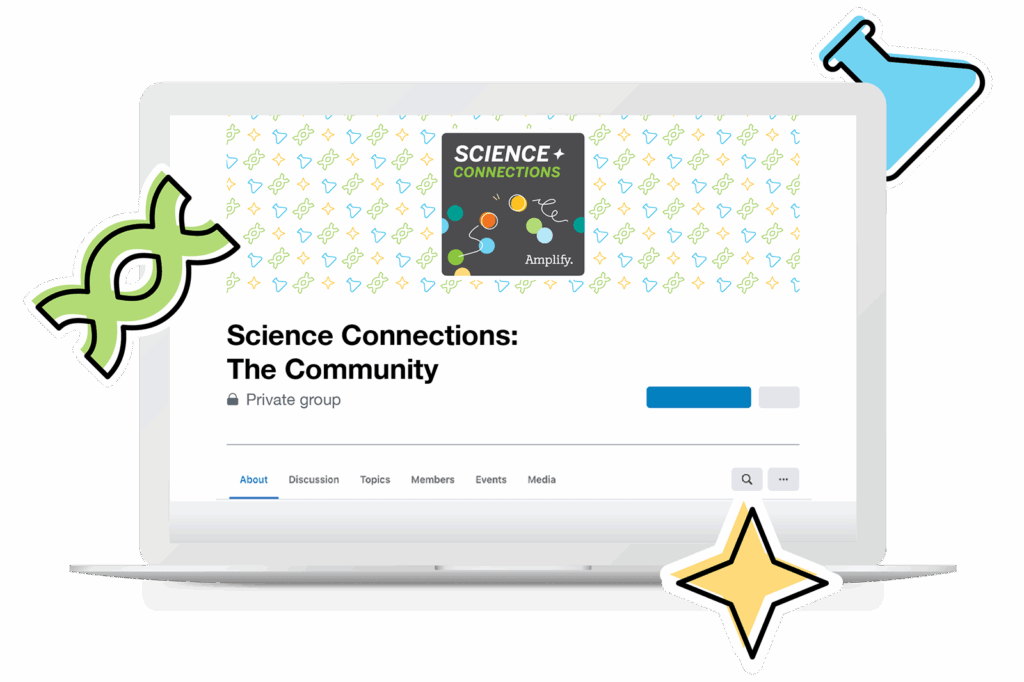
About Science Connections
Welcome to Science Connections! Science is changing before our eyes, now more than ever. So…how do we help kids figure that out? We will bring on educators, scientists, and more to discuss the importance of high-quality science instruction. In this episode, hear from our host Eric Cross about his work engaging students as a K-8 science teacher.
You might also like:

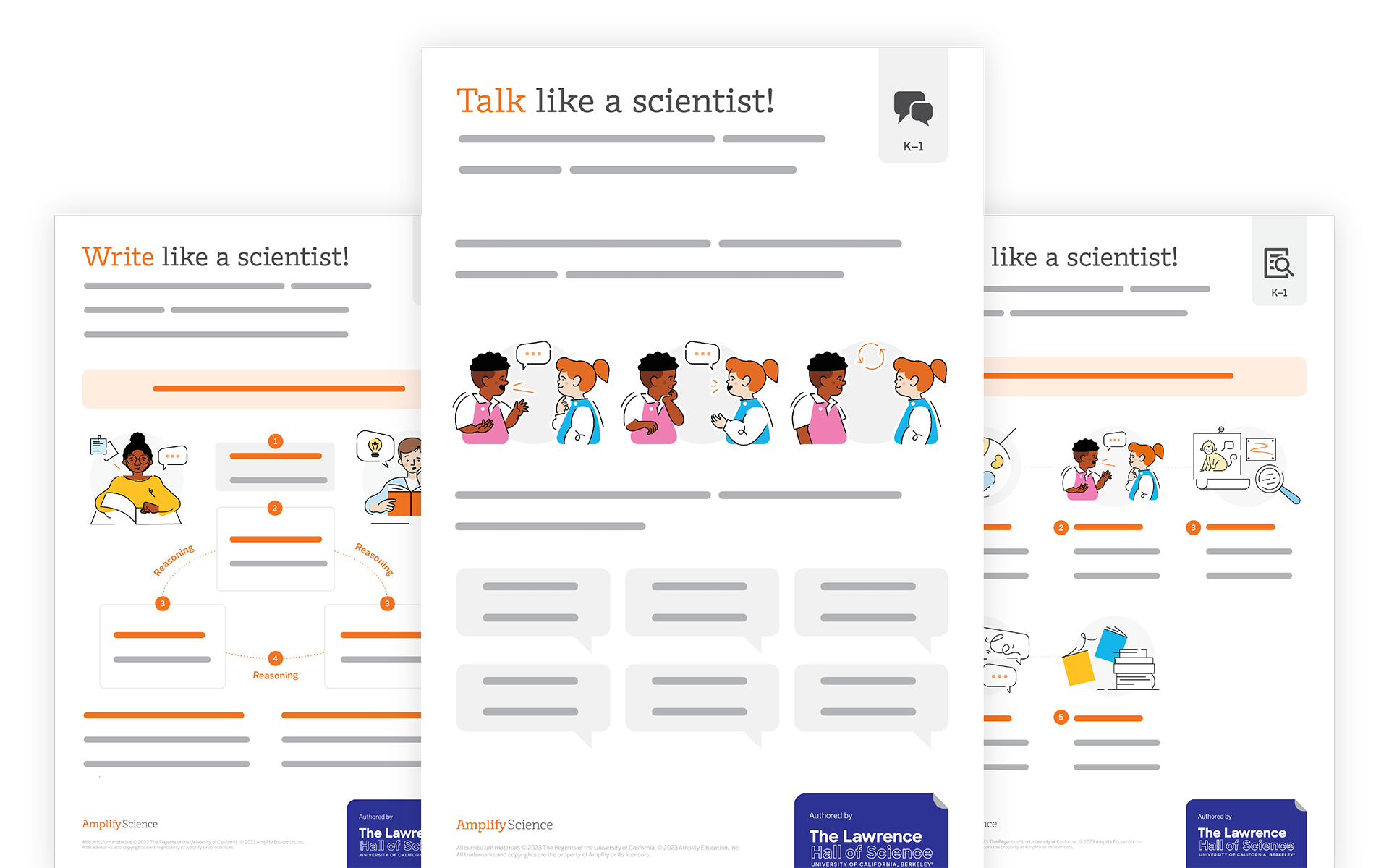

Amplify CKLA Skills
Amplify CKLA Skills—which earned an “all-green” rating from EdReports—offers the explicit skills instruction needed in today’s K–5 classrooms.
Designed for Tier 1 support and built on a systematic scope and sequence, it provides teachers with clear, rigorous instructional materials; high-engagement classroom manipulatives; and decodable books written by popular, award-winning writers. The program solidifies the development of critical skills like phonological awareness, phonics, alphabetic principles, grammar, and writing.
Learn more
Boost Reading
Boost Reading is a Science of Reading-based personalized learning program for grades K–5 that leverages the power of compelling storytelling to engage students in reading instruction and practice. The program provides each learner with the specific support they need and helps achieve off-the-charts reading growth. Boost Reading is a 2020 CODiE Award finalist and recipient of Digital Promise’s Research-Based Design product certification.
Learn more

Boost Close Reading
Boost Close Reading is an immersive supplemental reading program for grades 6–8 that engages students through an interactive graphic novel. Through high-interest storytelling and guided instruction, the program motivates middle schoolers to question what they read, think critically, and build the close reading skills that will spark success in high school and beyond.
Learn more